

Business Diagram Software

Overview of Business Diagram Software
Bring the power of clear, visual communication to your everyday work. Whether you manage people, projects, or networks, there's a version of Edraw that will meet your business needs. And all four versions share a set of intelligent diagramming tools and a common graphics engine that helps you convey your ideas successfully - no matter what they are.
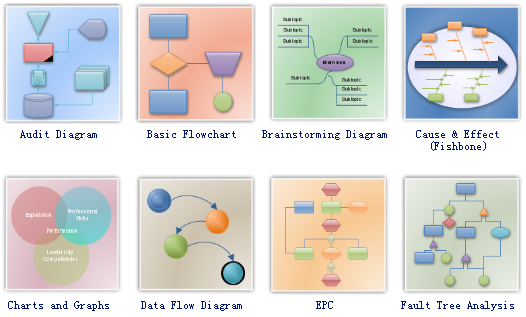
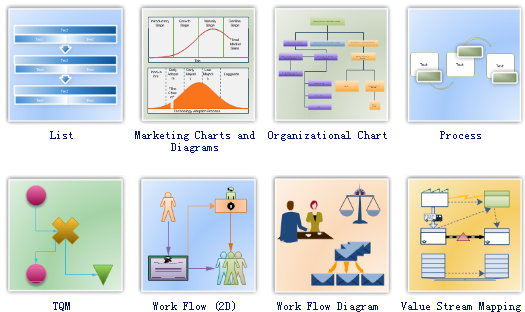
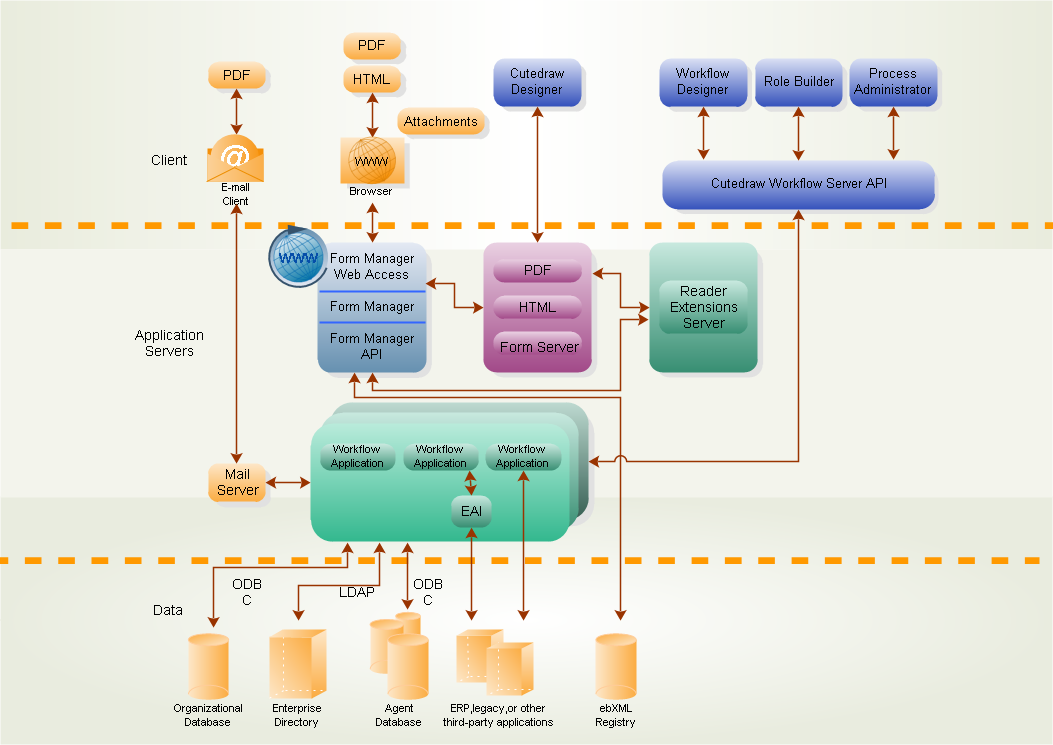
Edraw can be used as a great business diagram tool for business and technical professionals who need to quickly and easily visualize, explore, and communicate information. With Edraw, creating a wide range of diagrams such as business process diagrams, work flow diagrams, value stream maps, TQM diagrams, and cause and effect diagrams is a snap.
Download Business Diagram Software
Free Download Business Diagram Software and View All Examples
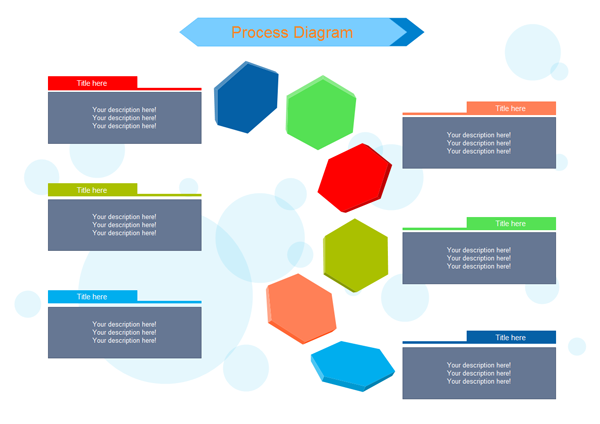
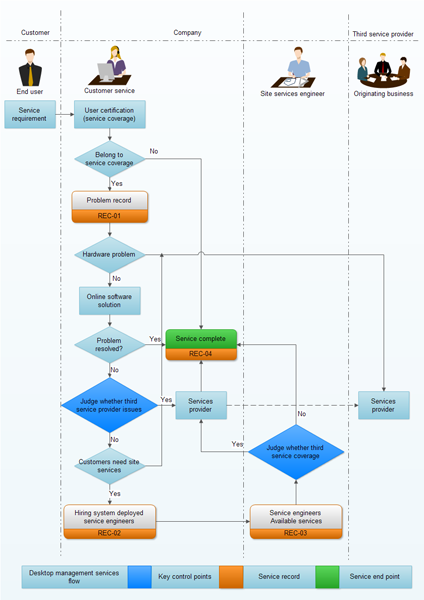
With Edraw, it is as easy as turning your hands over to diagram complex processes that conform to particular standards such as Lean or Six Sigma. It includes a variety of business process shapes so your diagrams look exactly the way you want. Easily collaborate with colleagues to create detailed process diagrams and use them as a key element in streamlining your processes.
Edraw Business Diagram Suite is the most powerful business and relational charting/diagramming package available. If you need to create advanced, completely customizable Flow Charts, Organizational charts and other relational diagrams from your data, then Edraw diagram maker is the ideal solution for you.
System Requirements
Advanced Software Features
- A complete, all-in-one diagramming tool
- An easy, effective infographics maker that even novices can handle without hassle
- Readily-available templates and examples to get started quickly
- Advanced formatting tools
- Easy theme options to add color and unique styles to diagrams
- Publish your creation online or print out in glorious high resolution
- Export, share your work in multiple formats (pdf, doc, pptx, etc.)
Application of Business Diagram Software
Examples of functionality that Edraw Business Diagram is perfectly suited for include:
- Creating Dynamic Organizational Charts
- Creating Social Network Diagrams
- Building Flow Charts and Block Charts
- Diagramming your business processes
- Decision Charts
- Much more.
Business Diagram Examples
|
|
|
What are the Benefits of Business Diagram
- Gain greater understanding of your corporate data by visualizing business processes and acting on them.
- Dynamically create advanced, customized Organizational Charts and Diagrams on the web.
- Visually examine how people, business functions and other items relate to each other.
- Create custom, reusable objects for rapid application development.
- With just a few clicks, Edraw can connect, align, and evenly distribute shapes in your business process diagrams. Edraw can automatically connect shapes as you drag, drop, and rearrange them onto the drawing page, or connect existing shapes that are already on the drawing page.
Works in the Following Fields
-
Basic Flowchart, Business Process Modeling Notation, Data Flow Diagram, IDEF0 Flowchart, SWOT Diagram, SDL Diagram, Business Flowchart
-
Audit Diagrams, Cause and Effect Diagram, EPC Diagram, Fault Tree Analysis, TQM Diagram, Value Stream Mapping, Arrows Diagram
-
Business Process, List, Business Form, Circular Diagram, Human Resource Diagram, Product Manager


