Free Mind Map Software

Do You Want to Try Free Mind Map Software?
EdrawMind specializes in mind mapping and visualizing. Learn everything about this wonderful mind map software from this article. Just try it free now!
Part 1: EdrawMind - Versatile Mind Mapping Tool
EdrawMind is free mind map software with rich examples and clipart, which makes it easy for beginners to create mind maps, brainstorming diagrams, presentations, project Gantt charts, SWOT analysis, and concept maps. It can visualize your thoughts, arrange and organize your ideas quickly, and show you a big picture of what you are learning or working on.
Part 2: Ready-Made Clipart for Mind Maps
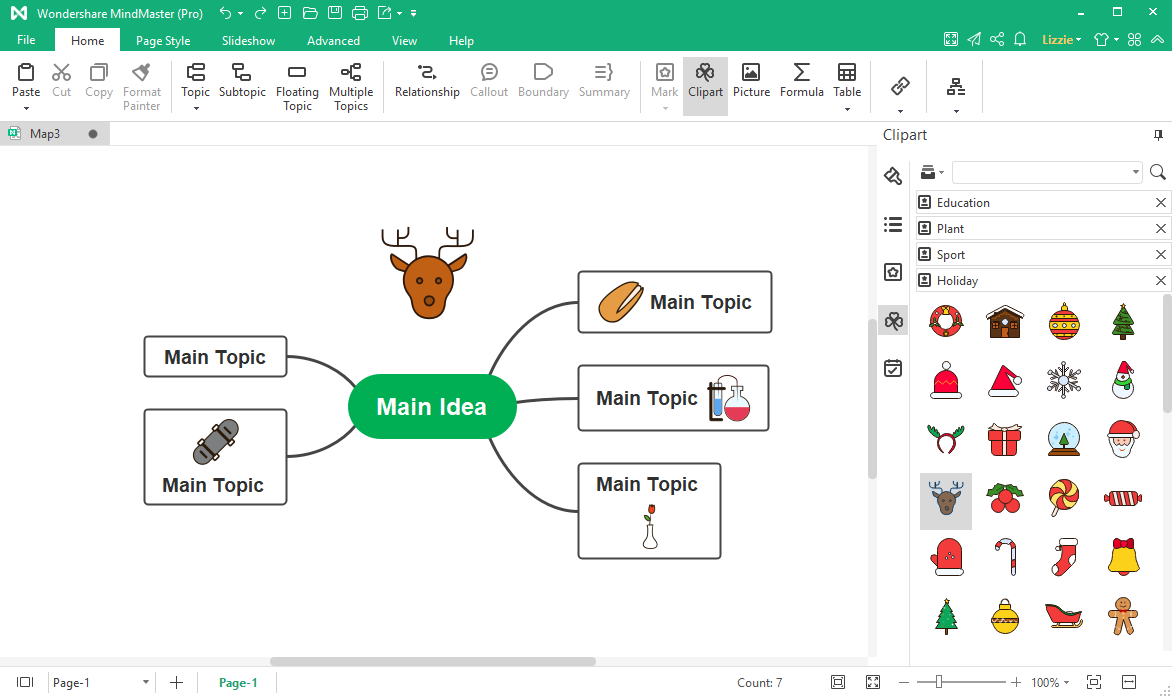
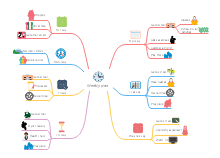
As a rich-featured collaborative mind mapping and brainstorming software, EdrawMind offers 13 kinds of clipart, and you can use them to decorate your mind maps. You can insert clipart into different parts of a topic or add it to the blank area of the page. The ready-made clipart is very useful for visual representations and presentations for kids.
Simple yet powerful AI mind map maker.
・ Mindmap, Kanban, PPT, and Outline modes
・ Intuitive and neat interface
・ 10,000+ free templates
・ AI Mind Map, AI PPT, File Analysis


Part 3: Beautiful Themes and Examples
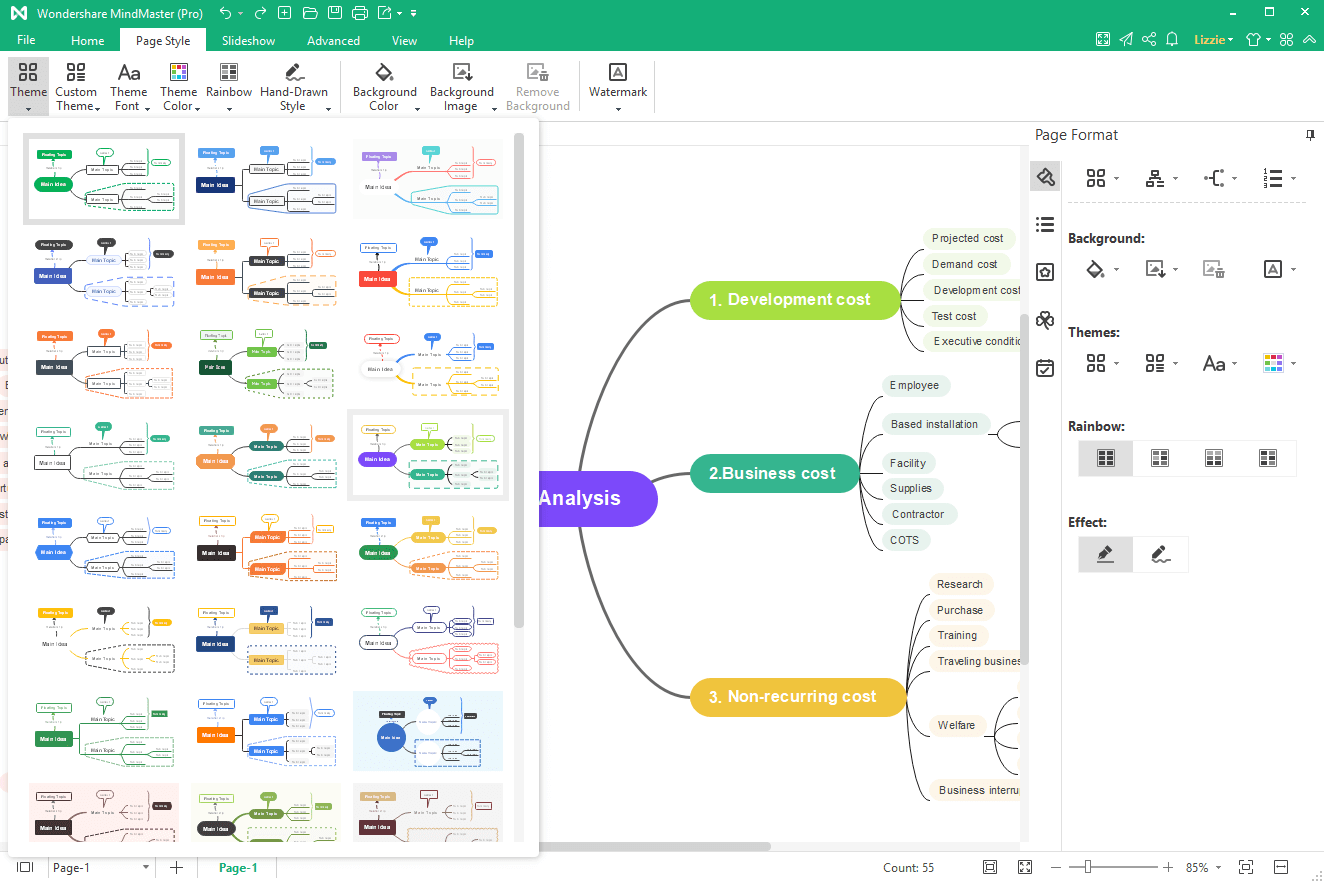
Choose a blank template and style the map with the predefined 33 themes. You can customize the mind map exactly how you want it to be. EdrawMind provides various editing and formatting tools to help you create attractive mind maps easily. You can use it to make mind maps, flowcharts, and Gantt charts for business analysis, product management, project planning, etc.
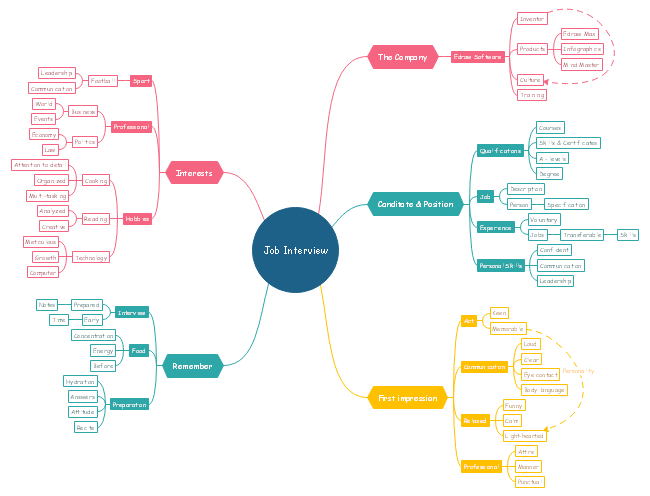
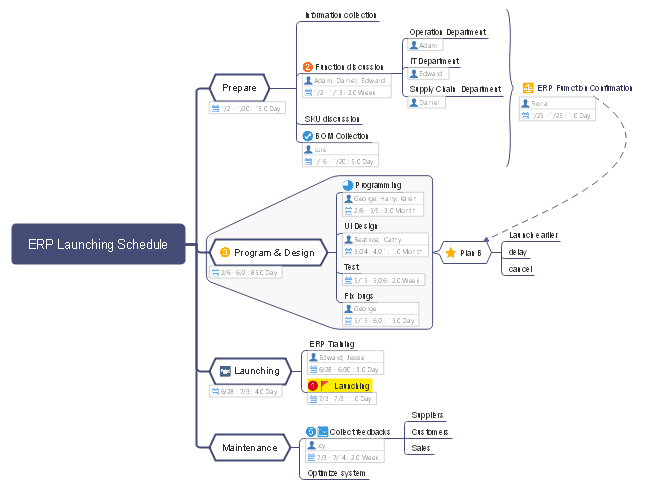
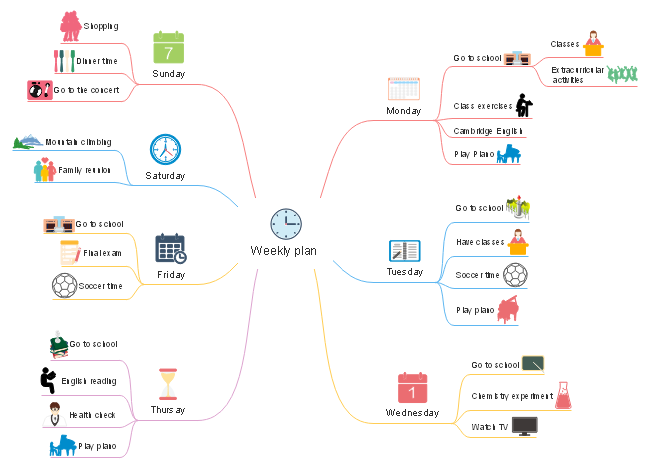
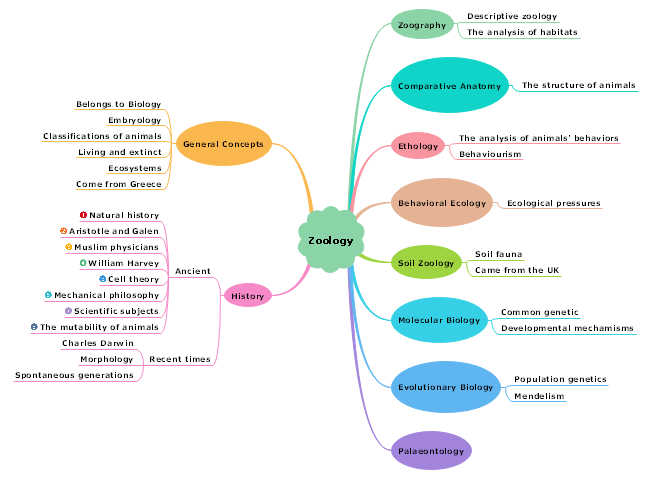
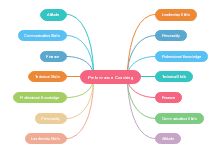
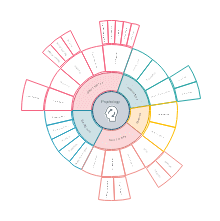
When you open EdrawMind, you will see 30+ handsome mind map examples in the gallery. Pick one of the ready-made mind map examples created by our designers and make your personalized mind map in this free mind map software.
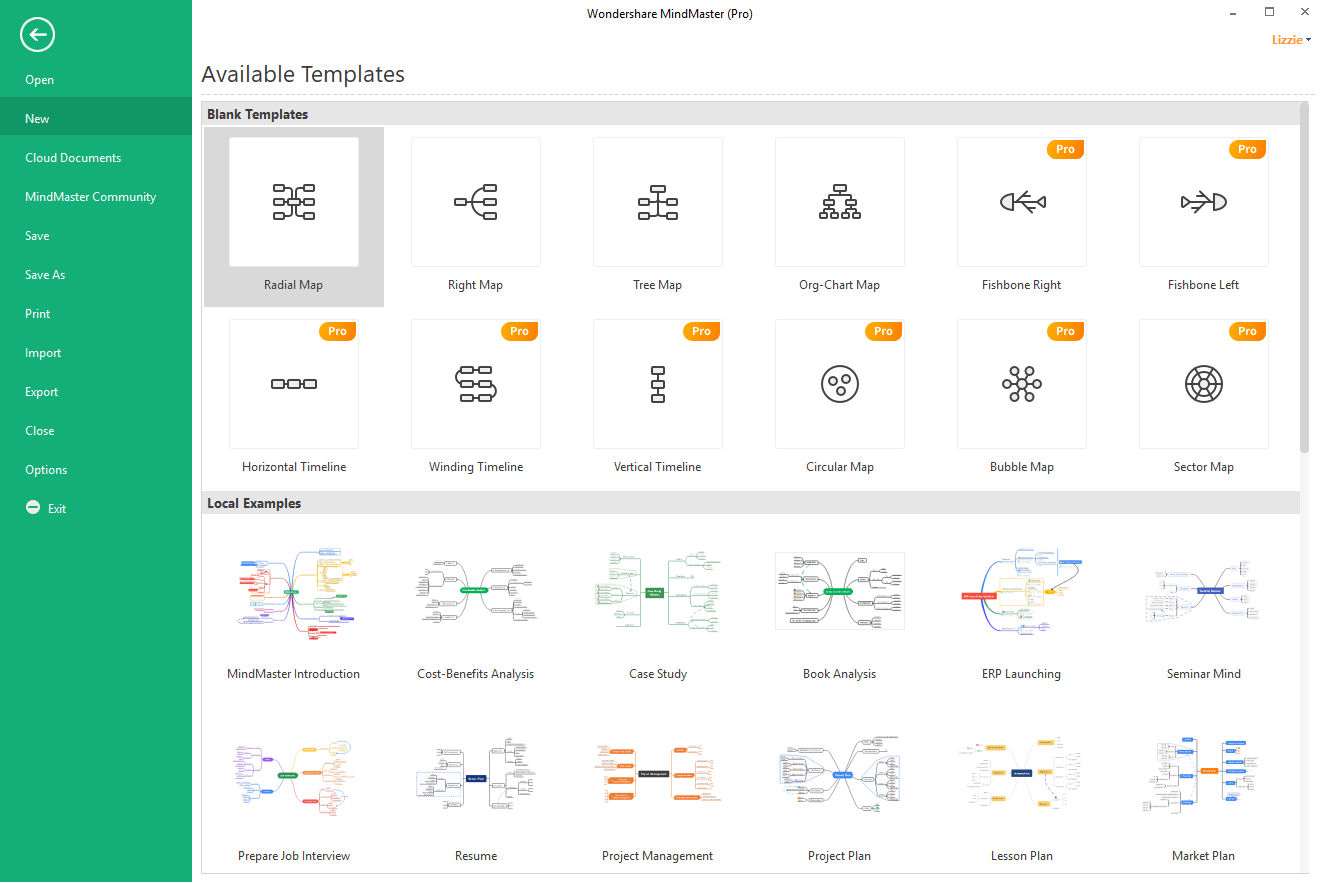
It is best to start working from the pre-defined mind map examples to create a mind map efficiently.
Part 4: Smart Layout & Abundant Structures
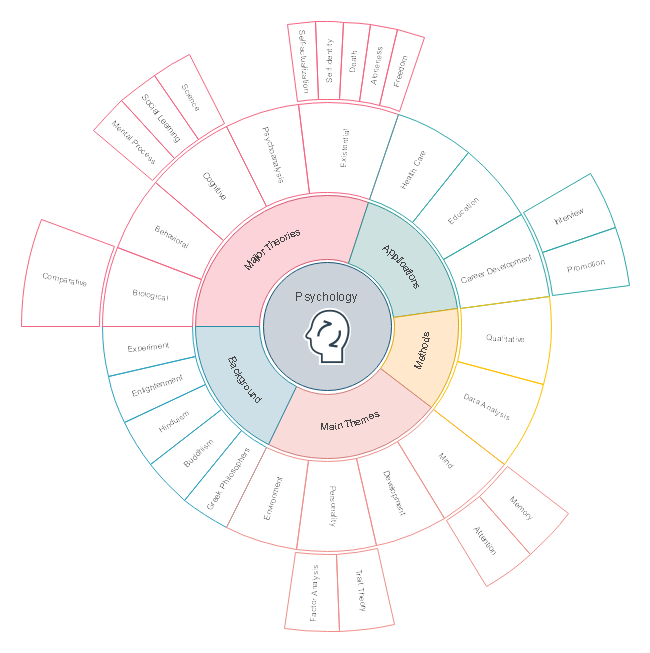
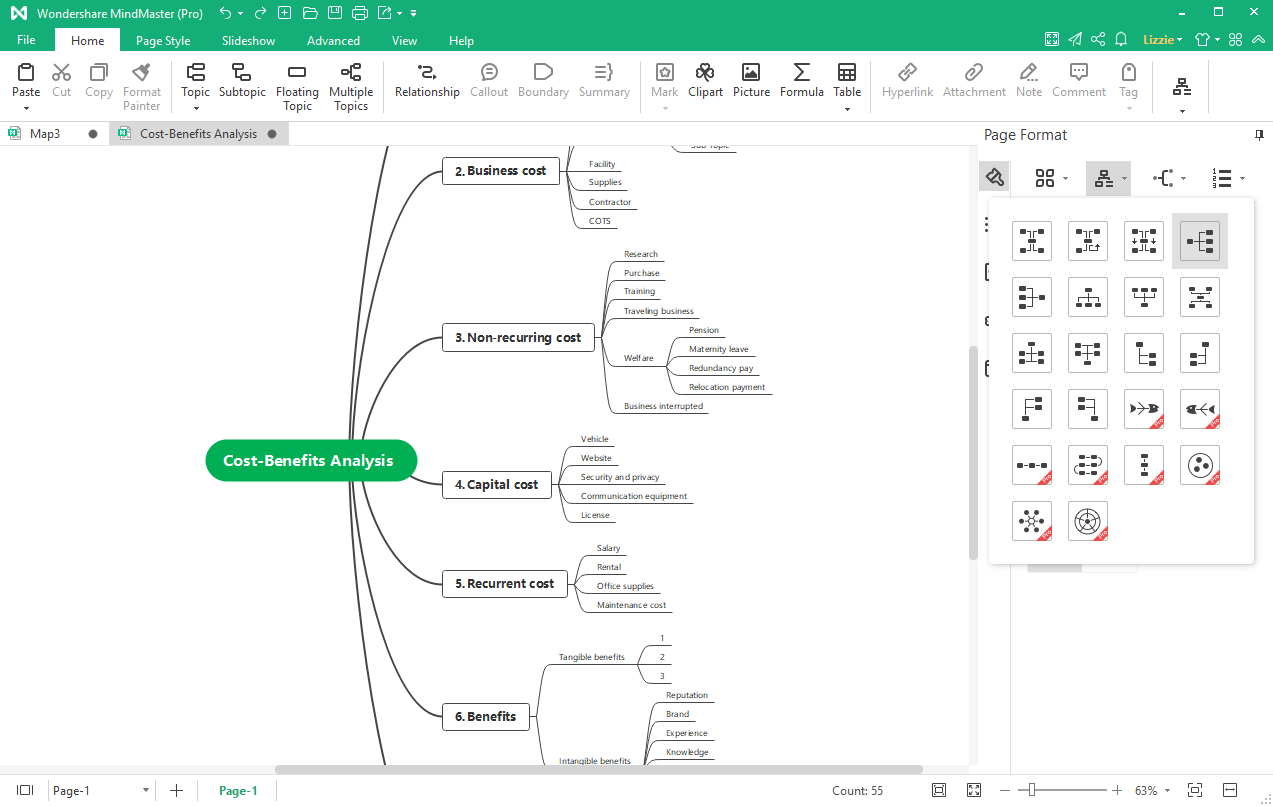
Besides mind maps, you can make tree diagrams, org charts, fishbone diagrams, timelines, circular maps, bubble maps, and sector maps in EdrawMind. This mind-mapping software offers 17 kinds of diagram layouts for different usages.
For example, you have created a mind map of cost-benefits analysis and want a right-sided diagram. However, you don't need to move the topics on the left side one by one. Find the layout menu and choose the fourth one. The diagram will be changed automatically.
Part 5: Easy Mind Mapping Techniques
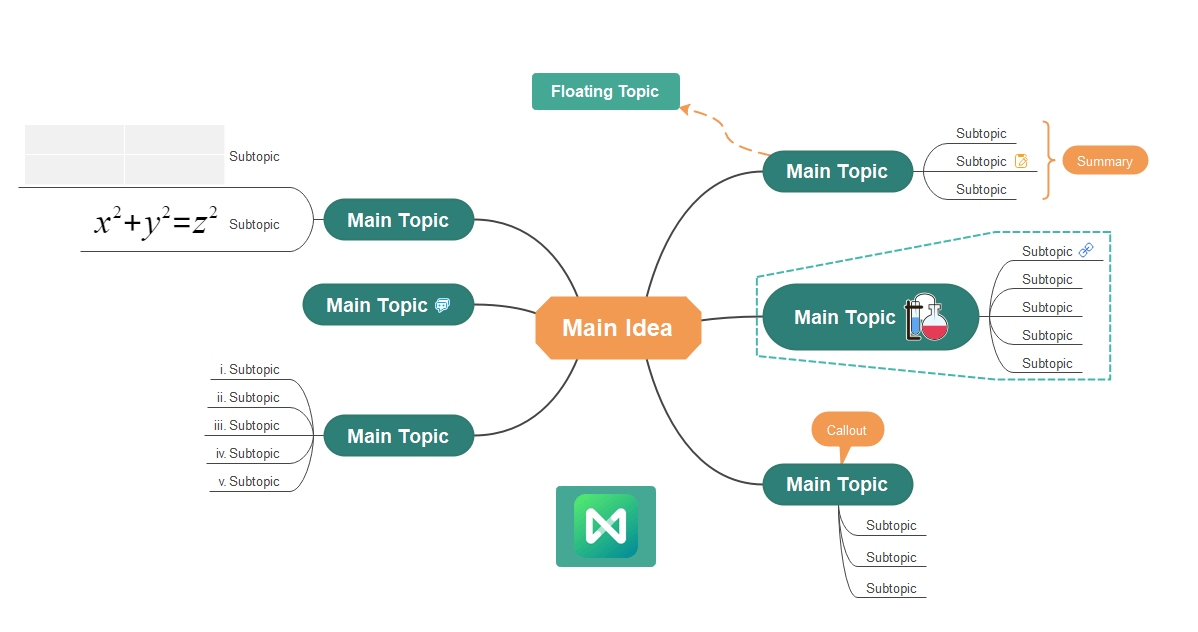
When you start to use EdrawMind, you will find how easy it is for beginners to build mind maps with one-click actions and customizable keyboard shortcuts. To enrich the presentation, you can insert relationship lines, summary topics, callouts, hyperlinks, attachments, notes, comments, pictures, formulas, and tables in the mind map.
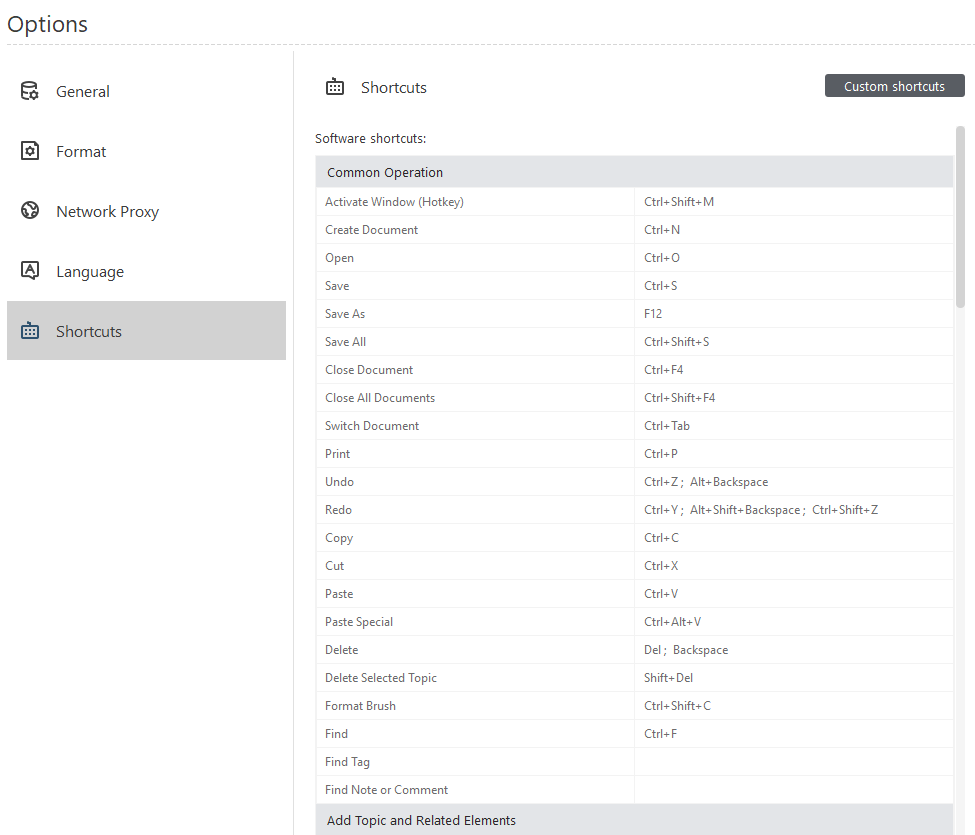
Besides, EdrawMind supports customizing keyboard shortcuts. Whether you are left-handed or have your habits, our mind mapping software will take your user experience as the top priority.
Part 6: Powerful Import & Export Features
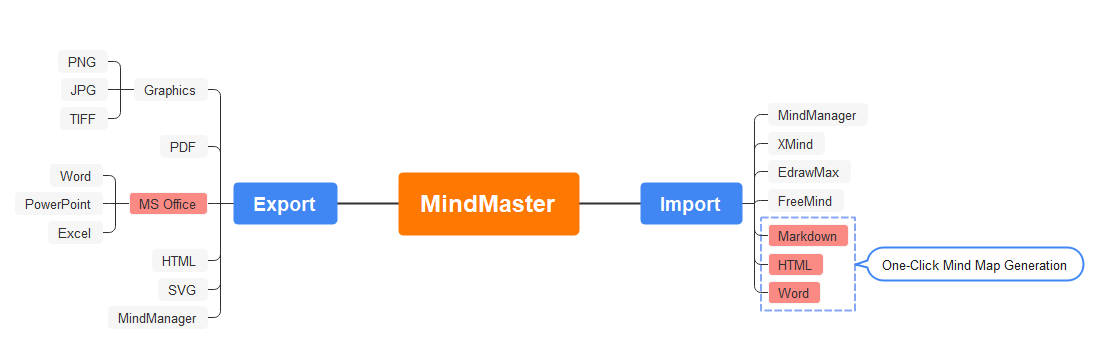
If you have written down your thoughts and ideas on other mind-mapping software, you can easily import the files into EdrawMind. Alternatively, you have used markdown, HTML, or Word files to organize important things and want to convert them into mind maps. Then, you must try EdrawMind, which can transform your well-structured document into a creative and engaging mind map with just one click.
Once you have finished your mind map or other diagrams in EdrawMind, you can save and export the document into other commonly used file formats, including graphics, PDF, Word, HTML, SVG, and MindManager.
Part 7: Available on Multiple Devices
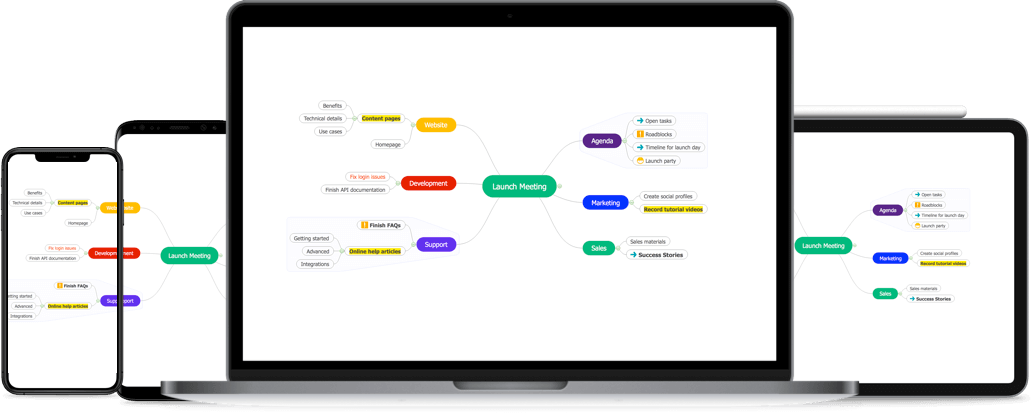
Equipped with various features, EdrawMind is cross-platform and runs on all available operating systems, including Win, Mac, Linux, iOS, Android, and Web. You can choose one platform to work on and access all your files on any device or anywhere (your account is required).