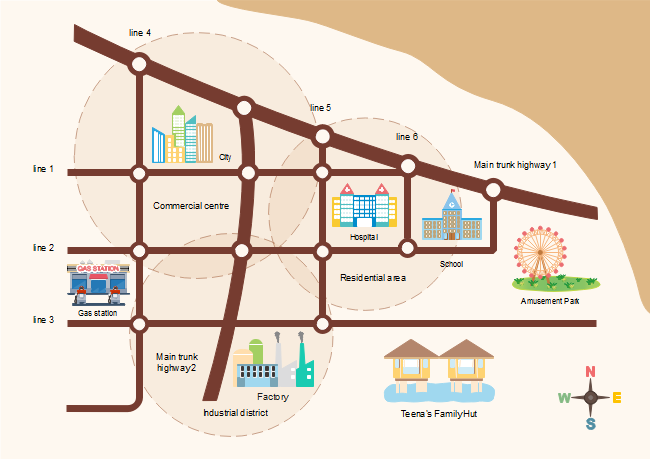
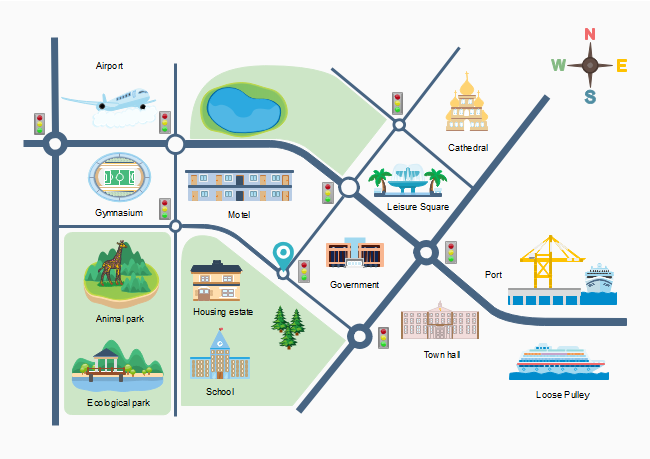
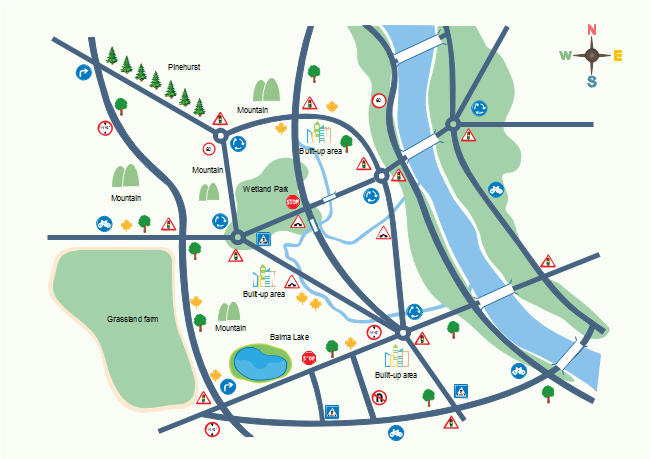
2D Directional Map Example

Posted by
Allison Lynch
|
Easy directional map diagramming software with rich examples and template. Edraw is ideal for drawing 2d directional map.
These templates includes all of the helpful templates such as roadsigns,landmark,buildingsandroad.Ingeneral,you'll find that these particular templates are better suited to both local needs and needs in an entire city.
EdrawMax
All-in-One Diagram Software
Create more than 280 types of diagrams effortlessly
Start diagramming with various templates and symbols easily
- Superior file compatibility: Import and export drawings to various file formats, such as Visio
- Cross-platform supported (Windows, Mac, Linux, Web)
 Security Verified | Switch to Mac >> Security Verified | Switch to Linux >> Security Verified | Switch to Windows >>
Creating a 2-D Directional Map
- On the File menu, point to Template Gallery, point to Map, and then click Directional Map 2D.
- From Directional Map Shapes 2D, drag road shapes onto the drawing page.
- Align the shapes to create the road configuration you want.
- To nudge a shape into position, select the shape and then press the arrow key that represents the direction you want.
- To create a longer road or a road grid that can be moved as a single unit, group multiple road shapes together.
- Drag other shapes, such as bridges, buildings, and cars onto your map.
- To rotate a selected shape, drag the Rotation handle.
- To add text to shapes, select a shape and then type.
The road elements can be connected one by one.

Only drag one road to the end of another road.
More 2D City Location Map Examples
Here are presentation-quality 2D location map and 2D direction map examples. Create similar location map with Edraw that you can post on your website or print as large posters.