Free Download Edraw Max for Mac



Supports Mac OS X
10.10 and later
Chinese, Japanese, Spanish,
After you installed the
software, you can click
the File menu > Option
> Change Language.
Free Download
Have trouble? Try:
Free Download
For Mac OSX 10.10, Download
EdrawMax V9.2.


Software Interface Screenshot
Software Start Page:
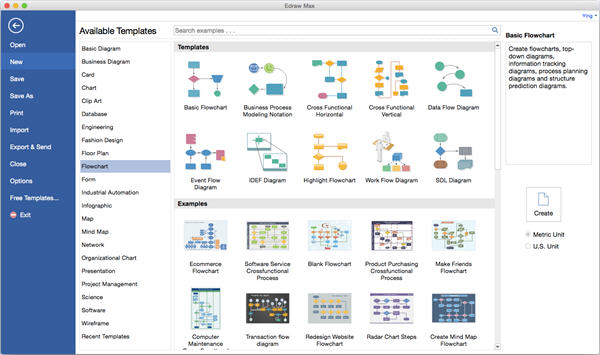
EdrawMax is an all-in-one diagram software, which can simplify the creation of over 200 types of diagrams such as business presentations, building plans, mind maps, science illustration, fashion designs, UML diagrams, workflows, wireframes, electrical diagrams, p&id diagram, directional maps, database diagrams and more.
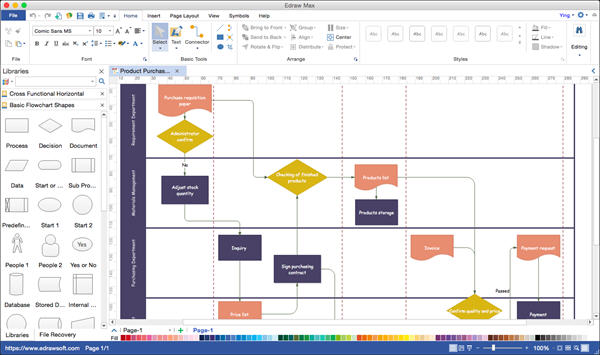
Design Flowchart:
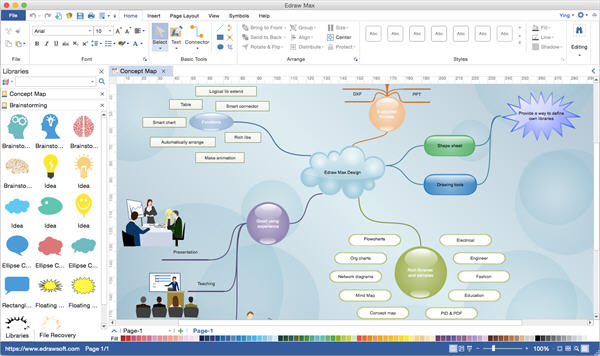
Design Mind Map:
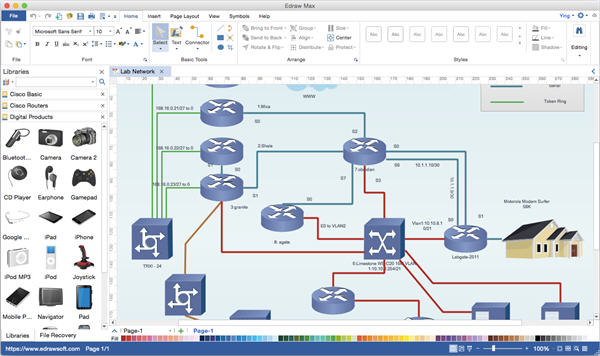
Design Network Diagram:
How to Install EdrawMax on Mac:
Follow these steps to install
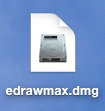
1. Depending on your connection speed, the download may take a few minutes. When it's done, you will get a DMG file.
2. Double-click the DMG file and a window will appear with the EdrawMax folder and a link to your Applications folder.
3. Simply drag the icon to the Applications folder.
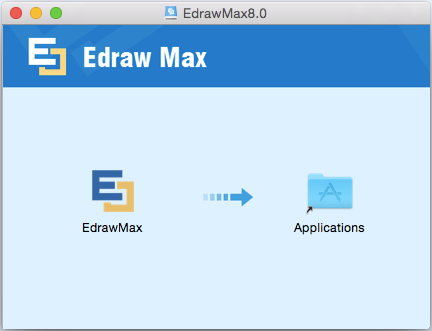
4. After EdrawMax is dragged to your Applications folder, you can run it normally - from the Finder, Launchpad, Spotlight, dock, or anything else.
5. Eject the EdrawMax disk image and delete the DMG file.
How to Use EdrawMax Diagram Software




