UML Diagram Software

Software Diagram Tool
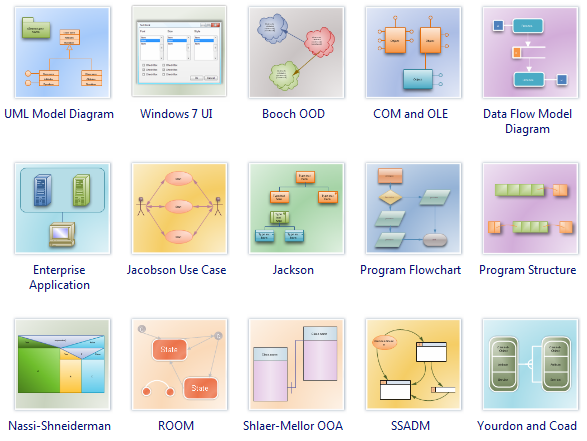
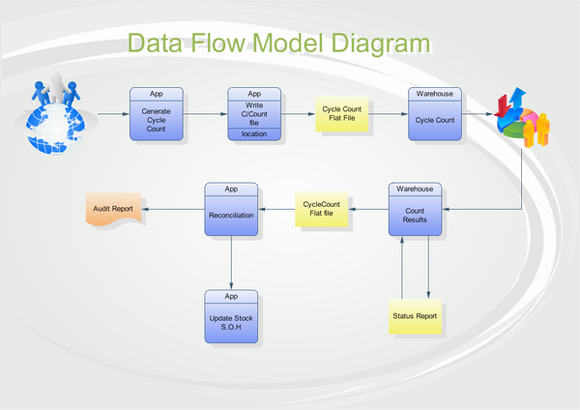
Edraw UML Diagram Software is a new software diagram design tool which works in the following drawing fields: UML Model Diagram, COM and OLE software diagram, Data flow model diagram, Jacobson use case software diagram, SSADM software diagram, program structure diagrams, enterprise application software diagram, Nassi-Shneiderman software diagram, Booch OOD software diagram, ROOM diagram, Shlaer-Mellor OOA software diagram, Yourdon and Coad software design diagram.

An all-in-one platform for 210+ diagrams.
・ Simple alternative to Visio
・ 26k+ symbols
・ 10K+ free templates
・ 10+ AI diagram generators


UML Diagram Software
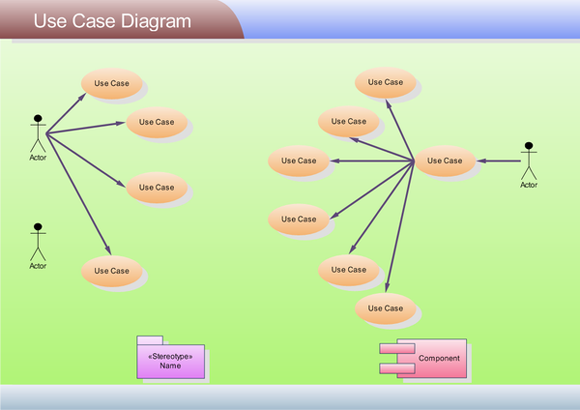
Edraw has the UML diagram tools to make it easy to create professional-looking UML diagrams. A variety of UML diagram templates and UML diagram examples will help to quickly create most common UML diagrams. Easy to draw UML model diagram, UML use case diagrams, UML sequence diagrams, UML activity diagrams, UML collaborate diagrams, UML statechart diagrams, UML component diagrams, UML static structure diagrams, UML package diagrams and UML deployment diagrams.
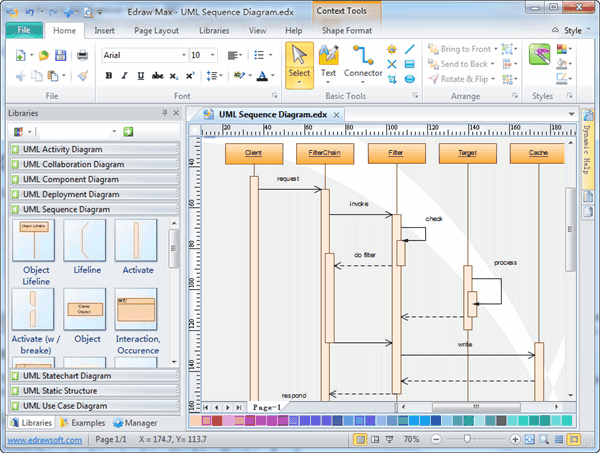
 Free UML diagram examples, icons and templates Free UML diagram examples, icons and templates In-depth tutorials to help you learn to draw UML diagram. In-depth tutorials to help you learn to draw UML diagram. Supports Windows 7, Vista, 2003, XP, 2000 Supports Windows 7, Vista, 2003, XP, 2000 Free technology support. Free technology support. |
Create professional-looking UML diagrams with minimum time loss! |
||
 |
 |
 |
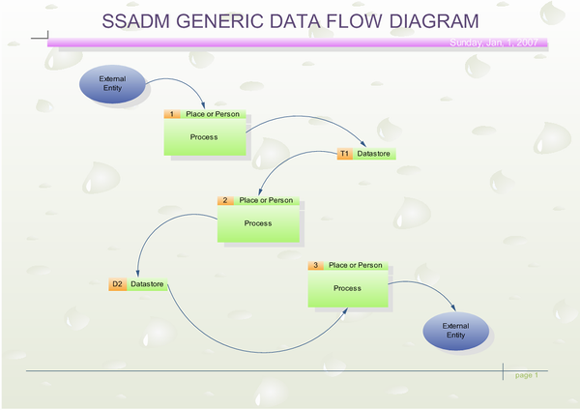
| UML Use Case Diagram | SSADM Diagram | Data Flow Diagram |
Makes Your Design Rapidly with UML Diagram Software
Easy to draw common software diagrams and UML diagrams.
Rich templates and examples of UML diagrams and software diagrams. Drawing does not need to start anew. Just drag the ready-made shapes from the toolbar and drop them on your page. Drawing couldn't be easier!
You don't need to be an expert to create great-looking results! Edraw helps you align and arrange everything perfectly.
Common graphic format support and printing, what your see is what you get.
What You See Is What You Get. Zooming, scrolling, multi-selection and multi-level undo/redo support. No artistic skill is required. Automatically align and arrange everything to look great.
Distinct colors, fonts, shapes, styles, pictures, text and symbol for each object of the diagram are available.
No Other UML Diagram Software Gives You All These
Easy-to-use software diagrams design tool with rich examples and templates.
Great value for the money, costing only 69.95 dollars.
30-day product refund guarantee.
In-depth tutorials to help you learn to draw software diagrams.
Review Edraw UML Diagram Software
Your UML diagram program is outstanding! 1.Fully uses the Windows XP user interface. It looks very nice! 2.Fast and small! 3.Has the right features! 4.Priced right. I hope you keep the promotional price. Home users and students cannot afford software like Visio.
Great value for the money! If UML diagrams are the only thing you plan to use it for, Visio might be a bit of overkill. If you want to be using it for other things too though it would be better value for money. Visio is too expensive for my taste, and I have found a good software diagram design tool.
It is the best UML diagram tool I have come across by far - and it's so simple! It has made my software schematics much more fun to do!
As a software Engineer, I have used several other more expensive products to produce software design diagrams. I just wanted to write to say Edraw is great value for its money! It is very easy to use!




