

Electrical Switch Symbols

Part 1: What are Switches?
A switch is one of the most commonly found devices everywhere. You might find some of these around your household as you turn light or a fan on or off. Switches are an electrical device used to close or break the circuit. It will connect or disconnect appliances by interrupting the path of the current.

Part 2: Factors to Keep in Mind While Selecting A Switch
Switches may be simple devices, but their selection is a whole process depending on what you need it for. To make matters simpler, there are three important things to consider in a switch:
- Method of Operation
- Ratings
- Contact
Method of Operation
SPST (Single Pole Single throw)
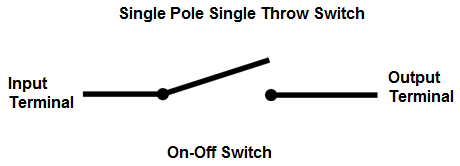
This is the most basic kind of switch with one input and one output. It is also called a toggle switch. In our electrical software - EdrawMax, you can click the action button then click the Close Circuit menu item to close the circuit switch. You can double click to edit the text at the symbol. You can move the yellow control point to change the position of the text.
SPDT (single pole double throw)
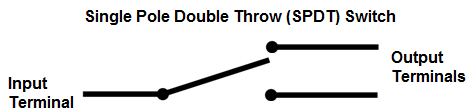
This is a three-terminal switch. One terminal is input with two others as outputs. It is usually used in a three-way circuit. For example, to turn a light on or off from 2 different locations.
DPST (double pole, single throw)
This switch has two poles with two similar circuits side by side. With a single push, both circuits will turn on or off. It is mostly used to regulate 240V appliances.

DPDT (double pole double throw)
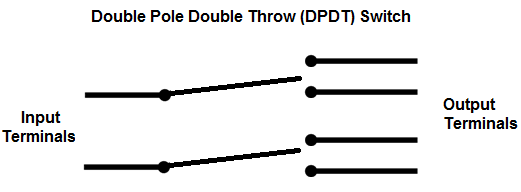
The DPDT switch is used anywhere that needs open or closed wiring. It is equal to 2 SPDT switches.
Ratings
Switch contacts have ratings for the current and voltage. There may be multiple ratings for AC and DC. If you want to use the switch for low voltage appliances, the rating will not matter.
However, for high rated electronics, you check for the current rating in the switch.
Contact
There are multiple terms used to describe contacts found in switches. A switch is off when it is open and on when it is closed. There may be numerous close positions in a switch.
The simplest of the switches has one pole and one throw. This means it has one set of contacts and one switching position. A few of the terms you need to be familiar with are given below.
Pole: The number of contact sets in a switch.
Way: The number of conducting positions. This can be three or more.
Throw: This can be either single or double and shows the number of conducting positions.
There are many other switches you can explore and select according to the task you need it for.
Part 3: Switch and Push Button Symbols
There is an endless number of switches and electrical symbols used to draw circuit diagrams and wiring plans. Some of them are more common than others, and a little knowledge about them will help you use them constructively.


This means the circuit is complete, and the current is flowing.
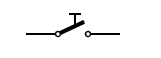
Special electrical switch to send messages in morse code.

During high current spikes, it breaks the circuit to protect appliances.
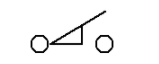
Used in control rooms, it is activated when it comes in contact with its actuator.
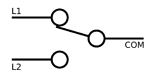
The single pole double throw switch has 3 terminals with one common terminal.

Double pole double through turns on and off two circuits at the same time using a common lever.
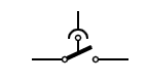
Operates on the difference of current between the live and neutral wire.
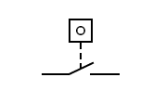
When the pulse counter reaches the specific level, the circuit completes.
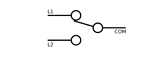
Double pole single throw switch turns on or off two circuits at one time.
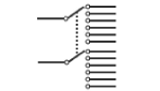
Double pole multi throw switch can connect to independent circuits that can be switched to multiple terminals.
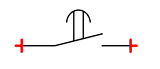
Between switching from OFF to ON, the switch takes some time.
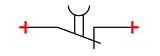
Delays while switching from ON to OFF and OFF to ON.

Rotary switch in a closed position

Rotary Switch in the open position.
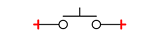
Pressing the push button will close (ON) the switch, and releasing it will open (OFF) it.

The circuit usually remains closed. By pushing the button, the circuit opens, and when you release it, the course closes again.

Makes or breaks contact when the timer runs out.

Switch with a lever to stick connected to the base.

A switch that detects the level of a liquid. Turns on or off depending on the rise and fall of the level.
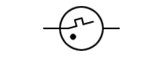
Soft starts fluorescent lamp.
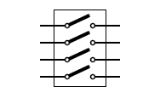
Made by packing multiple switches together in a dual inline package (DIP).
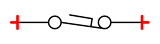
Foot pedal switch used to operate heavy machinery.
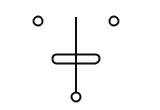
Closes and opens a circuit due to tilting motion.
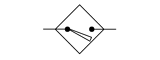
Sensor that detects an object in a close range.
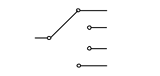
Switch one or more circuits at a time.
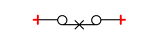
Closed thermal (ON) switch at room temperature. Opens (OFF) as temperature rises above a certain level.

Thermal switch opens at room temperature. Turns on when the temperature is increased.
Alternate Symbols for Switches
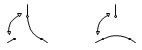
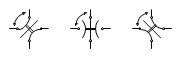
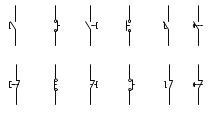
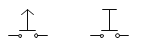
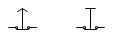
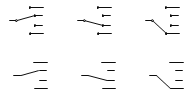
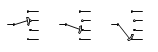
The following table lists alternate symbols for different states of switches, such as position switch, manual switch, push-button break switch, selector switch.
| Name | Switch Symbol | Alternate Symbol |
| 2 position switch |

|

|
| 3 position switch |

|
|
| 4 position switch |

|
|
| manual switch |

|
|
| pushbutton make switch |

|
|
| pushbutton break |

|
|
| selector switch |

|
|
| shorting selector switch |

|
|
Part 4: How to Create Your Switch Symbol Library
You can import new icons in EdrawMax in a few simple steps. Alternatively, you can create symbols and add them to your own symbol library.
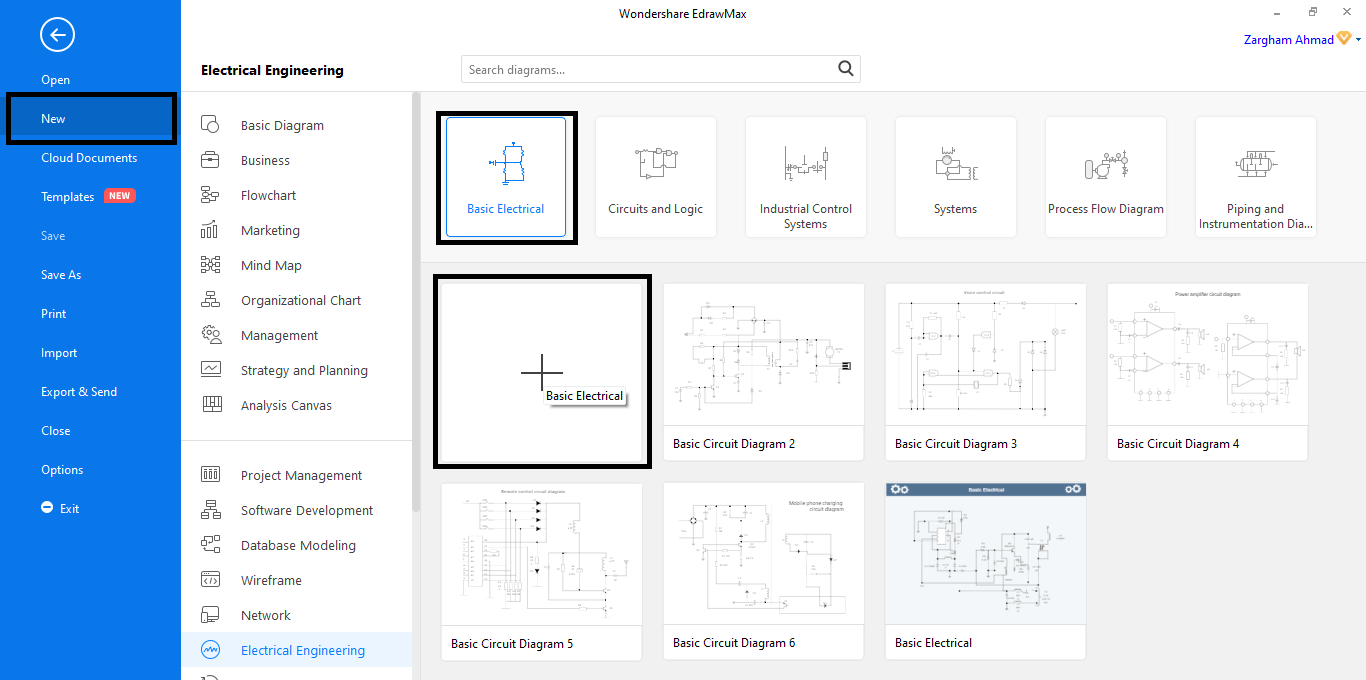
Step 1: Open a New Canvas
Open EdrawMax software and click on File. Navigate through the [New] tab and select [Electrical Engineering], followed by [Basic Electrical] in the diagram pane. Then click on the [Plus] button. This will open a new canvas and ensure that only symbols related to a specific topic appear, for instance: electrical.
Step 2: Add Symbols To Your Library
After that, go to the [Symbols] tab and select the symbol you want to add.
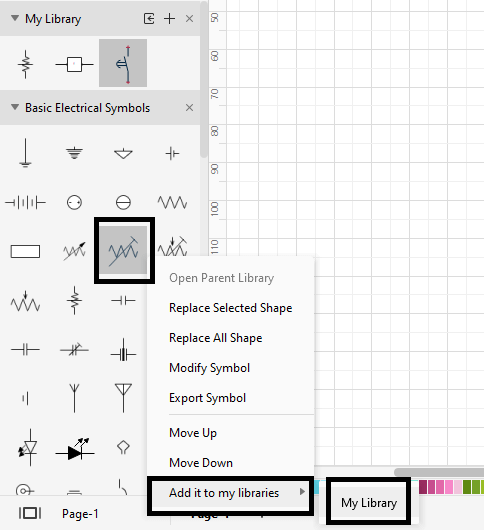
Right-click on it, and a pop-up menu will appear. Navigate through it and click [Add to my libraries] followed by [My Library]. The selected symbol will be added to the library.
Step 3: Create Your Own Symbol
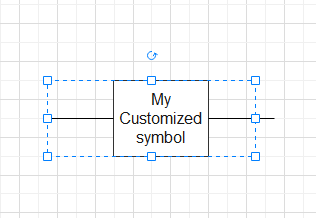
If you cannot find a symbol that meets your needs, EdrawMax allows you to customize one. Draw the symbol on the blank canvas. You can add connectors, textboxes or even add, subtract and intersect it.
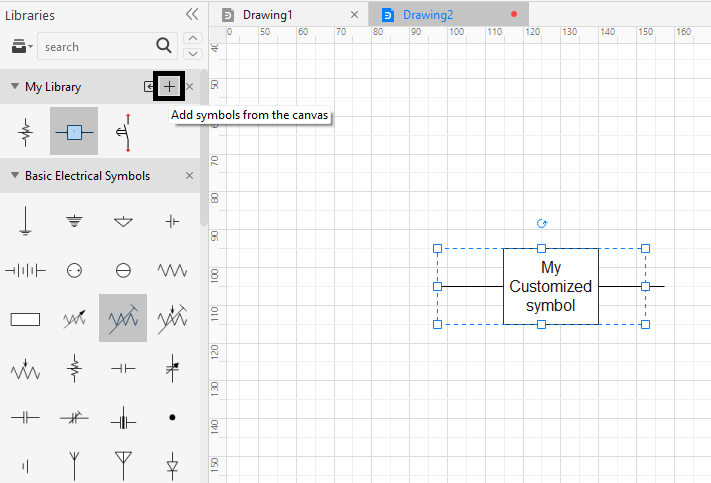
After you are done, select it, and click on the plus-shaped icon to add a symbol from the canvas to the library.
Step 4: Import Symbol From a Local File
You can also use pre-made symbols saved locally on your computer. Go to the [Symbol] tab and click [Import Symbols].
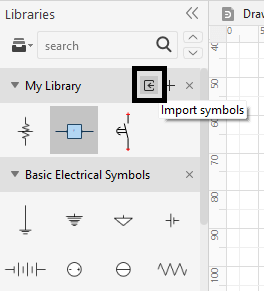
A dialog box will open that allows you to browse and import different types of files.
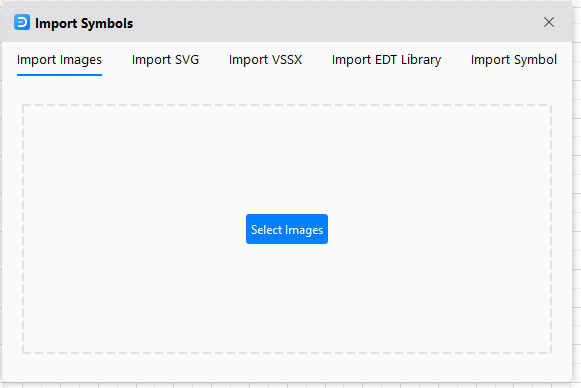
Click on [Import Image] to browse through your computer and select the symbol. Click [Open] to add it to your library.
Tip: You can import Visio VSXX files into EdrawMax and build the symbol library.
Step 5: Delete a Symbol from Library
You can easily manage your symbol library by deleting those you don’t want anymore. Select the icon and right-click to open the menu. Click [Delete] to remove the symbol from the library.
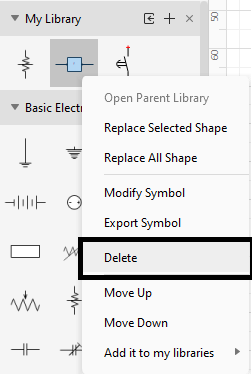
Use the above methods to add new icons in your library and remove the unneeded ones.
Part 5: Electrical Wiring Diagram Maker - EdrawMax
EdrawMax is one of the top-selling wiring diagram makers that helps you create diagrams, drawings, and charts in a matter of minutes. The endless series of templates and industry symbols make it a professional-grade yet easy-to-understand tool
Some of the features that make EdrawMax the best solution to your electrical drawing problems are listed below. Let’s have a look:
An Assortment of Symbols
EdrawMax features a gamut of industry-specific symbols that will help you make your diagram quickly. The symbols can be customized by changing their line styles and colors.
The symbols can be rotated and resized. You can easily add switches, appliances and connect them to create your circuit diagrams within minutes.
Customizable Professional Templates
With EdrawMax, you do not have to start from scratch each time to make a circuit diagram.
You can simply make use of its extensive template library that covers all categories of electrical engineering templates. With more than 280 diagram types, you will have a wide range of professionally designed templates to choose from.
You can tweak and customize your templates to your liking, add text, and change color and styles. EdrawMax also offers sample diagrams where you just have to add text, and you’re done!
Let's say you need to make a process flow diagram for water treatment. All you need to do is get this template and customize it according to your need.
User-friendly Interface
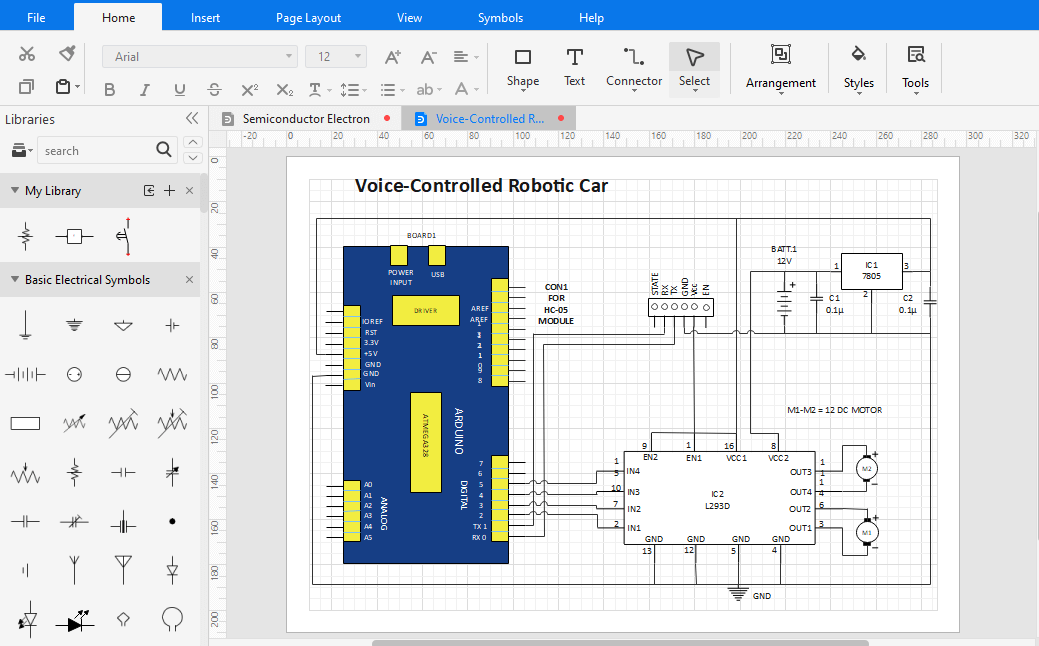
A noteworthy feature of EdrawMax is how easily both novice and professionals can use it. EdrawMax has an interface similar to that of Microsoft suite. Users find it incredibly easy to navigate because they are already familiar with the layout.
For beginners, the built-in [Help] tab provides a detailed user manual that explains everything step by step. Along with that, the [FAQ’s] are a quick way to answer all your burning questions.
If you are new to this software, you can also watch a quick video on making an electrical plan to get started.
Without a doubt, EdrawMax is one of the most professional tools to aid your diagramming needs. You can use a template for a quick drawing or create your electrical plan using the available industry-standard symbols.
It will help you create everything from a power transformer to the power lines and logic circuit.

An all-in-one platform for 210+ diagrams.
・ Simple alternative to Visio
・ 26k+ symbols
・ 10K+ free templates
・ 10+ AI diagram generators


Part 6: Takeaway
Understanding of switches and push buttons is a vital element for constructing electrical plans and diagrams. If you are new to electrical diagrams, we can give you some tips, especially while constructing a wiring plan.
- While making a wiring diagram, just make sure you always draw enough outlets in every room, especially offices or bedrooms.
- Position switches according to the furniture so that they are easily accessible.
- Do not keep any live wires close by.
- Make sure you plan everything, so there is no leakage or cross-connection.
- Keep some outlets by the door for outdoor lighting.
Other than that, the professional templates in EdrawMax will help you construct high-quality wiring plans in no time!
More Related


