Database Diagram Software, Free Examples Download

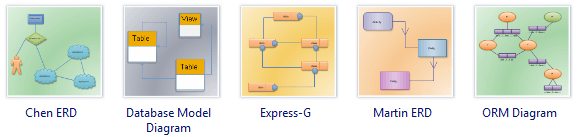
Database Diagram Software
Database diagram is a visual tool that allows designers and developers to create and visualize a database. When creating a database, you can use Edraw Max to create, edit, or delete tables, columns, keys, indexes, relationships, and constraints. To diagram a database, you can create one or more database diagrams illustrating some or all of the tables, columns, keys, and relationships in the database.
Edraw is the easiest diagramming package to create and share database schema. Whether you're moving into a new database design, ERD or reorganizing your data sheet, Edraw has the right tools for you. With Edraw you can recreate Chen ERD, database model diagram, express-g diagram or data flow diagram in just a few clicks and furnish your data with thousands of ready-made templates.
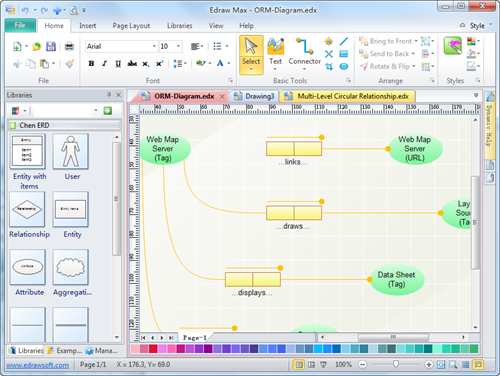
Click here to free download Database Diagram Software. Then you can use the built-in database diagram templates and examples to make and present your database design rapidly.
System Requirements
Works on Windows 7, 8, 10, XP, Vista and Citrix
Works on 32 and 64 bit Windows
Works on Mac OS X 10.2 or later
Learn How to Draw a Database Model Diagram.
Overview of Database Diagram
Database designs are used to present a detailed data model of a database and the various relationships between data. It shows how the database is structured and used. Database designs also include Entity-relationship diagrams, that help to design databases in an efficient way.
Features of Database Diagram Software
Edraw's advanced features enable users to:
- Create share presentation-quality diagrams with drag-and-drop functionality and predefined symbols, even without knowing any drawing skill before.
- Get started quickly with ready-made templates and stay on track, whether you're creating graphics and layouts, making infographic for presentation, or designing Web sites.
- Take an open-source diagramming approach to office productivity with constantly updated resources.
- Share polished diagrams with anybody on any platform thanks to Edraw's seamless compatibility with MS programs.
Database Diagram Examples
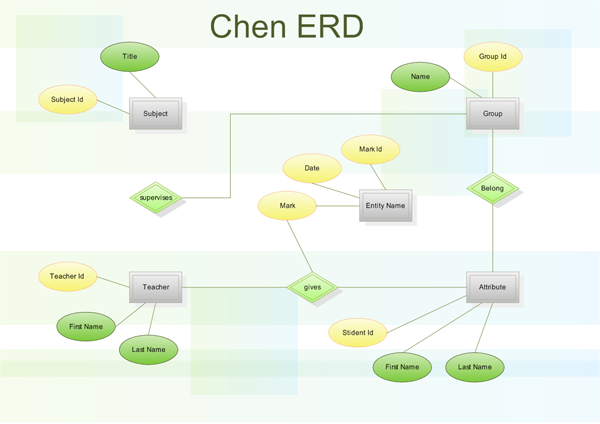
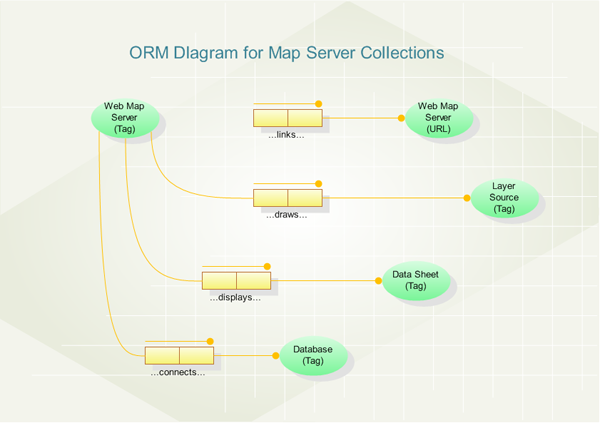
You can review the following database diagram example created by Edraw max. You can find the examples on the software start page. View more examples on Examples of ER Diagram.
|
|
|
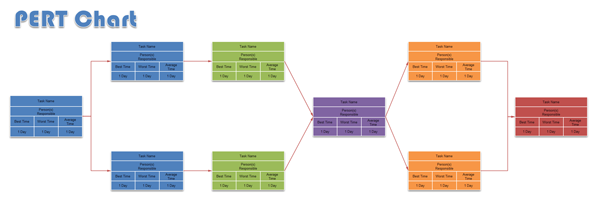
| Chen ERD | Martin ERD | PERT Chart |
With Edraw Database Diagram Software, It's Ideal to Design:




