Cycle Diagram

Now it's easy to address the problem. Edraw Max contains some pre-drawn symbols for designers to draw the cycle diagrams. Find the symbols in the List, Process, Charts and Graphics library.
Cycle Software
Edraw Max is a vector-based charting software with rich examples and templates for cycle diagrams. With pre-drawn smart shapes and templates, drawing couldn't be easier!
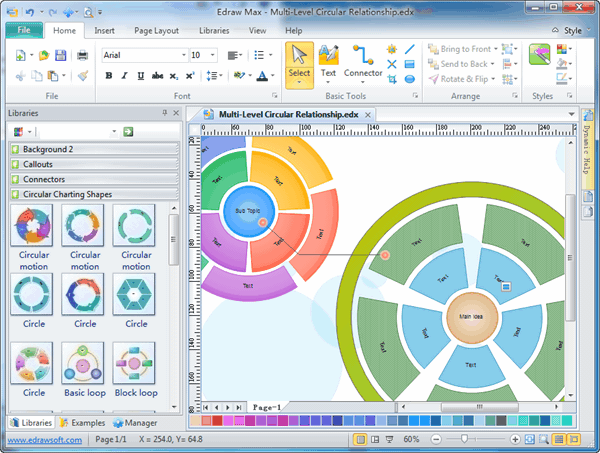
Free Download Cycle Diagram Software and View All Examples
Basic Cycle Diagram
Used to represent a continuing sequence of stages, tasks, or events in a circular flow. It emphasizes the stages or steps rather than the connecting arrows or flow. It works best with Level 1 text only.
Basic Pie Diagram
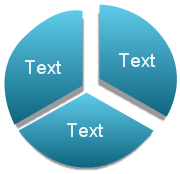
Used to show how individual parts form a whole. The first seven lines of Level 1 text correspond to the evenly distributed wedge or pie shapes. The top Level 1 text shape appears outside of the rest of the pie for emphasis. Unused text does not appear, but remains available if you switch layouts.
Basic Radial Diagram
It is used to show the relationship to a central idea in a cycle. The first line of Level 1 text corresponds to the central shape, and its Level 2 text corresponds to the surrounding circular shapes. Unused text does not appear, but remains available if you switch layouts.
Block Cycle Diagram
Used to represent a continuing sequence of stages, tasks, or events in a circular flow. Emphasizes the stages or steps rather than the connecting arrows or flow.
Continuous Cycle
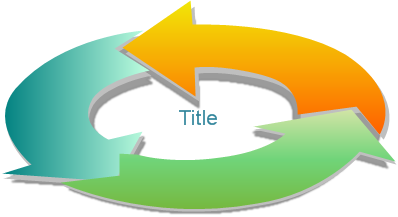
Use to represent a continuing sequence of stages, tasks, or events in a circular flow. Emphasizes the connection between all components. Works best with Level 1 text only.

Cycle Matrix
Used to show the relationship to a central idea in a cyclical progression. Each of the first four lines of Level 1 text corresponds to a wedge or pie shape, and Level 2 text appears in a rectangular shape to the side of the wedge or pie shape. Unused text does not appear, but remains available if you switch layouts.
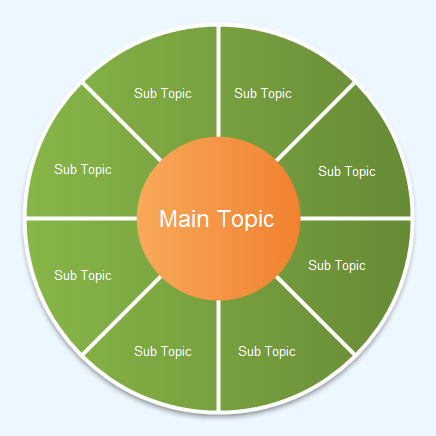
Diverging Radial Diagram
For showing relationships to a central idea in a cycle. The first Level 1 line of text corresponds to the central circular shape. Emphasizes the surrounding circles rather than the central idea. Unused text does not appear, but remains available if you switch layouts.
Gear Diagram
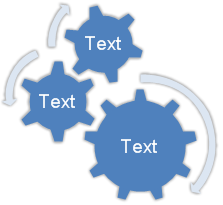
Used to present interlocking ideas. Each of the first three lines of Level 1 text corresponds to a gear shape, and their corresponding Level 2 text appears in rectangles next to the gear shape. Unused text does not appear, but remains available if you switch layouts.
Multidirectional Cycle Diagram
Use it to represent a continuing sequence of stages, tasks, or events that can occur in any direction.
Radial Cycle Diagram
Use it to display the relationship to a central idea. It emphasizes both information in the center circle and how information in the outer ring of circles contributes to the central idea. The first Level 1 line of text corresponds to the central circle, and its Level 2 text corresponds to the outer ring of circles. Unused text does not appear, but remains available if you switch layouts.
Radial Venn
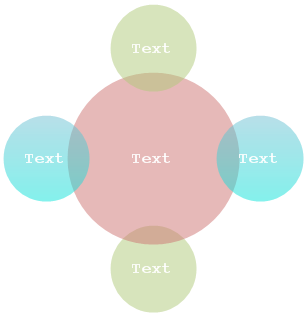
Its function is to represent both overlapping relationships and the relationship to a central idea in a cycle. The first line of Level 1 text corresponds to the central shape and the lines of Level 2 text correspond to the surrounding circular shapes. Unused text does not appear, but remains available if you switch layouts.
Segmented Cycle Diagram
Used to illustrate a progression or a sequence of stages, tasks, or events in a circular flow. The interconnected pieces are emphasized in it. Each of the first seven lines of Level 1 text corresponds to a wedge or pie shape. Unused text does not appear, but remains available if you switch layouts.
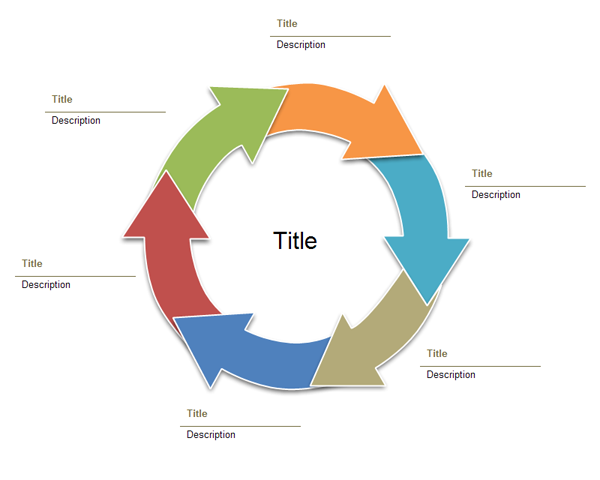
Text Cycle Diagram
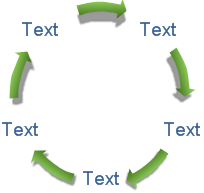
Used to represent a continuing sequence of stages, tasks, or events in a circular flow. This kind of diagram emphasizes the arrows or flow rather than the stages or steps. Works best with Level 1 text only.




