

Edraw 서포트 센터
Edraw 서포트센터에서 제품 사용법과 FAQ에 대한 해답을 만나보세요.
View Mind Map Outline
You can switch views between a mind map and an outline. Topics are linearly listed from top to bottom so you can read and navigate through the topics easily.
To open outline view pane, you can
- Click Outline button on View tab;
- Click Outline icon on the right sidebar;
- Press F11.
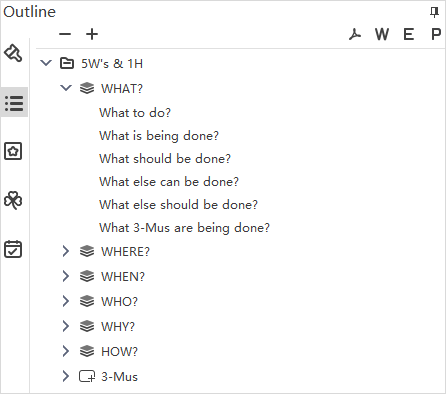
The outline can be exported as PDF, Word, Excel or PPT files. Simply click the corresponding buttons on the top right of the interface.