Edraw 서포트 센터
Edraw 서포트센터에서 제품 사용법과 FAQ에 대한 해답을 만나보세요.
Display Branches
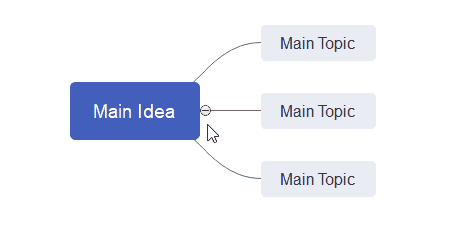
You can fold and expand the branches by clicking the plus and minus icons that appear on the right of the topic. To fold all subtopics (except the Main idea and main topics), press Ctrl + F3.
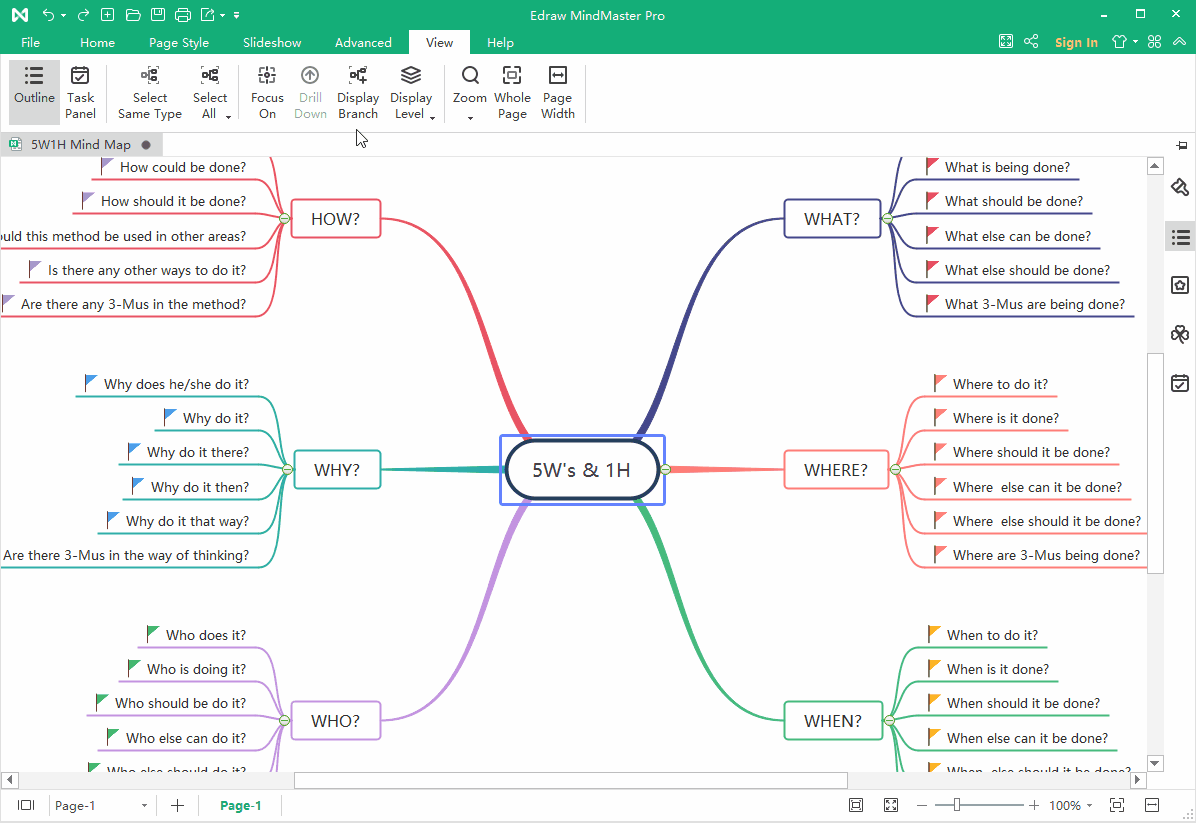
Go to View tab, click Display Branch button, and you can show your mind map with different branches. You can also select one topic and expand/fold its branch with this function.
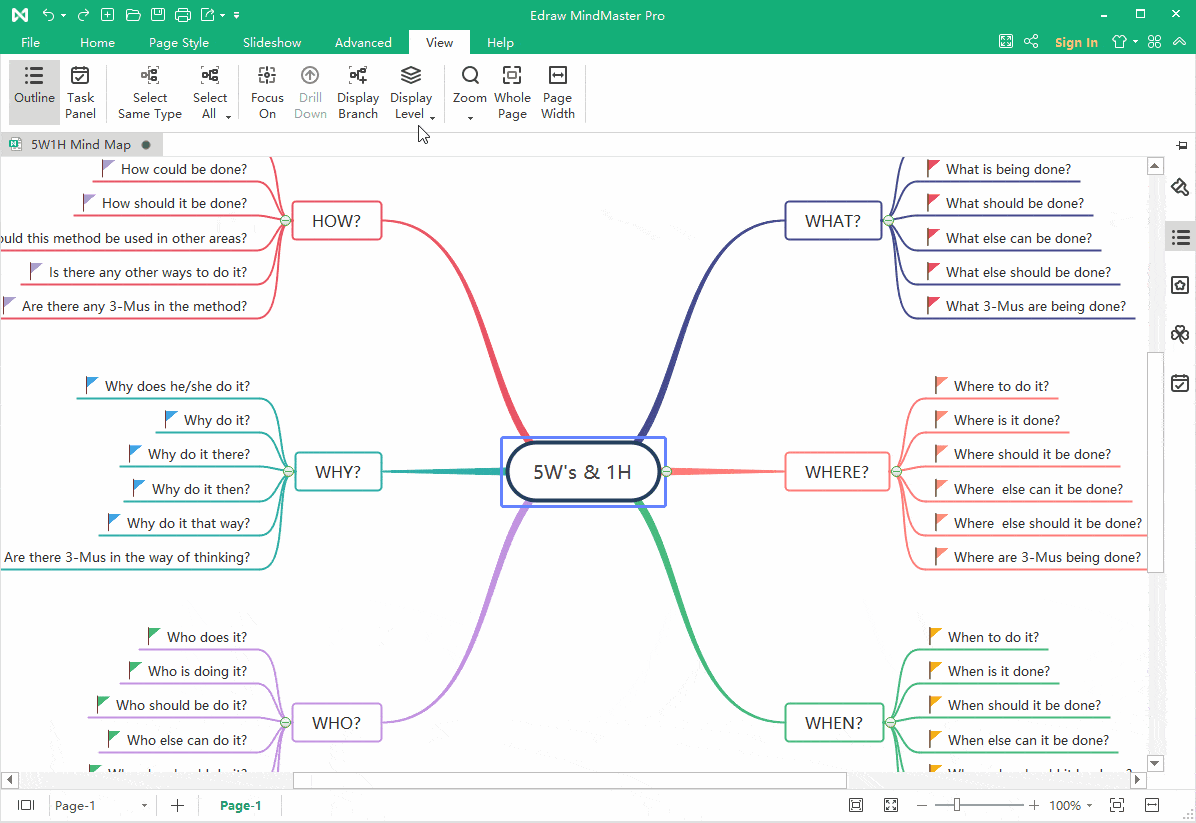
Go to View tab, click Display Level button, and you will display your mind map with different levels