Edraw 서포트 센터
Edraw 서포트센터에서 제품 사용법과 FAQ에 대한 해답을 만나보세요.
Change Text Style
To change the format of text font, you can
- 1. Select a topic or multiple topics.
- Go to Format pane > Font, change text font types, font sizes, alignment, boldness, line spacing, font colors, etc.
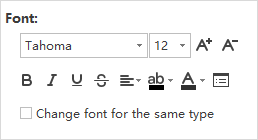
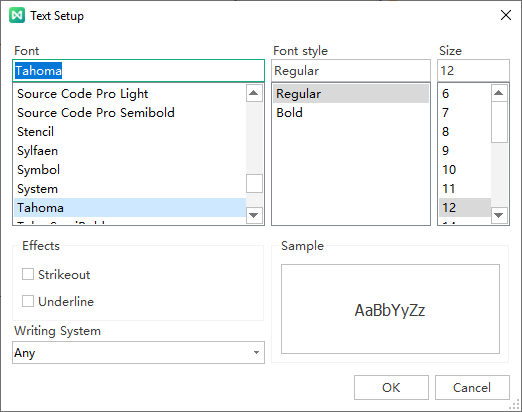
Click  to open the Text Setup window, where you can adjust the text setup with more options.