Edraw 서포트 센터
Edraw 서포트센터에서 제품 사용법과 FAQ에 대한 해답을 만나보세요.
Change Branch Style
For All Branches
- Select the central topic.
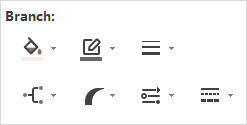
- Go to Format pane > Branch, click on the buttons to change line colors, line weight, line types.
For Certain Branch
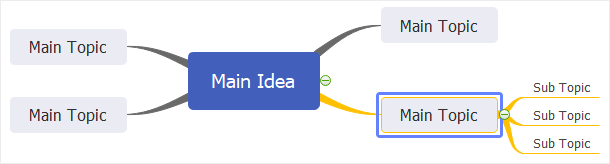
- Select the main topic of the branch that you want to change.
- Go to Format pane > Branch, click on the buttons to set line colors, line weight, and styles.
Changing branch line colors will change the colors of both connectors and shape borders