

Edraw 서포트 센터
Edraw 서포트센터에서 제품 사용법과 FAQ에 대한 해답을 만나보세요.
Brainstorming Mode
MindMaster has a powerful feature that supports users to run group brainstorming sessions and collect ideas effectively.
- Start Brainstorming function and enter full-screen mode. Press F8 or click Brainstorming button under Advanced tab.
- Write down the ideas (topics) and set a timer.
- Collect ideas and add them to the mind map.

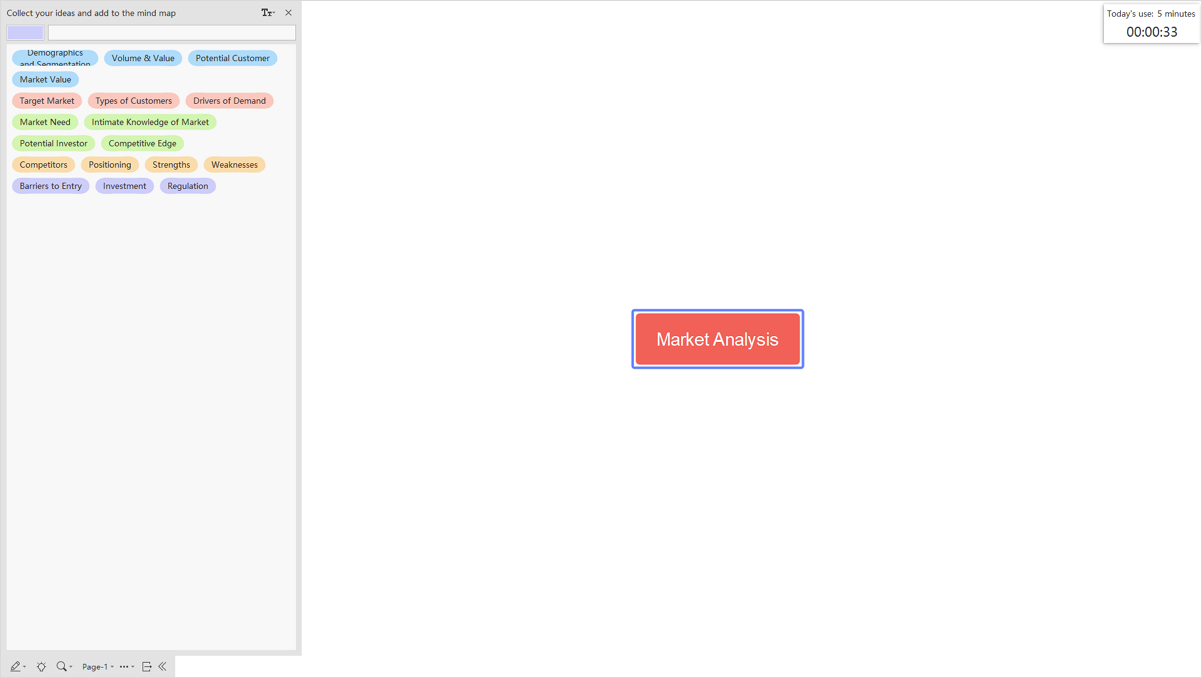
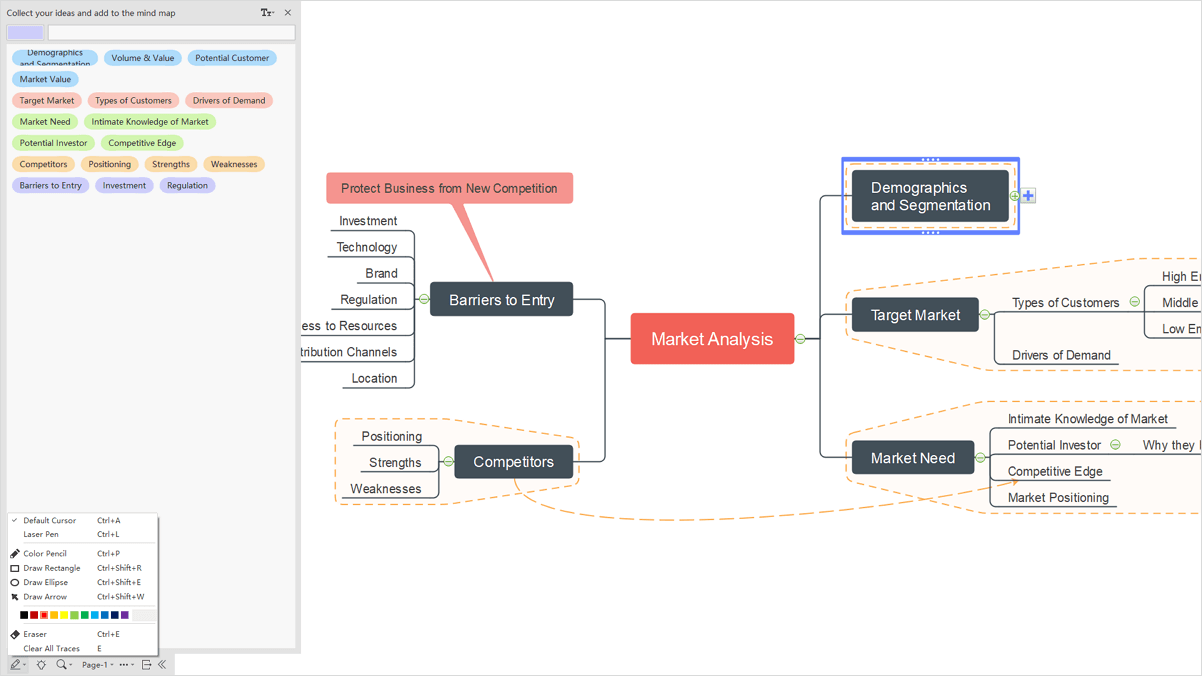
When you have collected enough ideas in the brainstorming session, you are able to use these ideas to make a mind map and style it with the formatting toolkit.
For more details, please see this video: https://www.edrawsoft.com/video/mindmaster/brainstorm-ideas.html