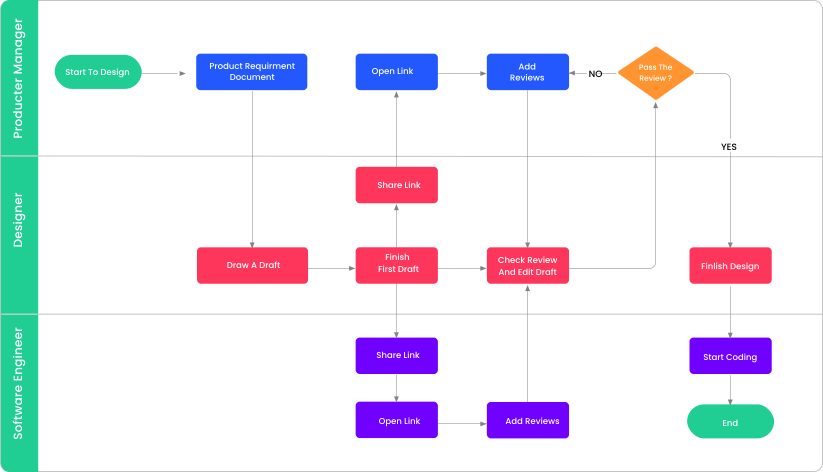
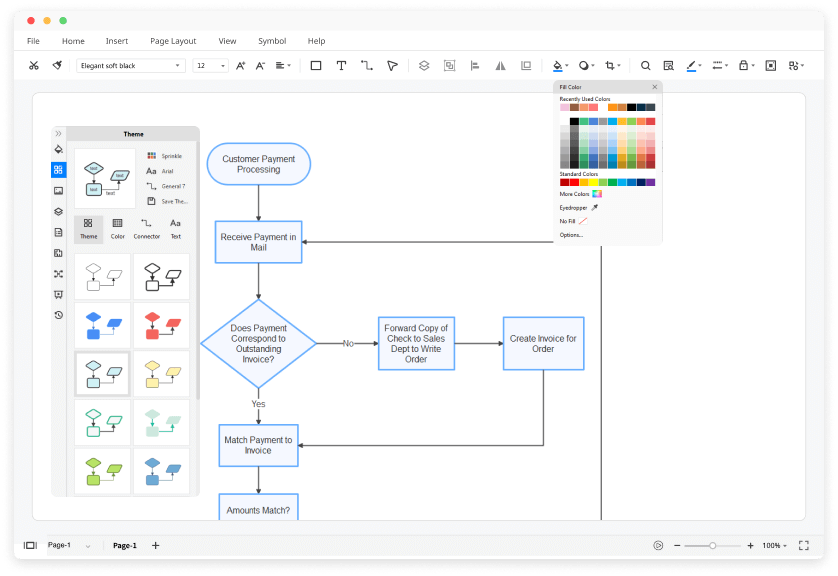
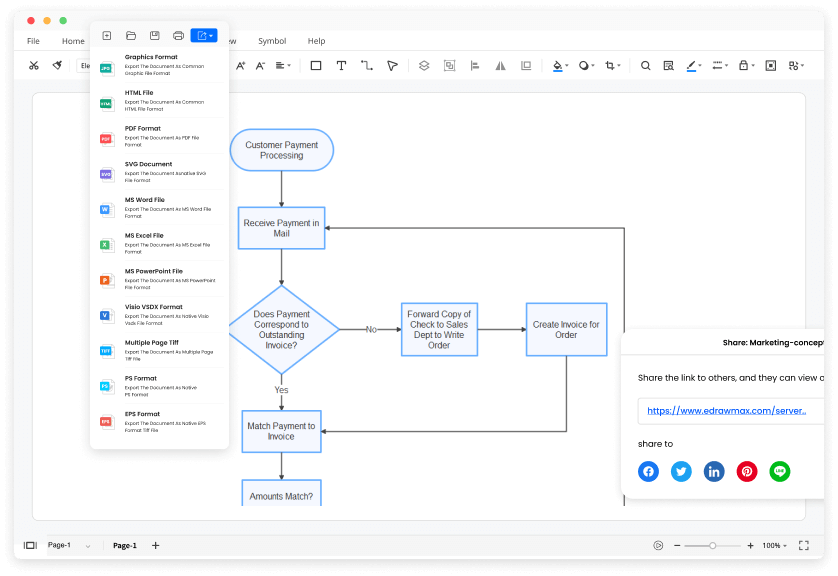
Here is a look at some flowchart, simulation, and workflow today that can help managers develop improved workflow processes.
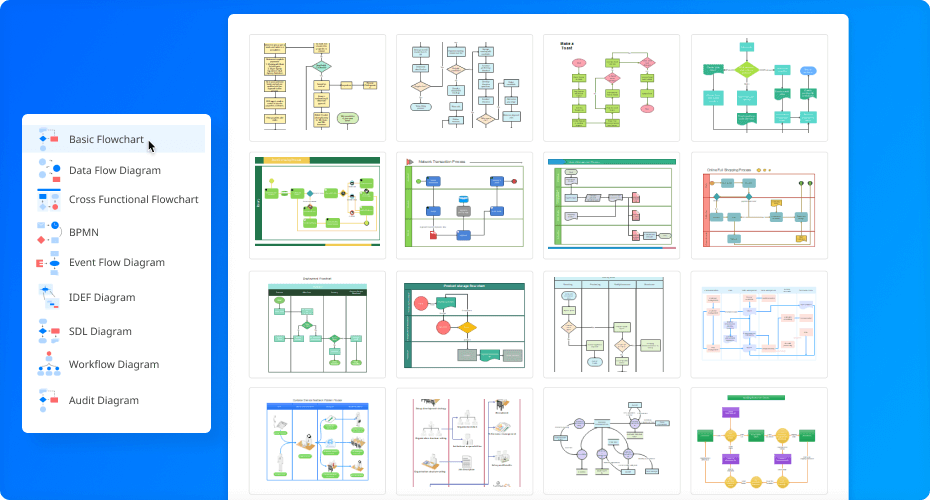
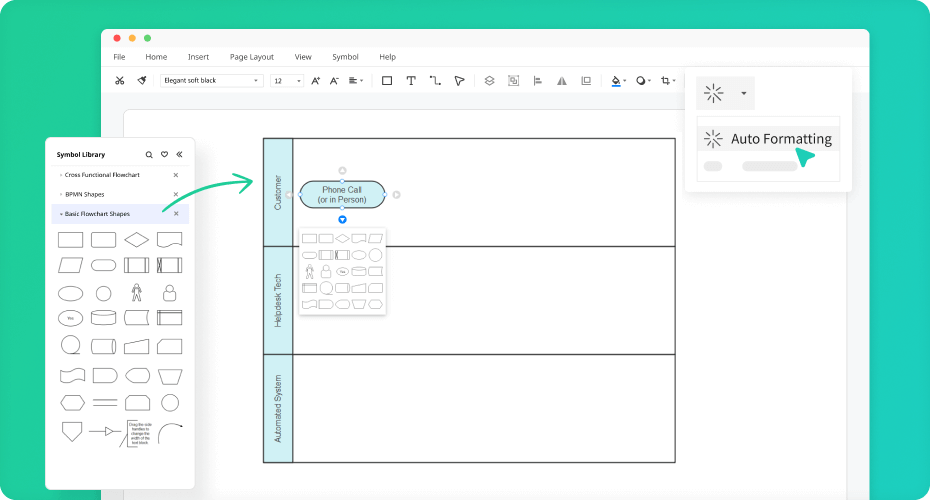
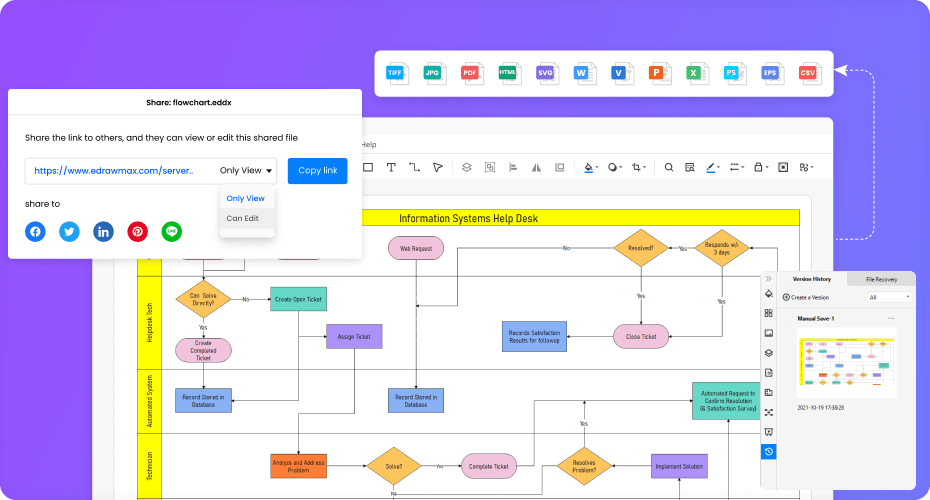
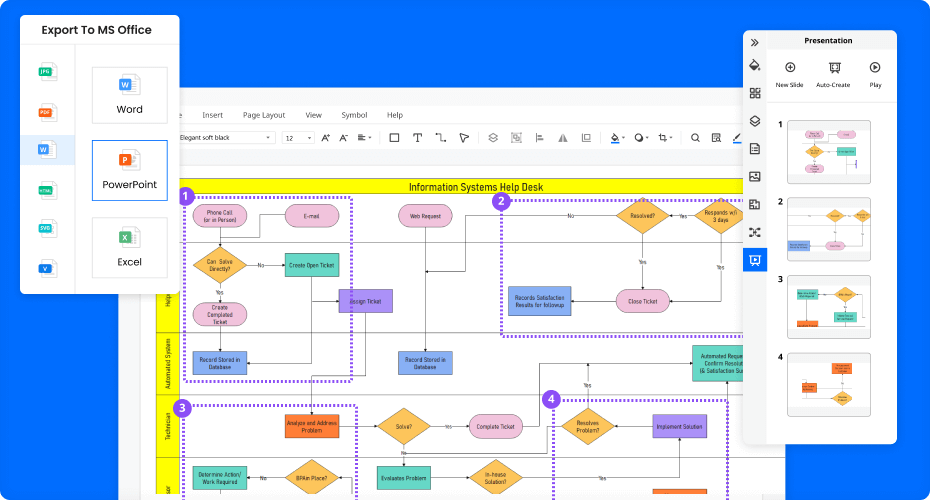
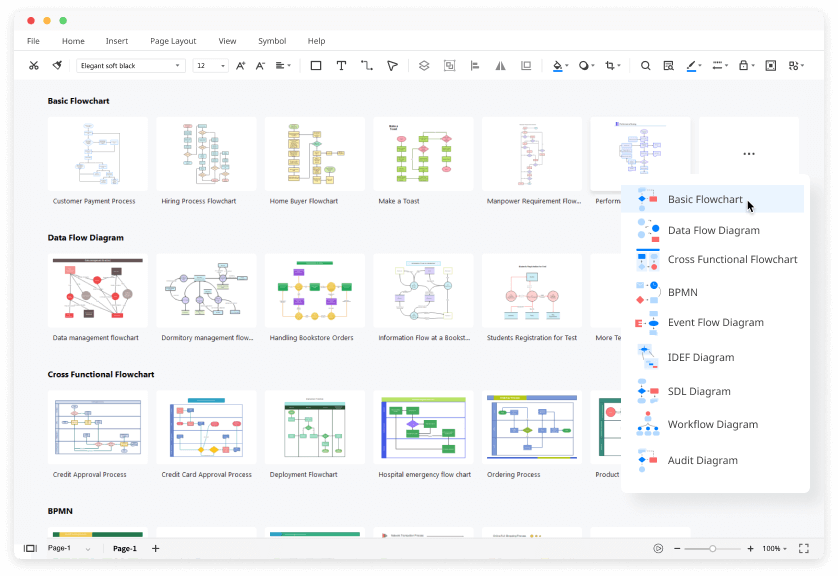
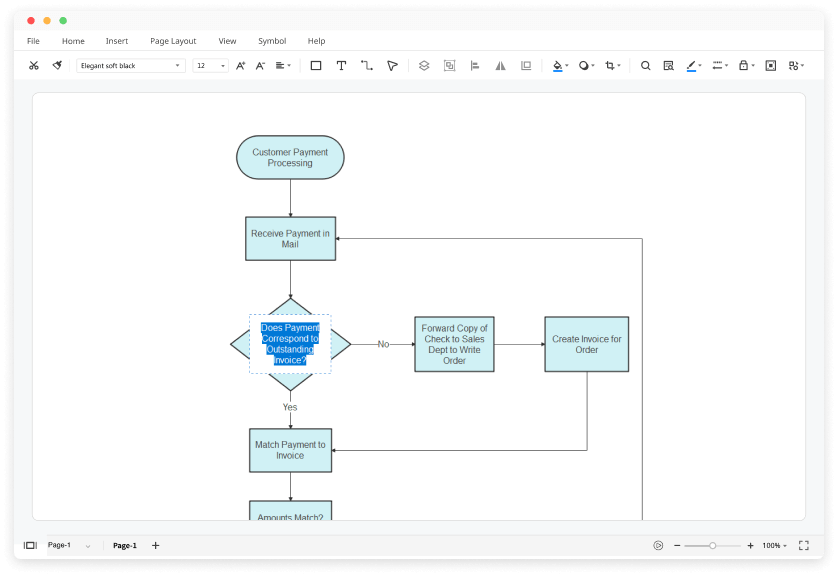
Create flowcharts, org charts, network diagrams and other business and technical diagrams with Edraw flowcharting software. Provide abundant flowchart examples, templates, tutorial for free download!
Free Download Flowchart Software and View All Examples
Modeling the business processes within an enterprise takes more than word processors and spreadsheets. Yes, you can present lots of information in a Word document, but that's mostly textual information. True, pictures can be found in those Word documents, but, points out Martin Owen, UK Consultancy Manager for Popkin Software and Systems, Ltd. (Leamington Spa, Warwickshire, United Kingdom), "You can't check for rigor and completeness. You can't break down a process into smaller chunks for a better understanding of the problems with that process."
So, what's the matter with spreadsheets? You can interact with those, creating graphs and performing calculations. However, a spreadsheet can become very complex very quickly for the uninitiated--especially when modeling an entire enterprise.
To the rescue are three basic tiers of process modelers that perform increasingly sophisticated levels of functionality: flowchart diagramming, enterprise simulation, and workflow. With these, business process reengineering (BPR) becomes a whole lot more palatable, and the implementation of enterprise resource planning (ERP) becomes a whole lot easier, effective, and less costly.
Flowcharting software is capable of depicting much of an enterprise's operations--and being far more efficient and productive than the conventional back-of-the-envelope approach to drawing process flows. For this reason, flowcharting software is primarily used by enterprises, typically an industrial engineer or quality manager, starting an ERP implementation or BPR effort, or those documenting business processes for ISO or QS certification. Often, the software can also generate a "process narrative," a description of the processes in prose for those people who do better with words than with pictures.
There are several approaches to modeling business processes. The standard approach uses the Integrated Computer Aided Manufacturing (ICAM) DEFinition methodology (IDEF), which is an activity modeling approach that decomposes activities in an hierarchical manner. Using Wizdom Systems' ProcessWorks! activity modeling software, explains Dennis Wisnosky, CEO of Wizdom Systems, Inc. (Naperville, IL), "the user defines the organization by breaking down the day-to-day operations into functions and activities using the graphical user interface (GUI) to quickly build models and to analyze improvement opportunities."
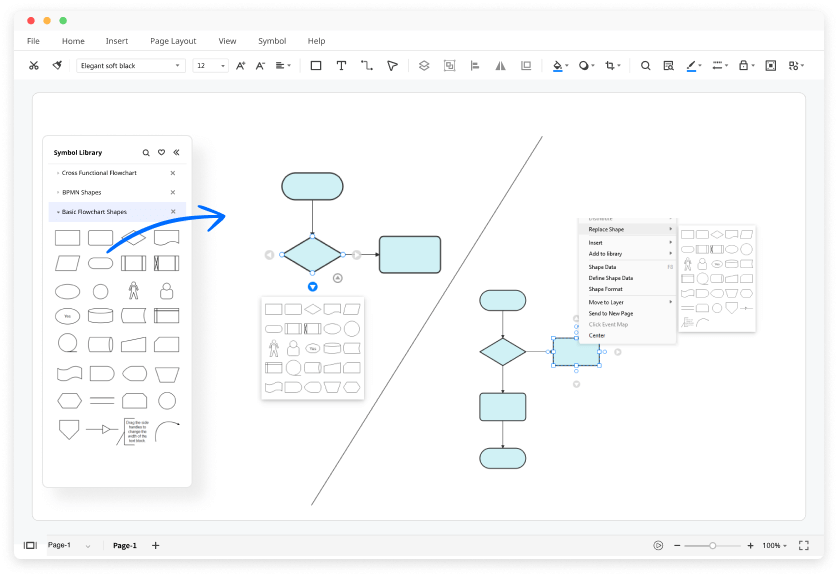
Defining processes and workflows is typically a matter of selecting icons, then "wiring" them together within a GUI. The icons represent people, events, resources, technology, and so on; the wiring represents the flow of processes in terms of information, responsibilities, materials and other resources, paperwork (for shame!), and the like. Some icons represent whole templates of "best practices" as well as process logic (IF-THEN decision making, for instance). Creating a business model, explains Dennis Lofthouse, a consultant with Industrial & Financial Systems (IFS), is a matter of determining "strategically what you want to do, practically what you have to accomplish to do that, and then logistically, step-by-step-by-step in the system, identifying what has to be done."
In the same fashion, Wizdom's DataWorks! lets users diagram where information in their organization comes from, how it is used, and who uses it. It lets users look at database entities, attributes, and relationships, which helps guide systems development and information gathering. From DataWorks!, a user can generate data tables, forms, and reports.
In some cases, Wizards help the user define the process model, and in more sophisticated applications, define the workflows and the workflow connections to ERP and external information systems.
The price of flowchart software packages ranges from $40 to $4,000, depending on functionality. The trend in flowcharting software is to pile on functionality, making the software more complicated. High-end process mapping software is needed, say for running enterprise simulations and customizing ERP systems, agrees Ronald M. Cordes, president of CFM Inc. (Bedford, MA). However, compared to the number of Fortune 500 multi-site ERP installations, where somebody needs to be managing the details of a multi-million-dollar software implementation, "a heckuva lot more people need to understand the process they're managing, and these are small workgroup processes involving five people and 15 activities."
That said, some of that extra functionality includes the ability to track the training qualifications of the end-user; incorporate more procedural information; hook in multimedia files to show users how a task is supposed to be performed or to see more detailed steps. SyteCentre Business Process Management from Symix Computer Systems (Columbus, OH) includes a limited connection to the SyteLine ERP system. This connection makes the flowcharting software act as a front-end navigator to the back-end system. This lets the user click on a link in the flowchart and jump directly to the appropriate data display in the ERP system--and then return to the next step in the flowchart.
The Business Modeler included in IFS ERP goes a step further. It will export business models in HTML, which can then be imported into the ERP system to customize individual menus, setup process flows, and perform other configurations.
While flowcharts provide a static view of the enterprise, simulation provides the dynamic view. Simulation, says Owen, can help people prove that the process they're putting in place is better than the process they're replacing. Simulation helps identify bottlenecks and redundancies, shows where processes don't work, and points to where capital costs and resources are being applied. It also lets users reengineer their processes in silicon before the expense of instituting process changes in the organization itself. When activity-based costing analysis is included in the simulation, users have a tool with some metric that justifies reorganizing the business.
These simulation tools don't work in a vacuum. The basic data for Symix's Virtual Planning, for example, comes from the SyteLine ERP system. These data include workcenter descriptions, capacities, flow rates, cycle times, queue times, and start and end dates. As necessary, users can change the flow of business processes by interacting directly with the graphical representation of that flow. For instance, they can add new workcenters, drag a workcenter from one spot to another, redirect the flow of material, activate and deactivate machines, duplicate machines, resequence processes, and add more resources, whether machines or people. At the very least, the simulation will show the flow of material and information and users identify bottlenecks.
Granted, a piece of paper can show material, data, and work flows; a spreadsheet can crunch the numbers to show the ramifications of process changes. However, today's easy-to-use graphical business simulation packages are far more interactive, immediate, and often more capable of letting users perform sophisticated business process--and shop floor--analysis and tuning.
Business simulation software is typically used by an industrial engineer who's up to speed on the business process flows, speeds, resources (people and machines), and such within the enterprise. The software packages themselves can cost several thousand dollars, even six figures when adding up all the per-seat costs.