Edraw 서포트 센터
Edraw 서포트센터에서 제품 사용법과 FAQ에 대한 해답을 만나보세요.
Share Files
You can share edraw files with anyone.
- Click Share
 button on the top right corner of the interface.
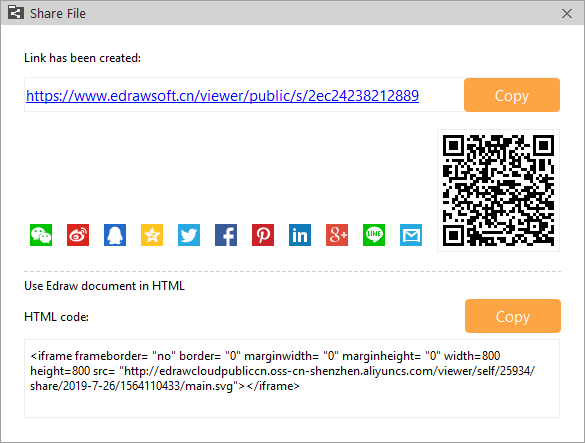
 - In the pop-up dialogue, a link and a QR code are generated. Click Copy button to copy the web link, or share the QR code.
- Click Share Manager
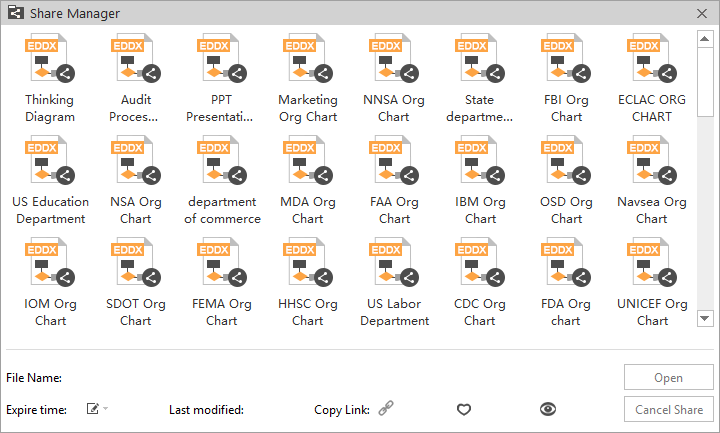
 button so that you can manage shared files:
 - Set the expire time of a shared file.
- Cancel the share.
- See how many times a share has been viewed and liked.