Edraw 서포트 센터
Edraw 서포트센터에서 제품 사용법과 FAQ에 대한 해답을 만나보세요.
Share a Mind Map
Once you have created a mind map, you can share it with your colleagues and friends via links. Sharing mind map links is easy for people who have not downloaded MindMaster to view mind maps anywhere and anytime.
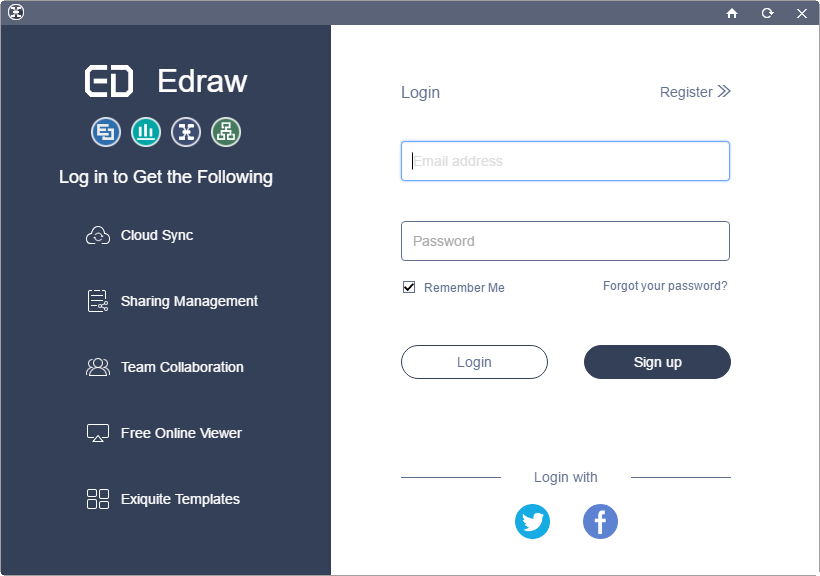
Sign Up a MindMaster Account
- Click Sign In button on the top right of the interface.
- Click Sign Up to register an account or login with Facebook or Twitter account.

Share Your Mind Map
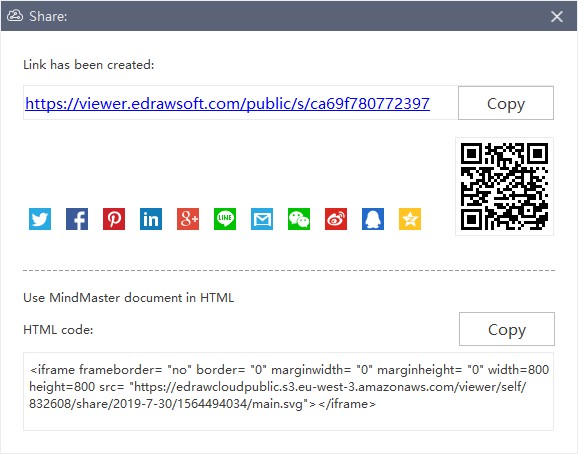
- Click Share button on the top right of the interface.
- Click Copy to share the link.
- Scan the QR Code to share the specialized link.
- Copy the HTML code when using mind map in HTML.