

Edraw 서포트 센터
Edraw 서포트센터에서 제품 사용법과 FAQ에 대한 해답을 만나보세요.
Outline View
Outline View Panel
(F11)
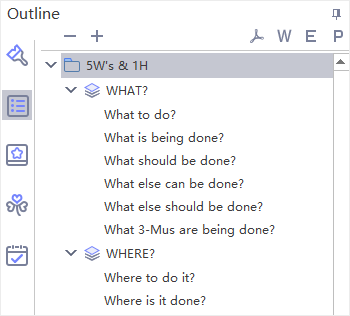
The Outline view allows you to view the map in the format of text outline. Topics are linearly listed from top to bottom so you can read and navigate through the topics easily.
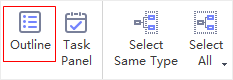
- Click Outline button on View tab or on the right sidebar.
- The Outline panel will appear on the right side.
- To close the panel, simply click Outline button again, or click Hide Panel
 .
.
Note:
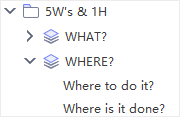
- You can fold the subtopics by clicking the triangle icon on Outline panel.
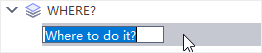
- You can double-click to edit titles in outline mode.
Export Outline
The outline can be exported as PDF, Word, Excel or PPT files. Simply click the corresponding buttons in the top right corner to export the outline.
