

Edraw 서포트 센터
Edraw 서포트센터에서 제품 사용법과 FAQ에 대한 해답을 만나보세요.
Open/Import a Mind Map
Open a Mind Map
To open a mind map made by MindMaster, you can:
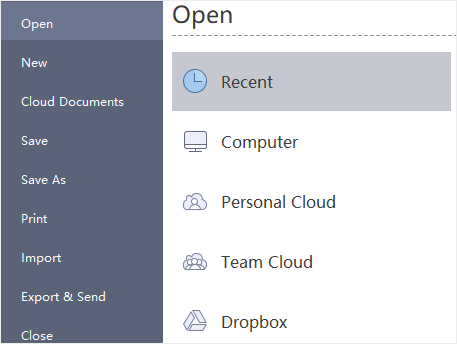
- Go to File tab and click Open, then you can choose to open a mind map from Recent Documents, Computer, Personal Cloud, Team Cloud or Dropbox.
- Drag a mind map and drop it into the program.
Import Files
MindMaster supports to import files from Mind Manager, Xmind, or Edraw Max.
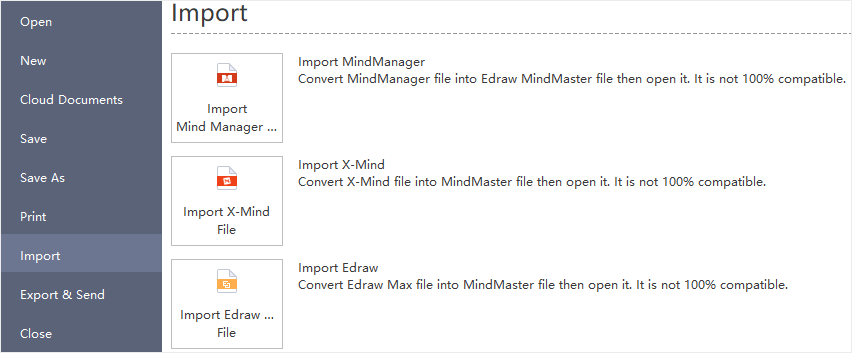
- Go to File tab and choose Import option.
- Select your preferred format to import.
- Find the target files from your computer or cloud.
- Click Open to import.
Notes:
- Your imported files might not be 100% identical as their original versions.
- It may take much more minutes to import over-sized files.