Edraw 서포트 센터
Edraw 서포트센터에서 제품 사용법과 FAQ에 대한 해답을 만나보세요.
Export/Print Slides
Export Slides
You can export the slides to PowerPoint or PDF files by clicking Export PPT or Export PDF button on Slideshow tab.
Note: The exported pptx files can only be opened in MS PowerPoint 2013 or above version.
Print Slides
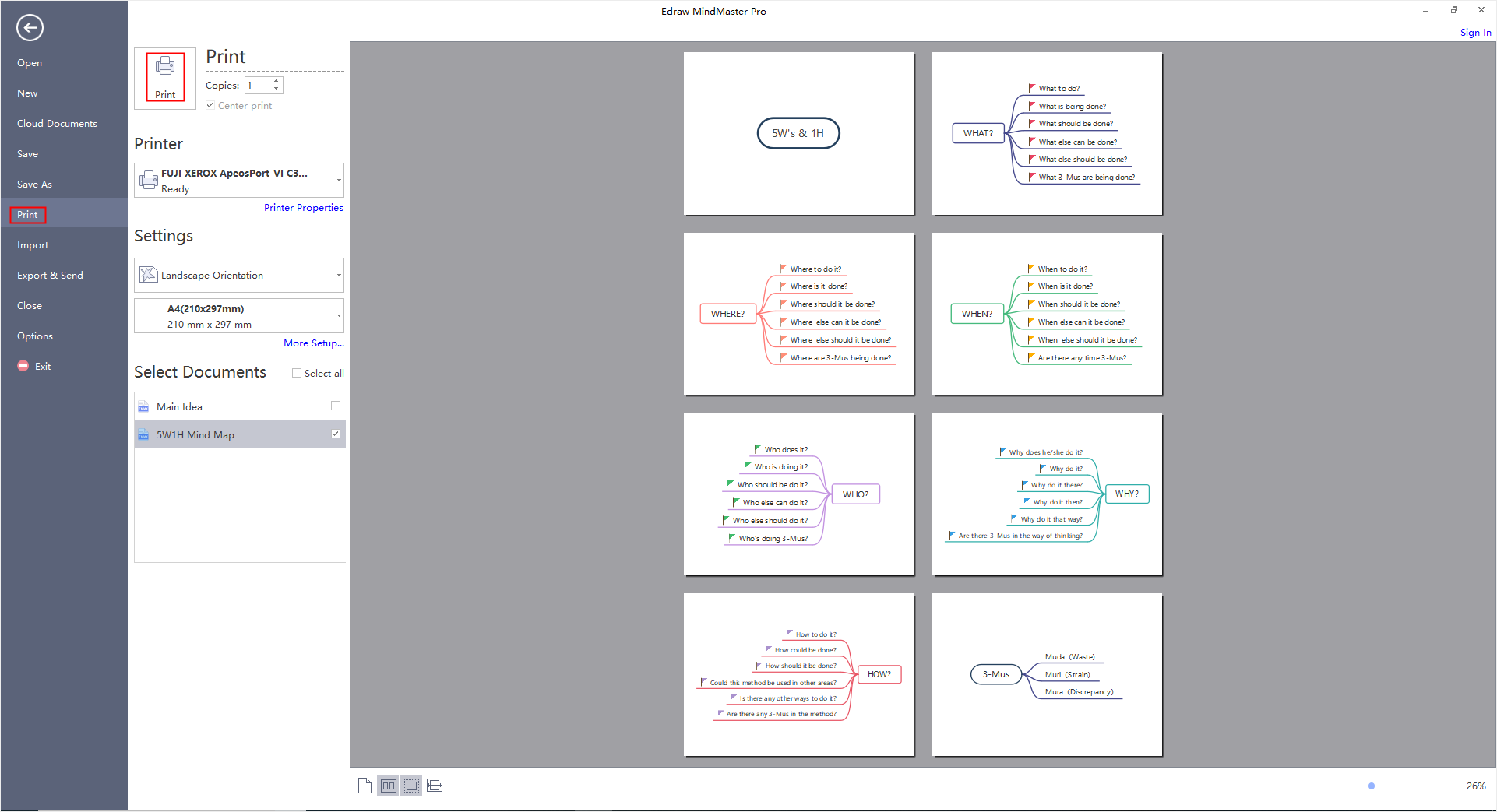
- Click Print Slides button on Slideshow tab and you can see the print preview window.
- Set your printing options and then click Print button.