Melhor Software de Mapa Mental
EdrawMind, uma ferramenta colaborativa completa de mapeamento mental e brainstorming.
Trusted by 30M+ users and leading brands.

























Why choose EdrawMind as your mind map maker?
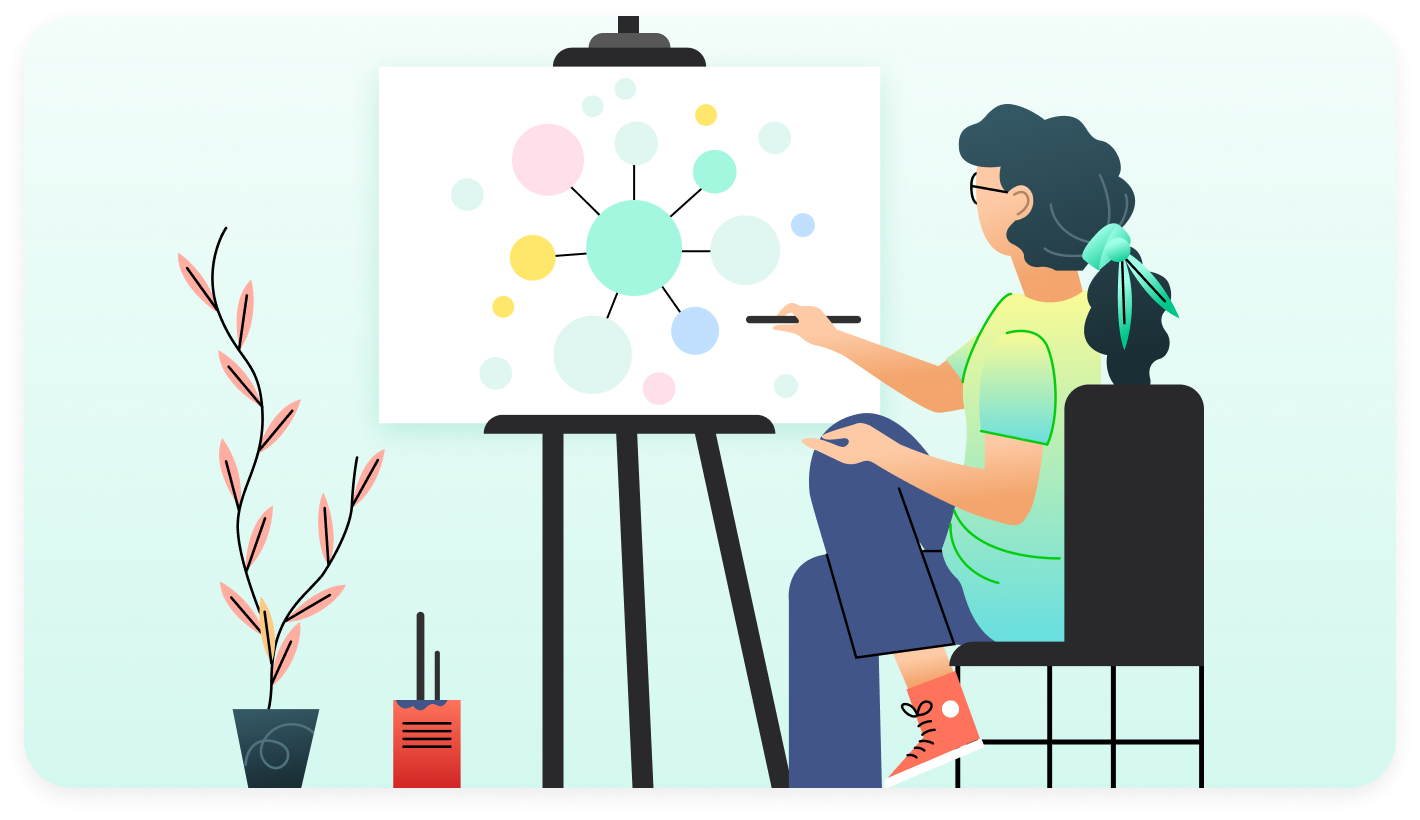
Organizing your ideas into a mind map has never been easier than with EdrawMind's user-friendly interface. With pre-made templates and symbols you can create a unique, visual mind map in minutes. The versatile tools allow you to engage both sides of your brain, improving memory and generating new ideas as you plan presentations or take notes.
 Mind map your ideas easier
-
Para iniciantes e profissionais
Com sua interface simples e amigável, edição de arrastar e soltar e seleção de modelos personalizáveis, este software de mapeamento mental permite que qualquer pessoa, de iniciantes a profissionais, crie facilmente mapas visuais detalhados e organizados para estruturar o pensamento.. -
Mapa mental com um clique
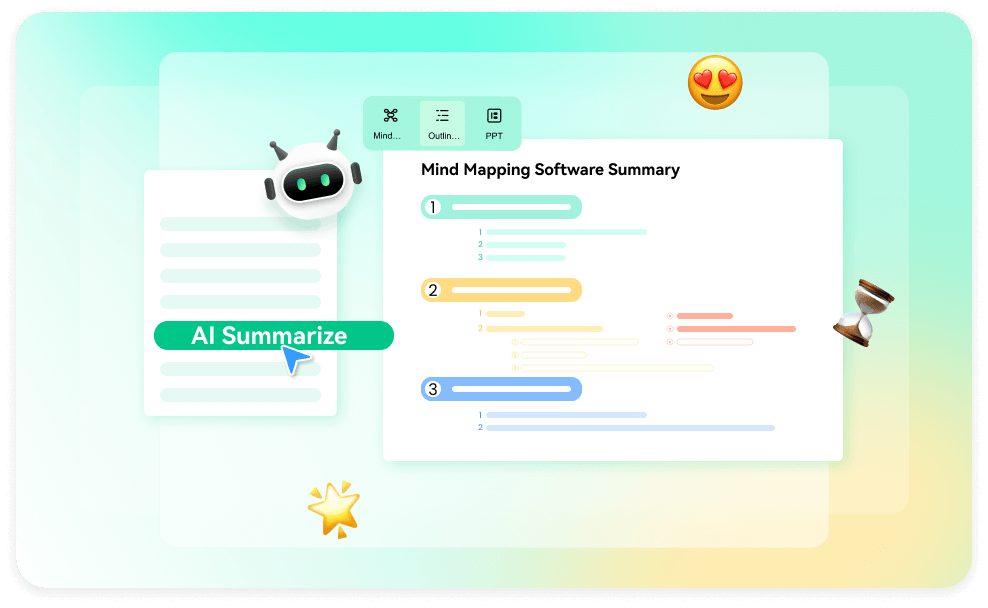
O criador de mapas mentais é habilitado por IA, o que ajuda a descobrir novas ideias e revelar novas perspectivas ao gerar automaticamente mapas mentais extensos, ramificados por ramificação, com o EdrawMind AI
 Massive resources for every need
-
Mais de 6.000 templates
Access a variety of ready-made mind mapping templates to simplify brainstorming, organization, and idea generation for your projects with ease. -
Professional resources & integration
Amplify your creative projects with the integration of Pexels and Iconfont, offering a vast collection of 700+ emoji icons and symbols, providing an extensive array for expressive visual communication.
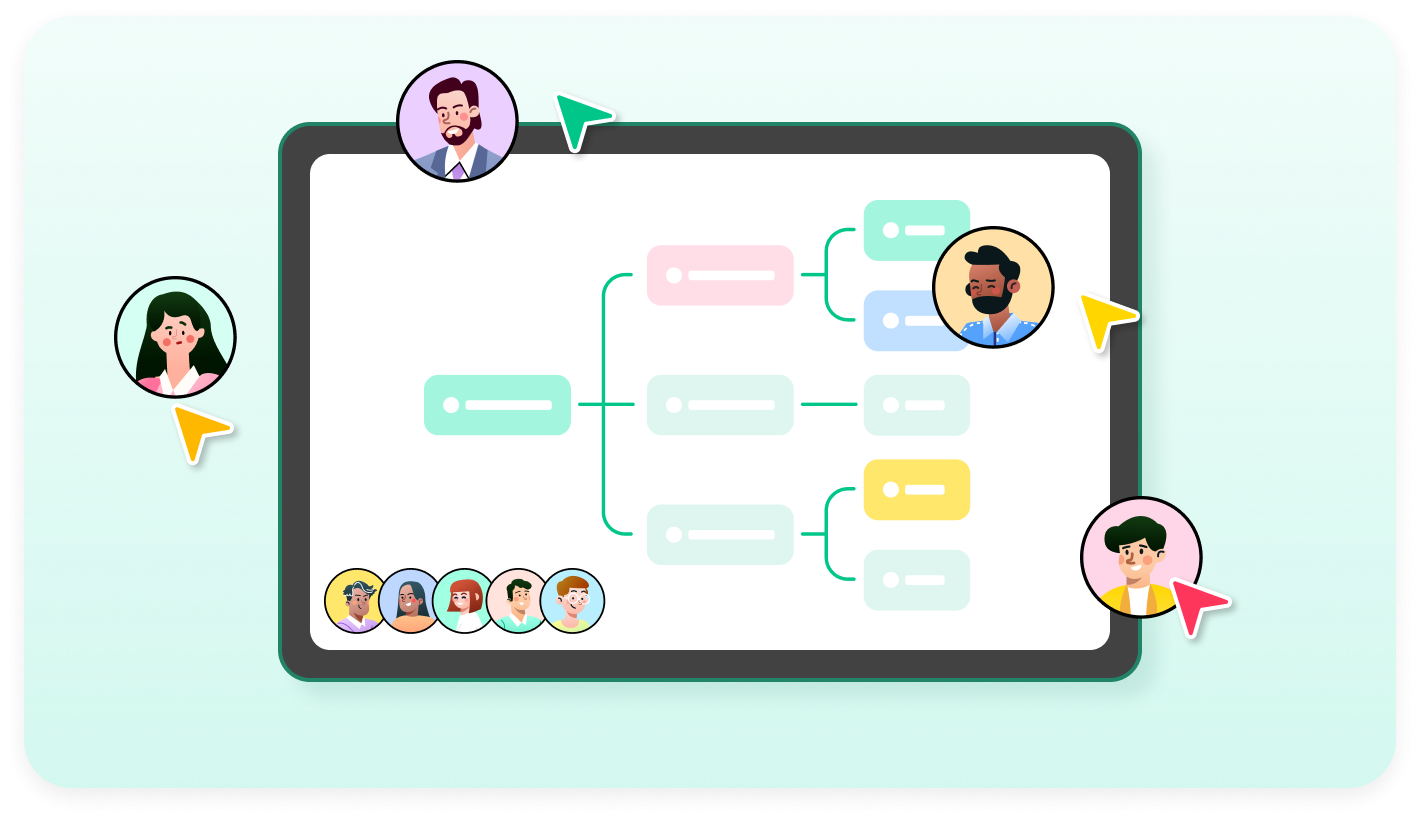
 Collaborate with your team
- Easy file sharing
Share mind map in multiple formats effortlessly, such as images or PDF files, ensuring smooth collaboration and streamlined communication with team members, clients, or stakeholders. - Real-time collaboration
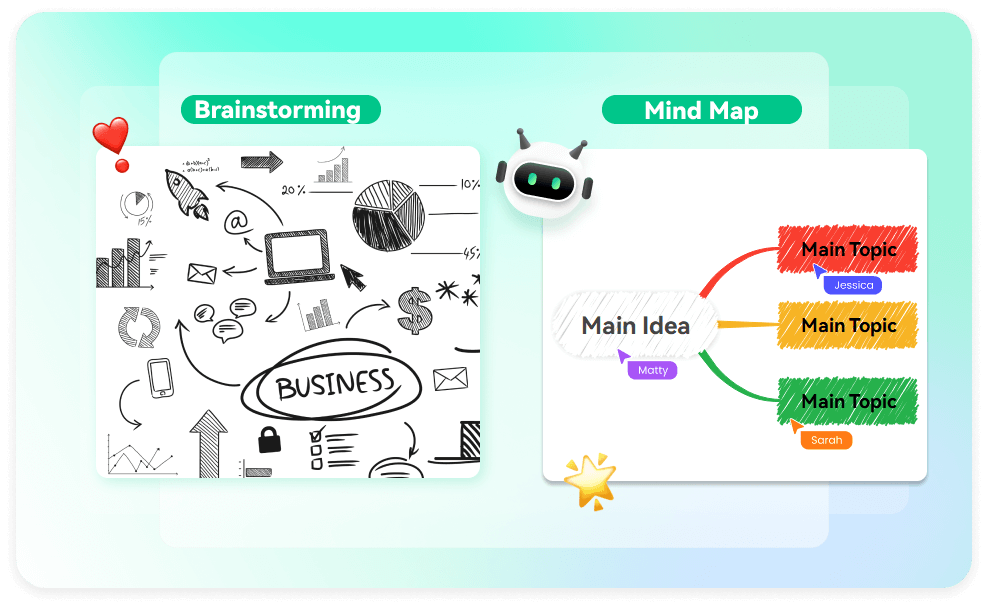
Work together in real-time on diagrams, enabling instant feedback, brainstorming, and idea exchange, fostering productivity and enhancing teamwork dynamics with mind map maker.

 Versatile presentation modes available
- Multi-mode for creative collaboration
Seamlessly switch between brainstorming, outline, presentation, Gantt chart, and ZEN modes to foster creativity, organization in mind mapping, and engaging communication, optimizing team collaboration and productivity without distraction. - Magic hand drawing style
Enhance your mind maps effortlessly with the magic hand drawing style, transforming rough sketches into polished diagrams with precision and ease, improving your creative process.
How to make a mind map?
-
Step 1: Select a mind map maker
Open EdrawMind on your desktop, mobile (Free Download) or start creating a mind map online. If this is your first time using it, sign in by e-mail or social media accounts or create a new account. -
Step 2: Choose a template
Select a suitable mind map template from the available options. Pick a template that aligns with your project or brainstorming needs to streamline your mind mapping process. -
Step 3: Add topics and subtopics
Start adding main topics and subtopics to your mind map. Input your main ideas as topics and further detail them with subtopics to organize your thoughts effectively. -
Step 4: Customize your mind map
Personalize your mind map with colors, shapes, icons, and fonts. Tailor your mind map's appearance to enhance visual clarity and make it more engaging and comprehensible. -
Step 5: Save and share your mind map
Save your mind map and share it with others for collaboration or presentation. Ensure you save your work and distribute it to relevant parties to facilitate communication and collective brainstorming.

Step 1: Select a mind map maker
Open EdrawMind on your desktop, mobile (Free Download) or start creating a mind map online. If this is your first time using it, sign in by e-mail or social media accounts or create a new account.
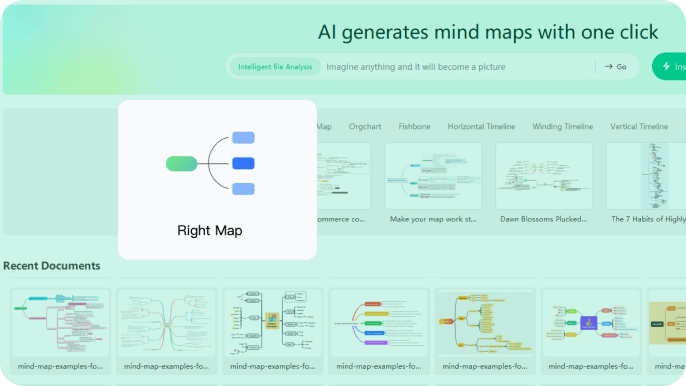
Step 2: Choose a template
Select a suitable mind map template from the available options. Pick a template that aligns with your project or brainstorming needs to streamline your mind mapping process.
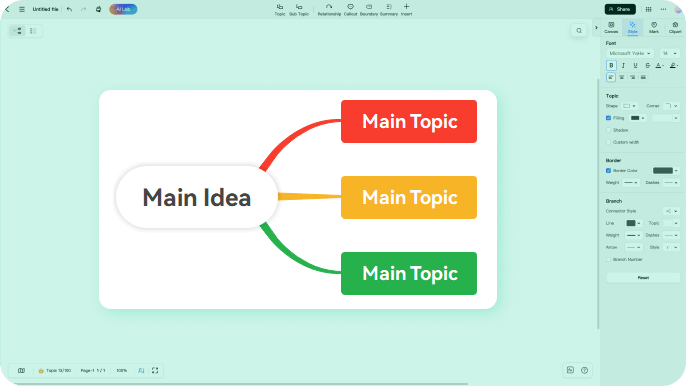
Step 3: Add topics and subtopics
Start adding main topics and subtopics to your mind map. Input your main ideas as topics and further detail them with subtopics to organize your thoughts effectively.
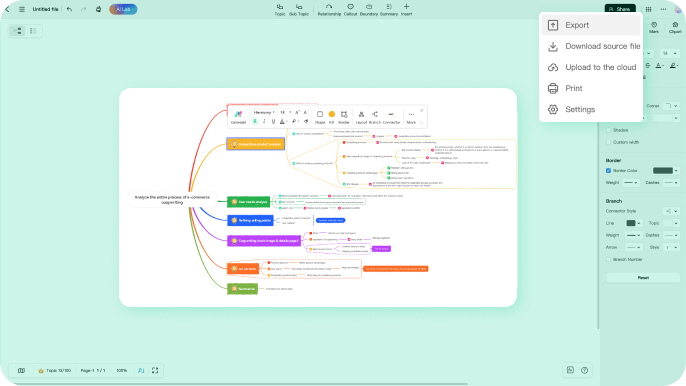
Step 4: Customize your mind map
Personalize your mind map with colors, shapes, icons, and fonts. Tailor your mind map's appearance to enhance visual clarity and make it more engaging and comprehensible.
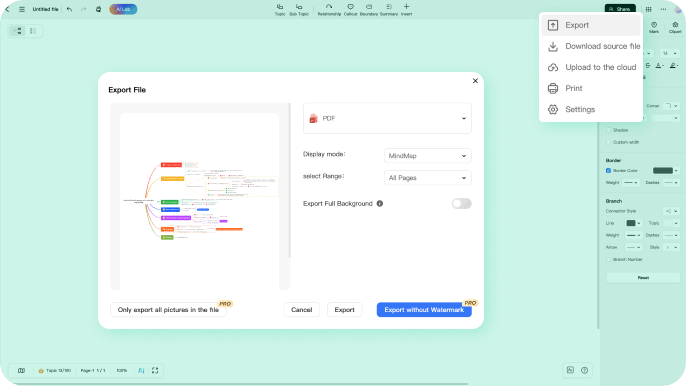
Step 5: Save and share your mind map
Save your mind map and share it with others for collaboration or presentation. Ensure you save your work and distribute it to relevant parties to facilitate communication and collective brainstorming.
More templates in EdrawMind
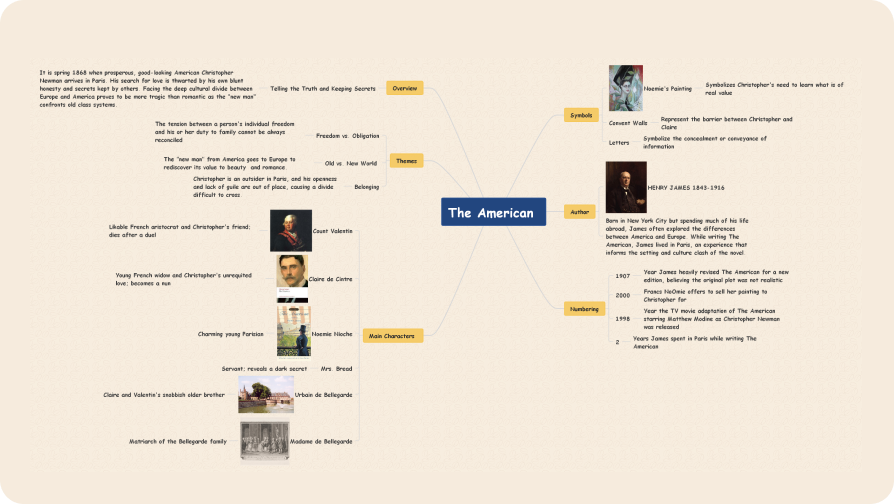
Book Summary Mind Map
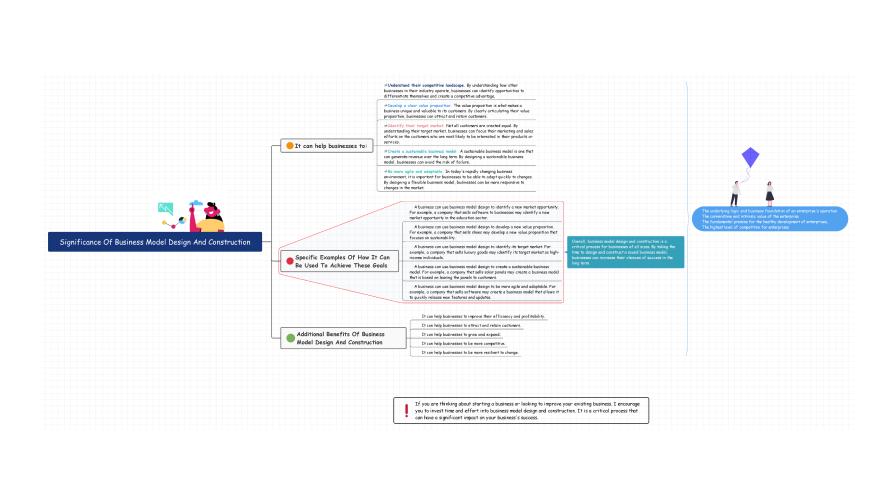
Business Model Design Mind Map
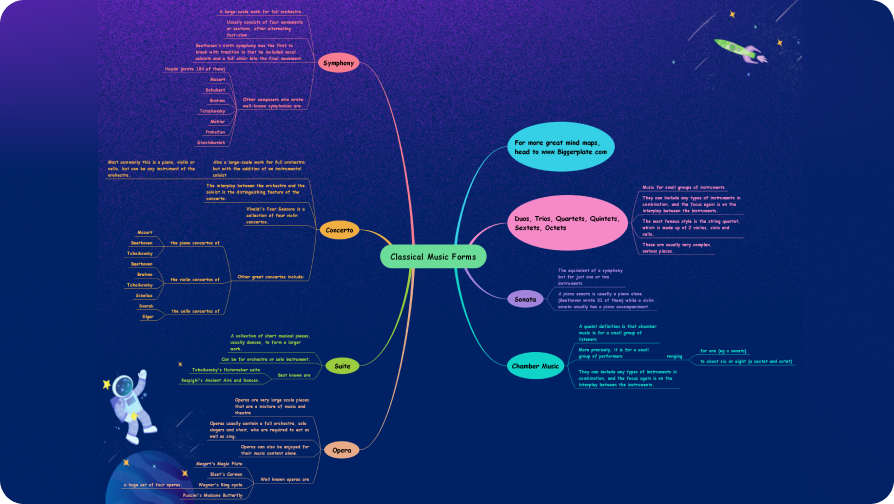
Classical Music Forms Mind Map
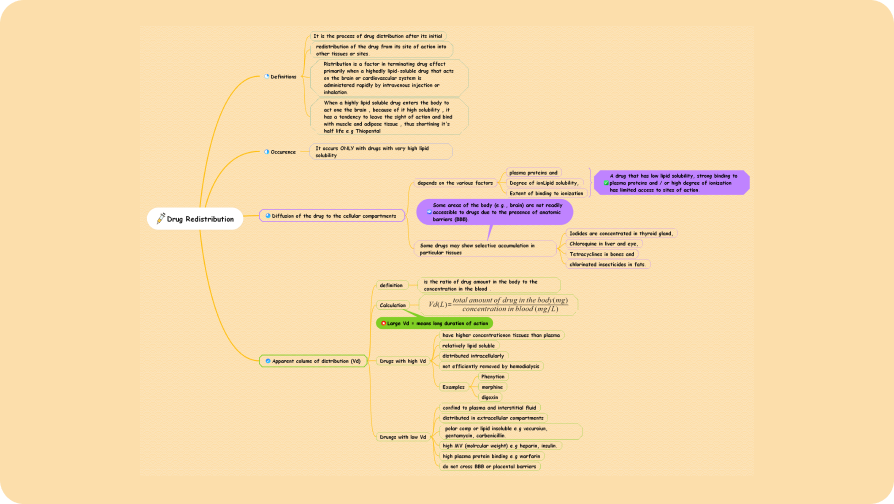
Drug Redistribution Mind Map
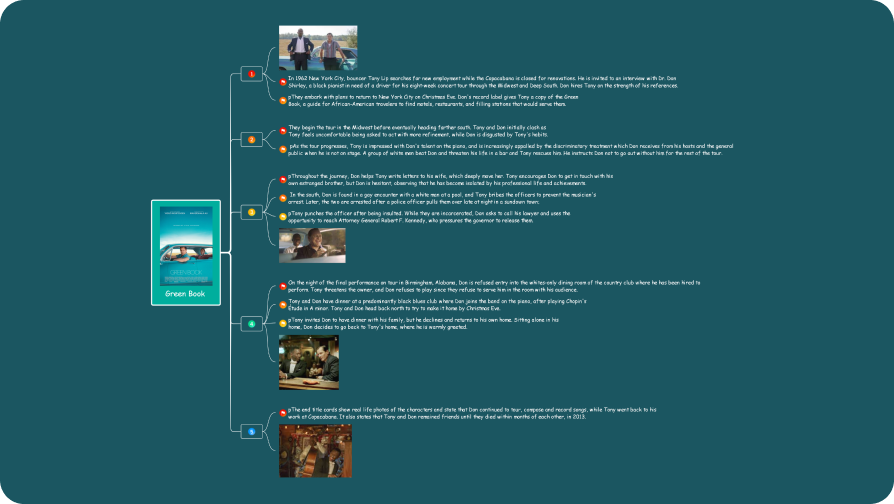
Film Summary Mind Map
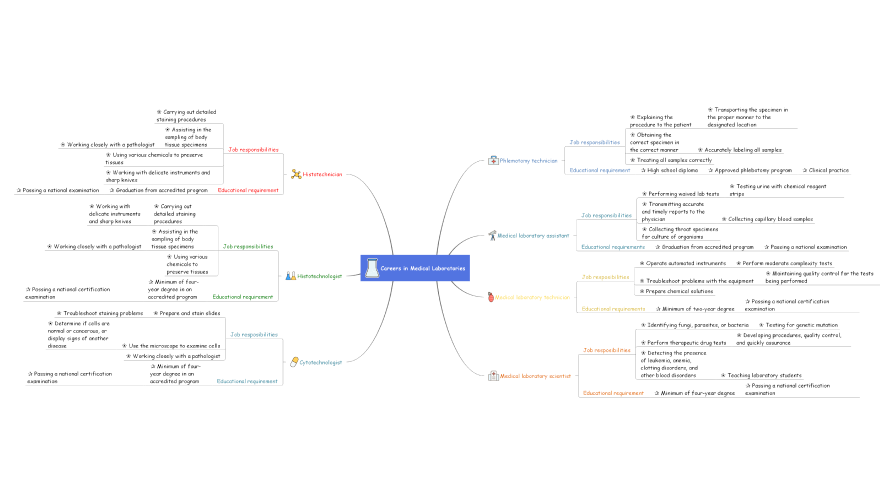
Medical Laboratory Mind Map
EdrawMinder voices


A great solution for students, teams, and
decision-makers to work together, share ideas, and
break down complex topics.


I found EdrawMind to be very useful and helpful in
assisting me in my ability to simplify complex
knowledge, information, and ideas into orderly
structured mind maps.

It has all the features that every user needs.
There's no other mind map app on the marketplace
that is at the same level as they are. EdrawMind is
a supreme product.