Wiring Diagram Software

Trusted By Over 25 Million Users & Leading Brands

mckesson
deloitte
amazon
facebook
apple
puma
nike
sony
pilz
ge
kpmg
fujifilm
mitsubishi_electric
ublox
daimler
toyota
walmart
harvard_university
glencore
at&t
amerisource_bergen
aramco
shell
total
mckesson
deloitte
amazon
facebook
apple
puma
nike
sony
pilz
ge
kpmg
fujifilm
mitsubishi_electric
ublox
daimler
toyota
walmart
harvard_university
glencore
at&t
amerisource_bergen
aramco
shell
total
mckesson
deloitte
amazon
facebook
apple
puma
nike
sony
pilz
ge
kpmg
fujifilm
mitsubishi_electric
ublox
daimler
toyota
walmart
harvard_university
glencore
at&t
amerisource_bergen
aramco
shell
total

Create Wiring Diagram Efficiently

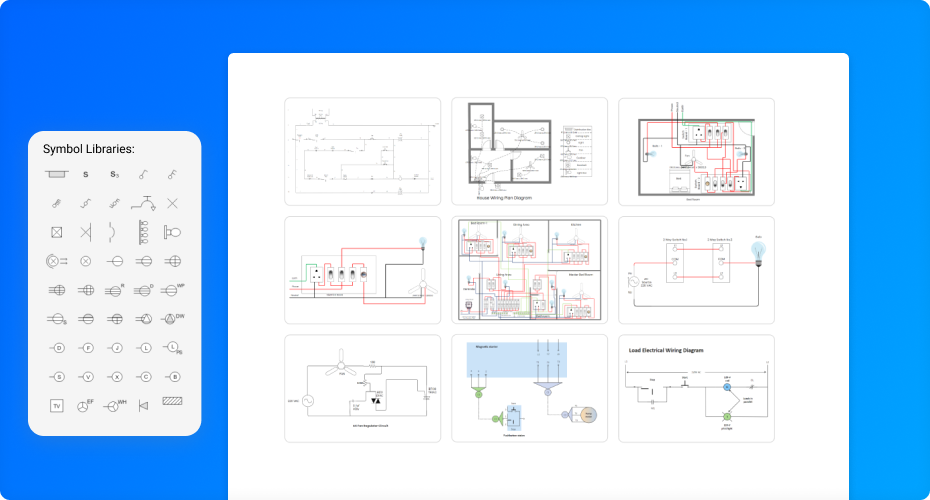
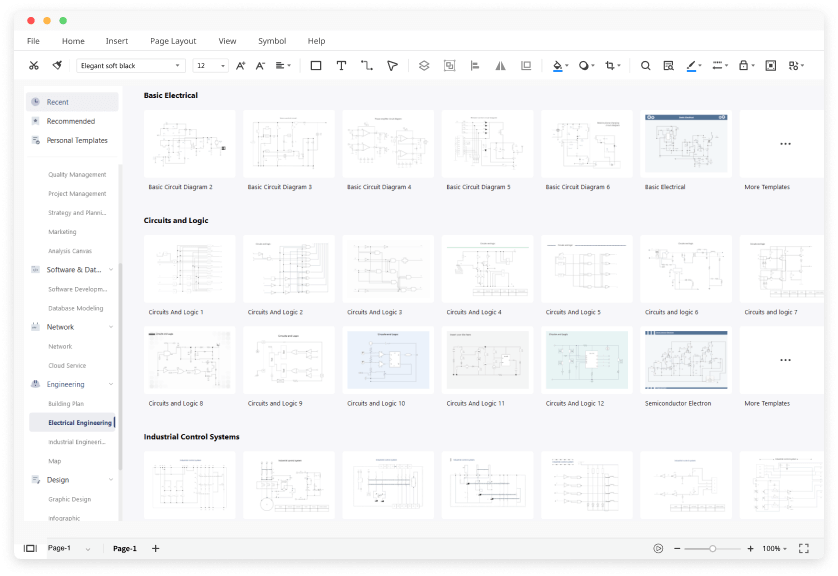
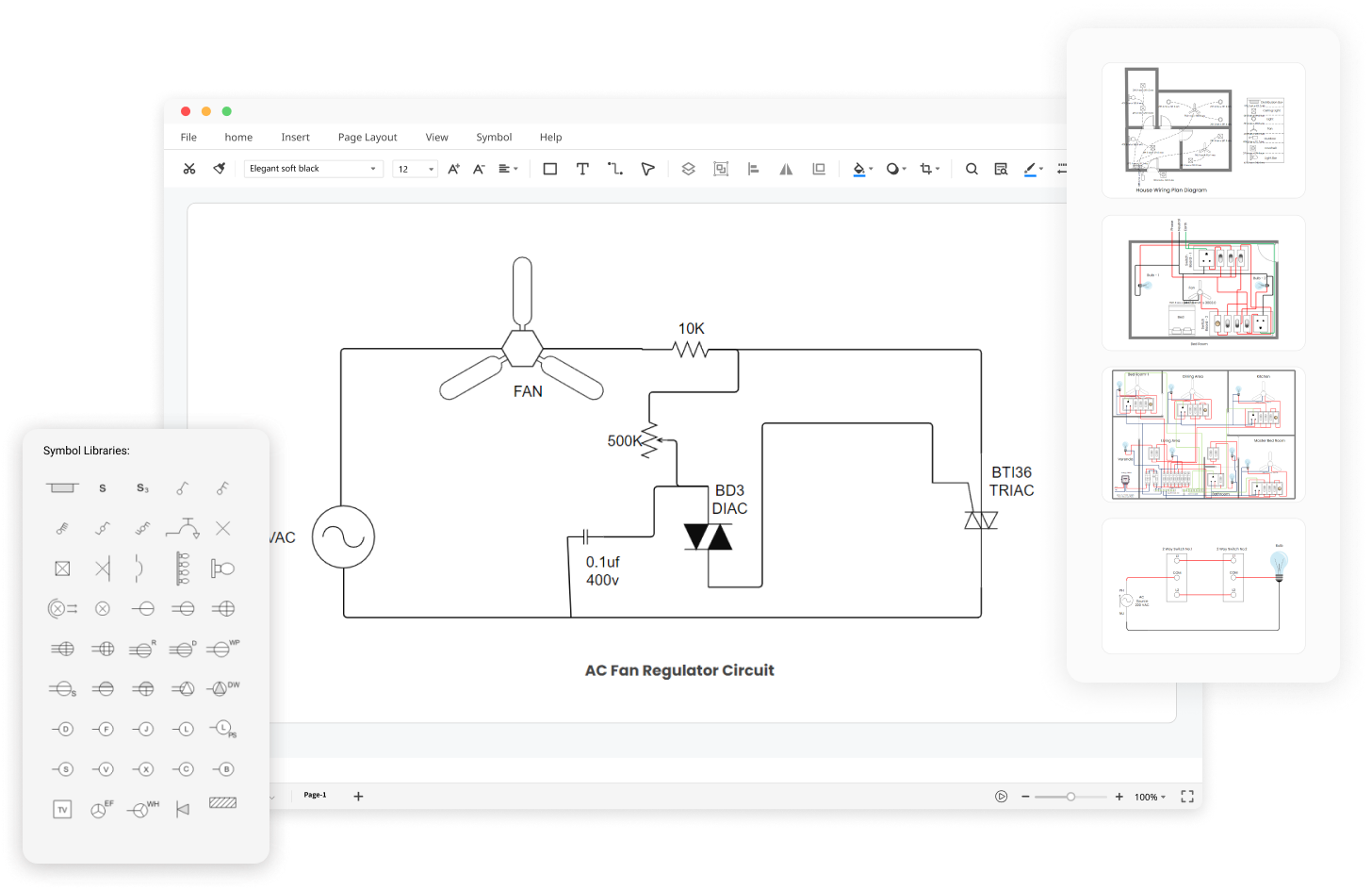
3500+ Templates: Quick-start your wiring diagram by using easy-to-customize templates from our template community and scaling them to your needs.

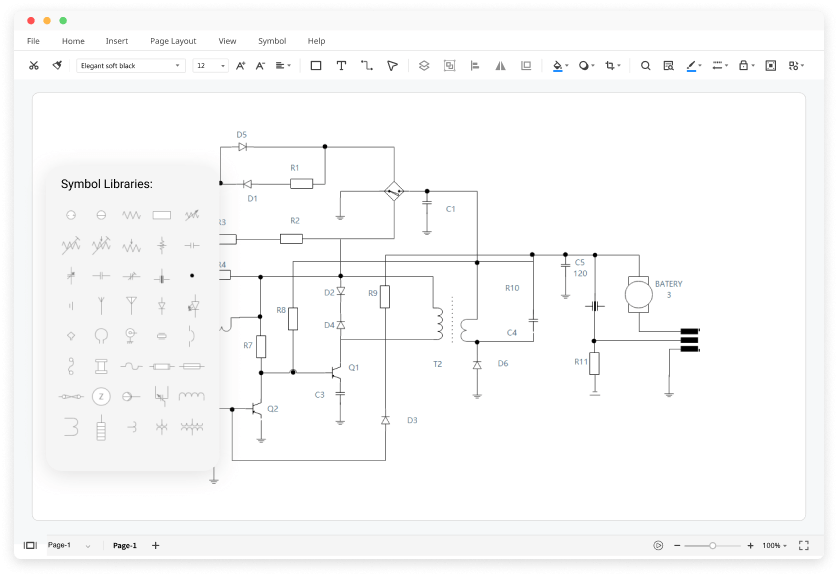
26000+ Symbols: Drag and drop various types of high-quality symbols, icons, and shapes to help you create your ideal wiring diagram.

Customize Wiring Diagram Easily

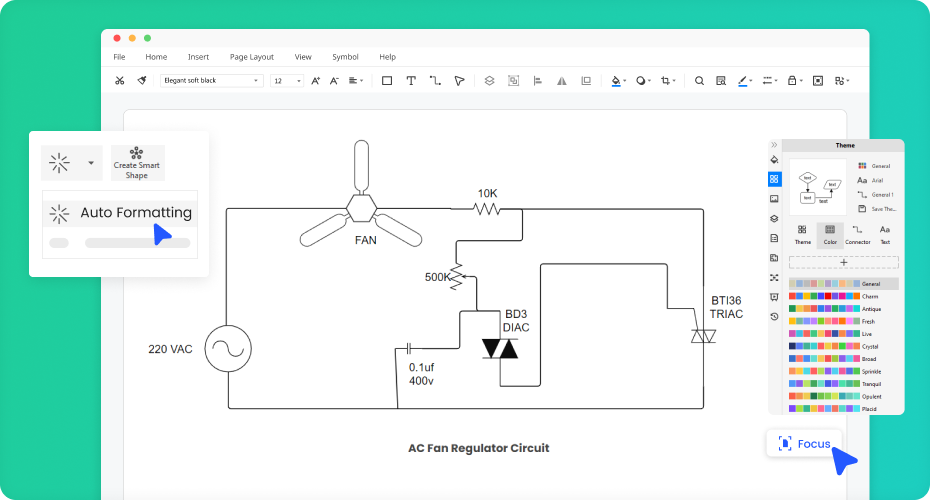
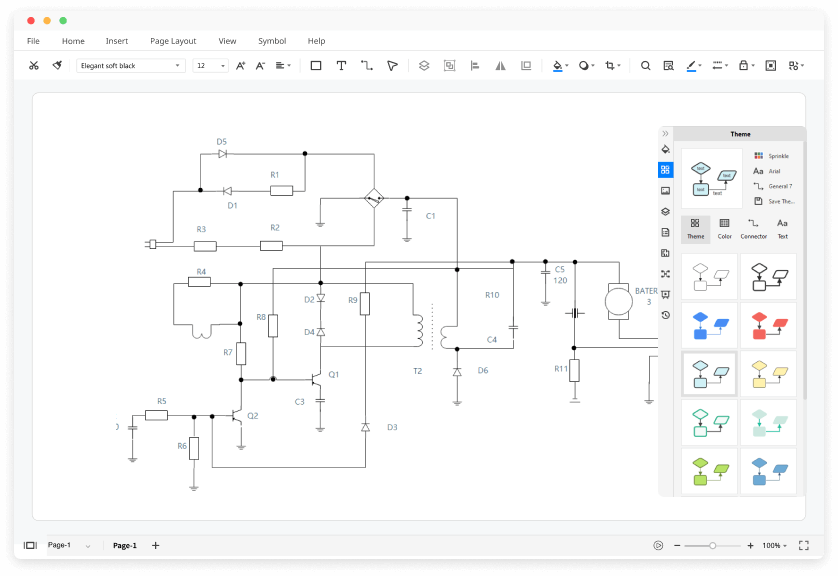
One-click Beautification: Simply select the diagram and choose a preset color theme that catches your eye and your chart is ready in seconds.

Focus Mode: All of the menus go away! While only the canvas and one toolbar are left, you can focus on the diagrams you need to get done.

Smart Shape: Customize the symbols as your need! You can quickly duplicate or arrange the symbols in one click. Save your own symbols to the library and use them easily next time.

Communicate Everything Seamlessly

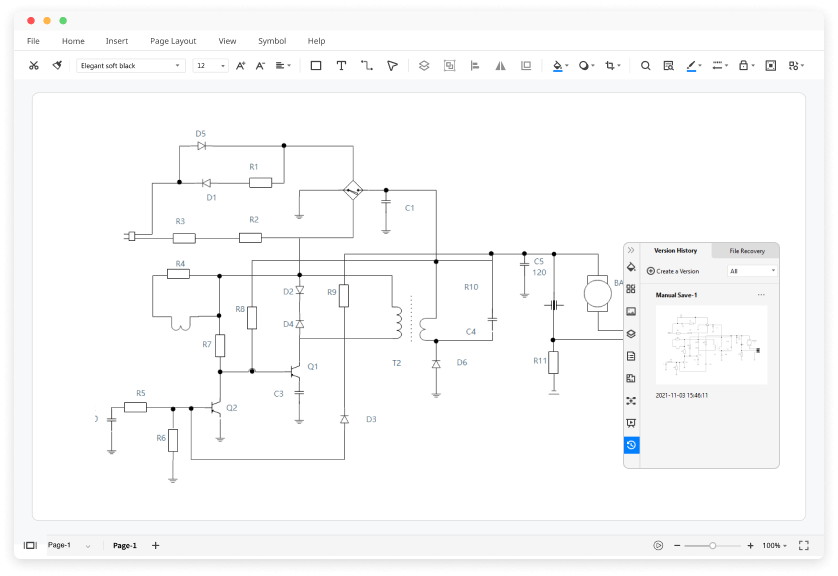
Effective Team Management: By adding team members to an online group, allocating authority of viewing and editing, all cloud documents sync automatically to keep your team on the same page.

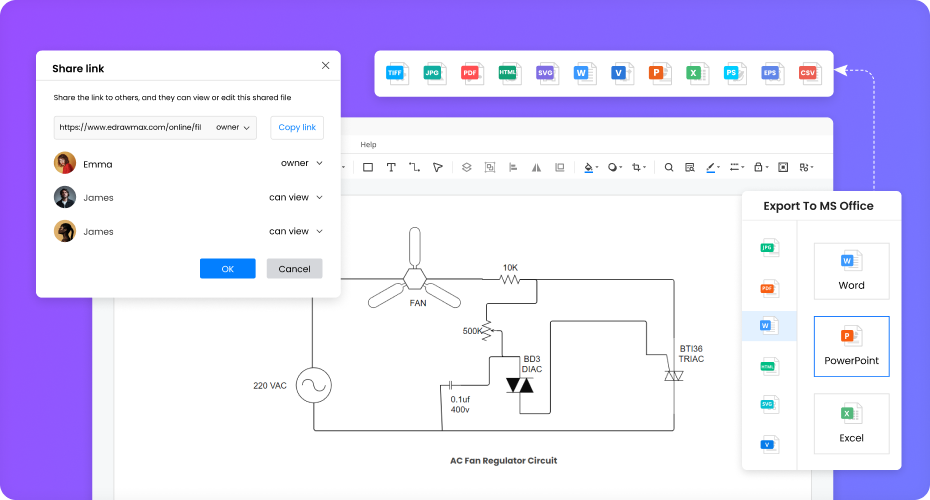
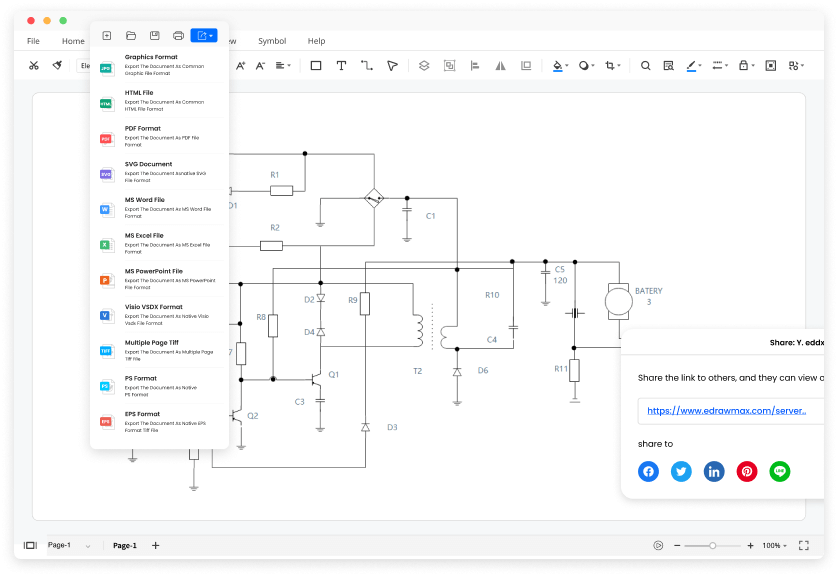
Superior file compatibility: Edraw files are compatible with MS office and Visio. You can import and export almost all file types, including MS Office, PDF, Visio, Html,SVG, and Graphics. As Visio equivalent, EdrawMax allows users to batch import and export Visio files.

Share Everything Effortlessly

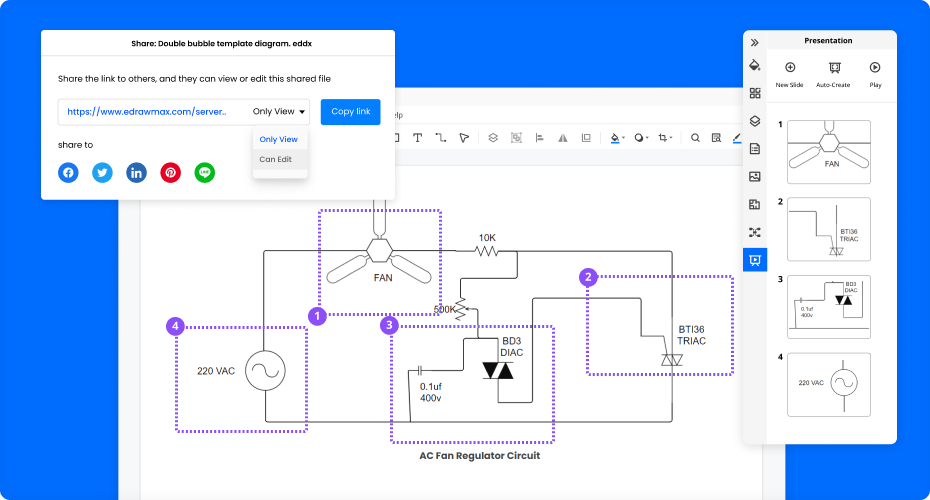
Multiple platform Sharing: EdrawMax allows you to share your outstanding diagrams to almost every social media. You can also share the diagram with the public or private share link.

Auto-create Presentation: Just click F5 to auto-create your presentation slides with EdrawMax, and no more exportation and switching between software.

EdrawMax is a powerful drawing tool that has more than enough features, templates, and examples for its users to accomplish any task they set out to achieve. There’s no diagram or chart that EdrawMax can not handle.

EdrawMax provides professional solutions for organizations and individuals. The drag-and-drop functionality makes it easy to draw any type of diagrams. Also, it contains massive free templates, which helped us save time from creation. This software will always let users remain a step ahead of others.

EdrawMax is the versatile diagram software that integrate 100% functionality and libraries of all other drawing products. EdrawMax have better overall options for business presentations and value.

How to Make a Wiring Diagram?