Trusted By Over 30 Million Users & Leading Brands

cmpa
mckesson
deloitte
amazon
facebook
apple
puma
nike
sony
pilz
ge
kpmg
fujifilm
mitsubishi_electric
ublox
daimler
toyota
walmart
harvard_university
glencore
at&t
amerisource_bergen
aramco
shell
total

Create UML Diagram Efficiently

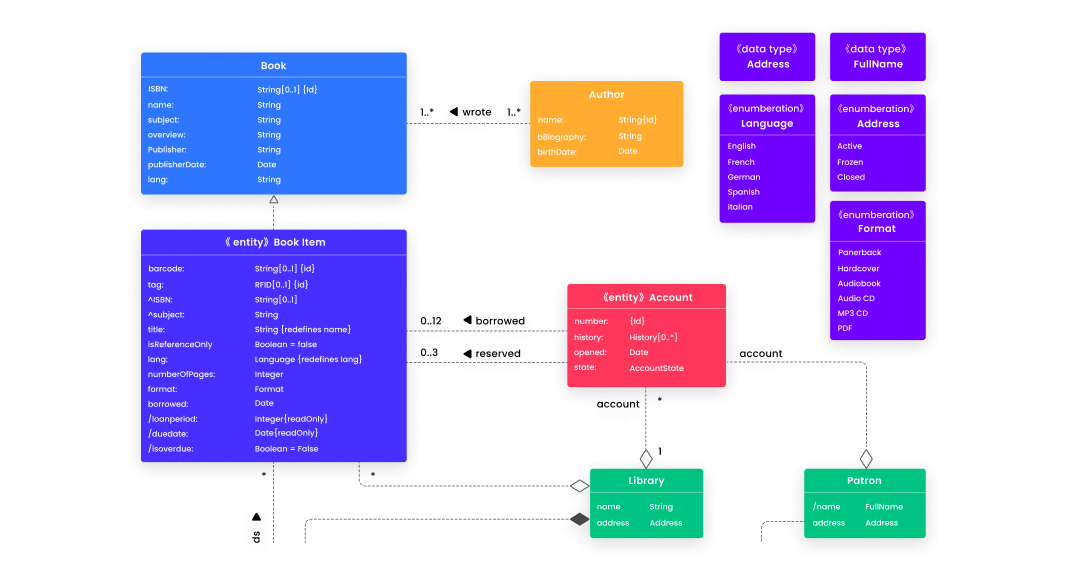
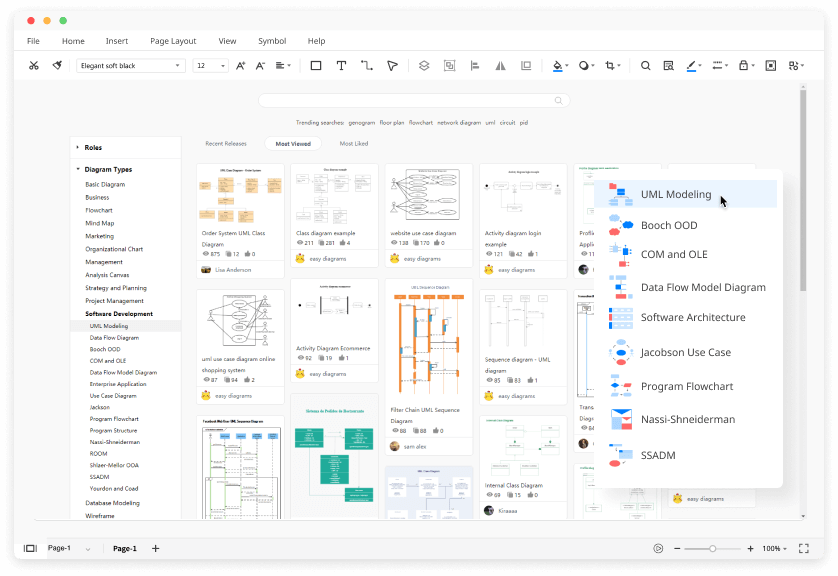
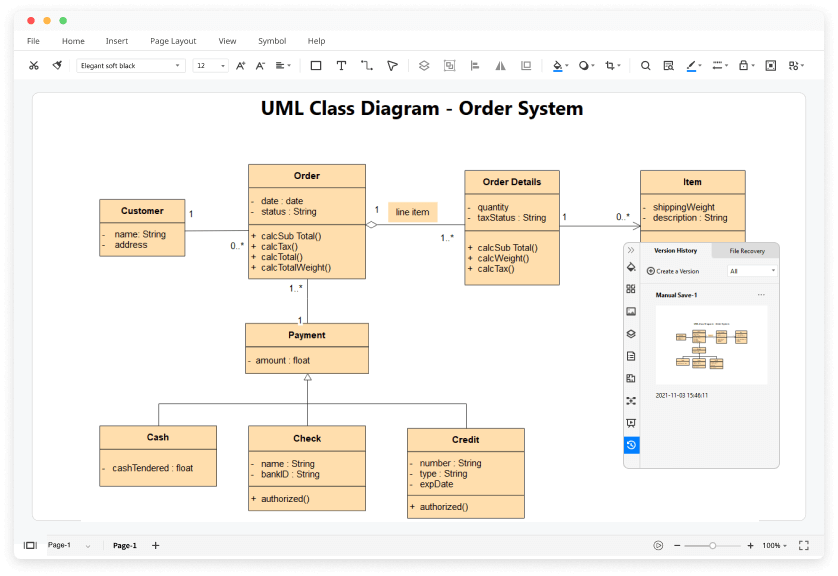
3500+ Templates: Quick-start your UML diagram by using easy-to-customize templates from our template community and scaling them to your needs.

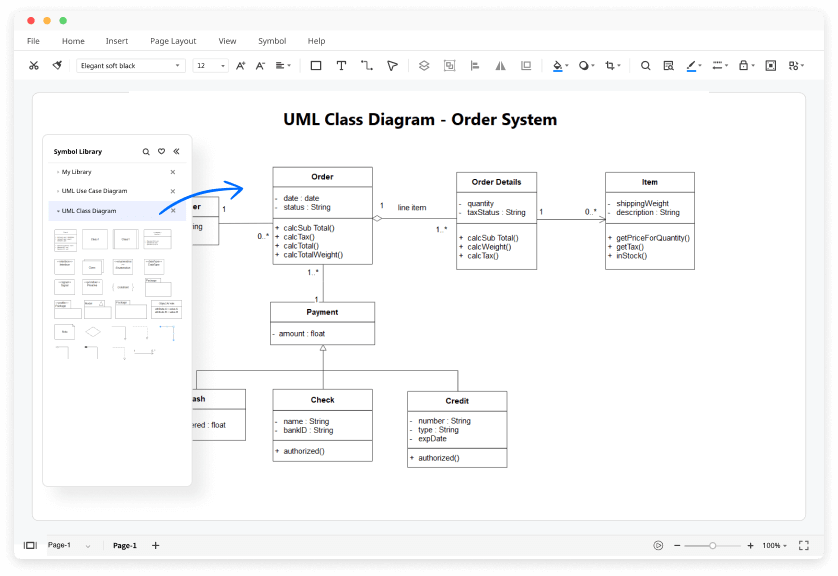
26000+ Symbols: Drag and drop various types of high-quality symbols, icons, and shapes to help you create your ideal UML diagram.

Download for Windows 2000/2003/2008/XP/Vista/7/8/10

Download for Mac OS X 10.10 and later

Customize UML Diagram Easily

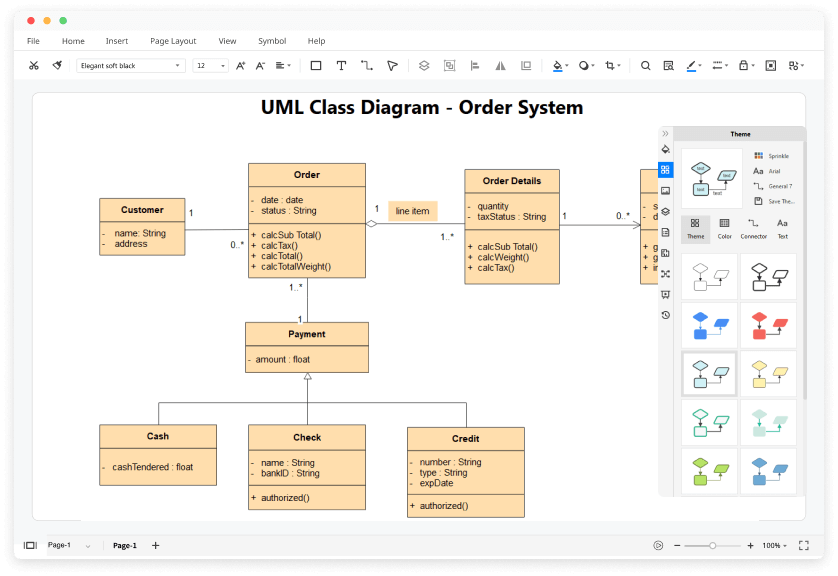
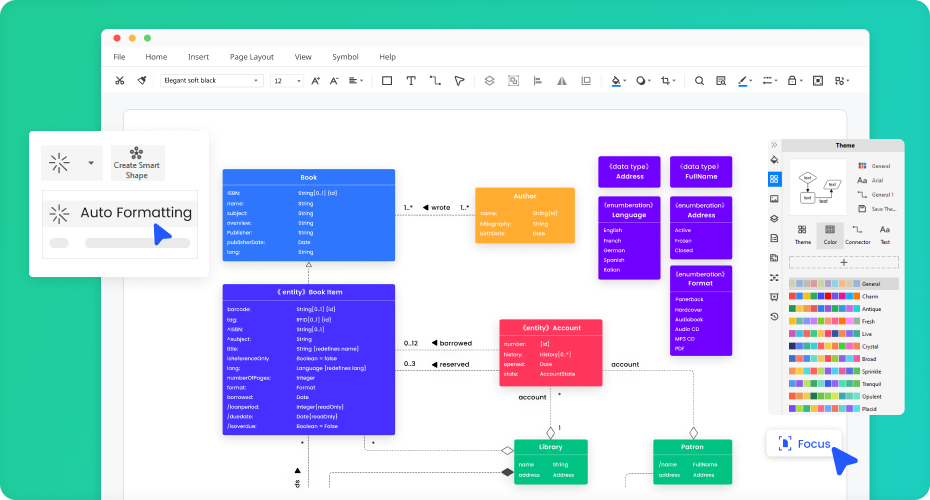
One-click Beautification: Simply select the diagram and choose a preset color theme that catches your eye and your chart is ready in seconds.

Focus Mode: All of the menus go away! While only the canvas and one toolbar are left, you can focus on the diagrams you need to get done.

Smart Shape: Customize the symbols as your need! You can quickly duplicate or arrange the symbols in one click. Save your own symbols to the library and use them easily next time.

Download for Windows 2000/2003/2008/XP/Vista/7/8/10

Download for Mac OS X 10.10 and later
Communicate Everything Seamlessly

Effective Team Management: By adding team members to an online group, allocating authority of viewing and editing, all cloud documents sync automatically to keep your team on the same page.

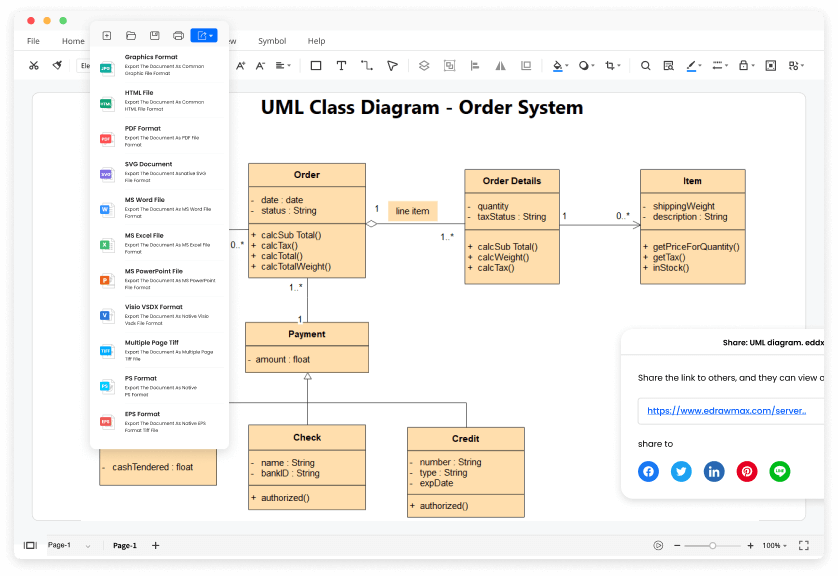
Superior file compatibility: Edraw files are compatible with MS office and Visio. You can import and export almost all file types, including MS Office, PDF, Visio, Html,SVG, and Graphics. As Visio equivalent, EdrawMax allows users to batch import and export Visio files.

Download for Windows 2000/2003/2008/XP/Vista/7/8/10

Download for Mac OS X 10.10 and later

Share Everything Effortlessly

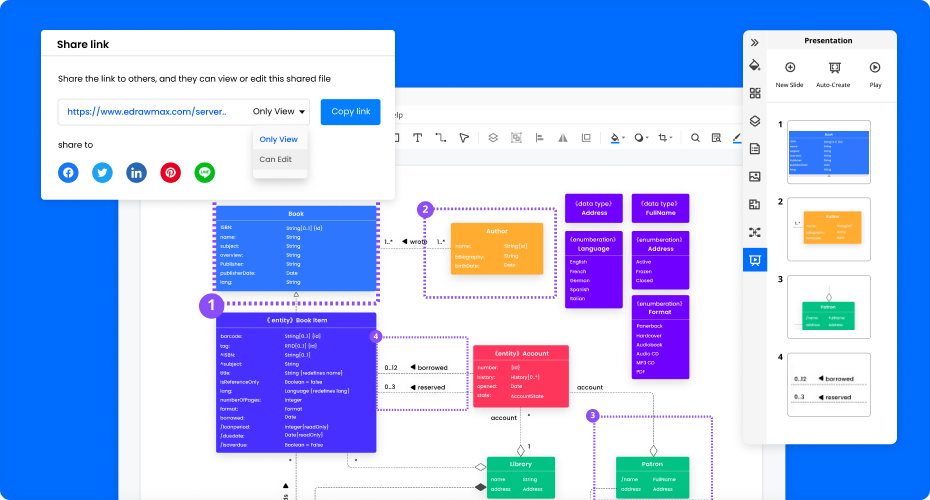
Multiple platform Sharing: EdrawMax allows you to share your outstanding diagrams to almost every social media. You can also share the diagram with the public or private share link.

Auto-create Presentation: Just click F5 to auto-create your presentation slides with EdrawMax, and no more exportation and switching between software.

Download for Windows 2000/2003/2008/XP/Vista/7/8/10

Download for Mac OS X 10.10 and later
I came across EdrawMax while looking for a UML diagram tool. EdrawMax fulfilled all of my diagram needs and more. It comes equipped with all of the necessary UML symbols and notation required, making creating diagrams extremely easy. As a software engineer, diagrams can be complicated, so having a diagram tool that simplifies this process is most welcome. EdrawMax comes with a whole host of UML diagram templates, all of which are customizable, eliminating the need for you to start from scratch. This is a highly intuitive diagram tool that I’d recommend to any software engineer.

I was pleasantly surprised by the large number of templates that EdrawMax comes installed with for almost any diagram type, from org charts to UML diagrams. Sometimes getting started is the hardest part, and all of the templates on offer in EdrawMax make it incredibly easy to do so. Its user-friendliness makes it a perfect tool for students to master and create some truly amazing things on it!

EdrawMax has simplified my work through its wide array of symbols, notations and templates. Through a simple search, drag and drop I am able to create informative diagrams far quicker than other similar pieces of software. My productivity has definitely increased since adopting this tool.

How to Make a UML Diagram?

UML Diagram FAQs

There are 14 types of UML diagrams to standardize software solutions, modify software design, and visualize software systems.
You can find UML diagram symbols by searching "UML" in the symbol libraries. Alternatively, open the pre-defined symbol library and look for "UML Modeling." You will see all the subcategories of UML diagram symbols.
You can create a UML diagram from scratch by dragging and dropping symbols from the libraries. All the UML diagram symbols in EdrawMax are industry-standard and catered to different UML diagram types.
Except for the pre-made UML diagram templates in EdrawMax, you can download and customize UML diagram templates from our Template Community. All the published UML diagram templates are free to use for Edrawers.
YES! It is free to create the 14 types of UML diagrams in EdrawMax. There are free templates and symbols for making UML diagrams. Just download it and try EdrawMax now. You will love it right now.