A Better Alternative Than Microsoft® Project®
Windows 10 / Windows 8 / Windows 7 (64/32 bit OS)
Support Mac OS X 10.11 and later
























How EdrawProj Helps You
View All Project Planning in One Place
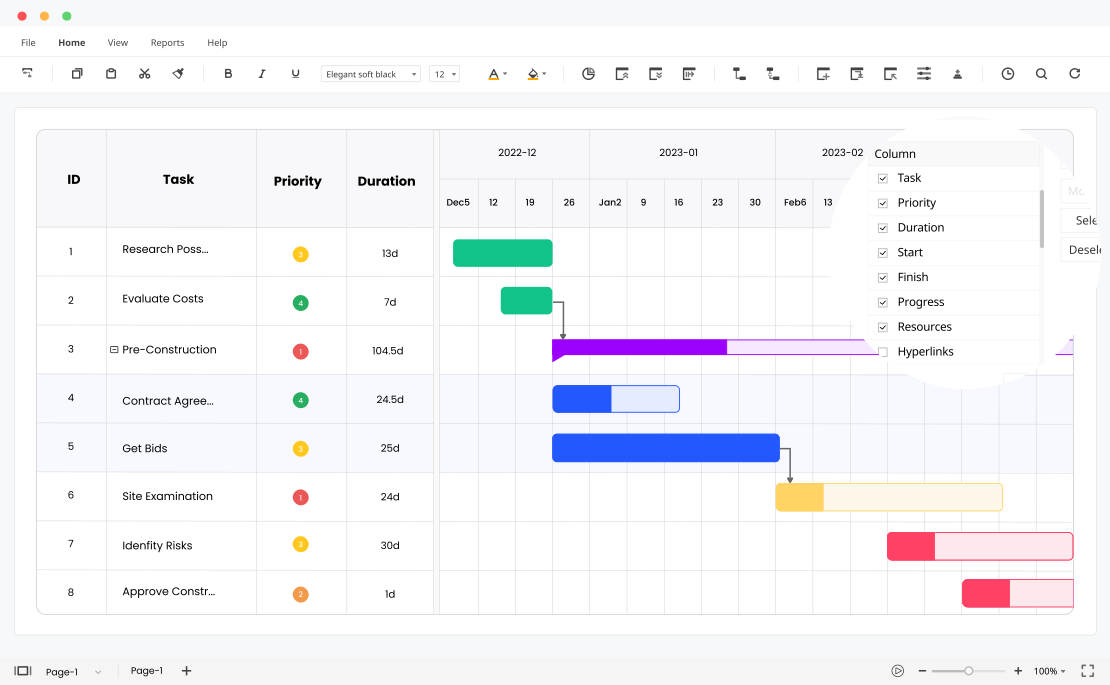
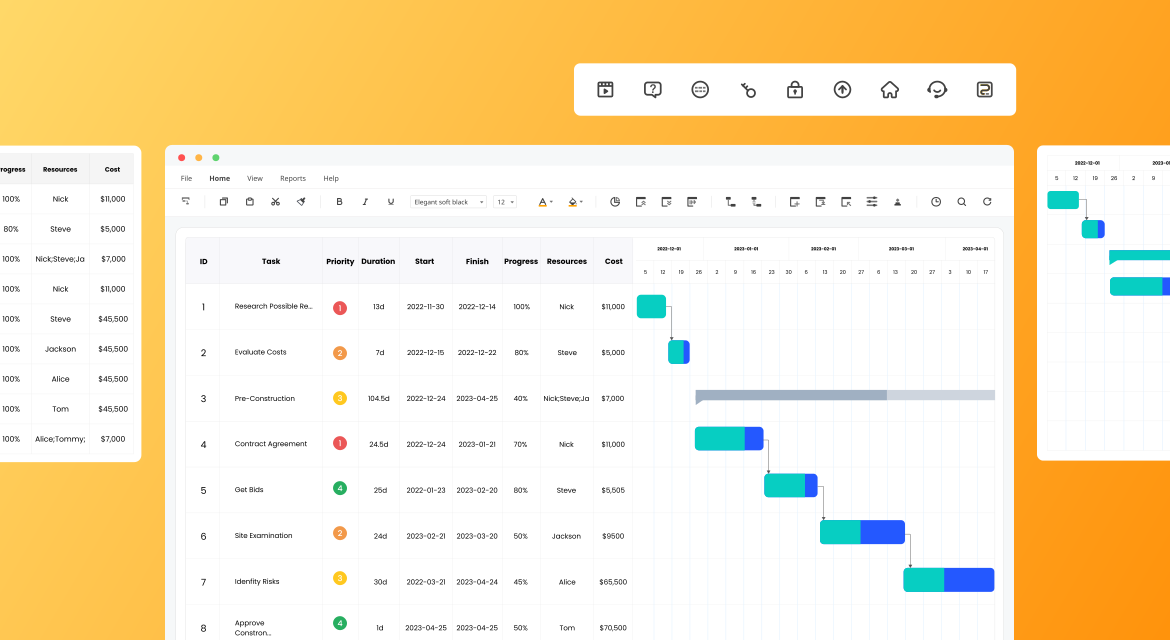
EdrawProj gives you a flexible and interactive view of the project schedule. The auto interaction between the table list and Gantt view allows you to schedule, organize and track projects with minimum effort.
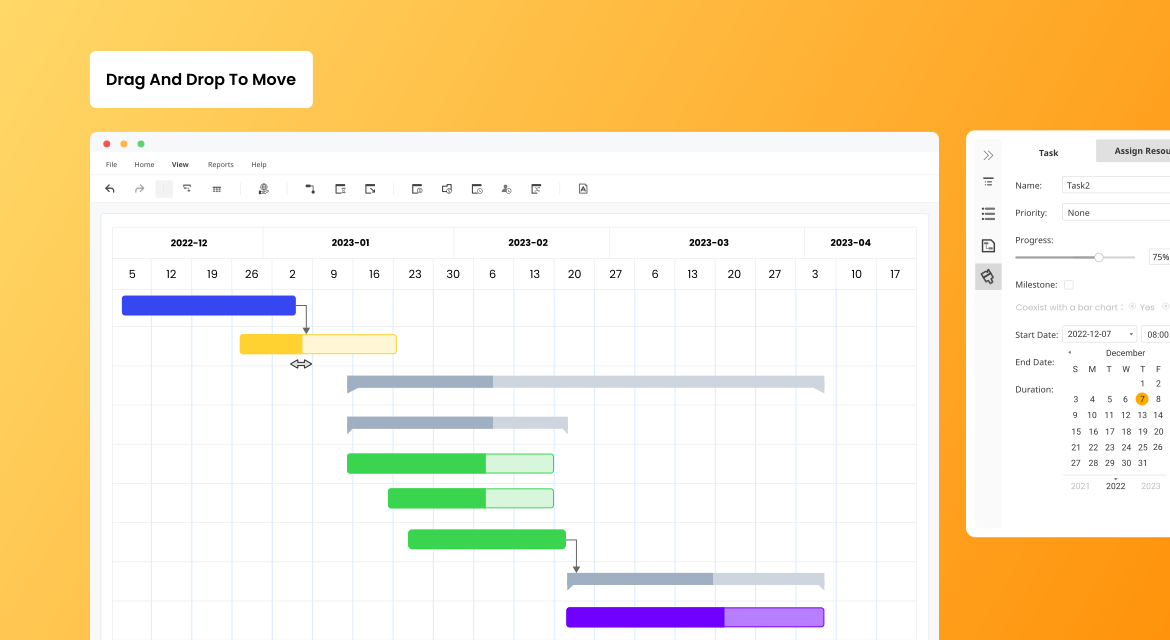
Simplify Work With Drag & Drop, and Dependencies
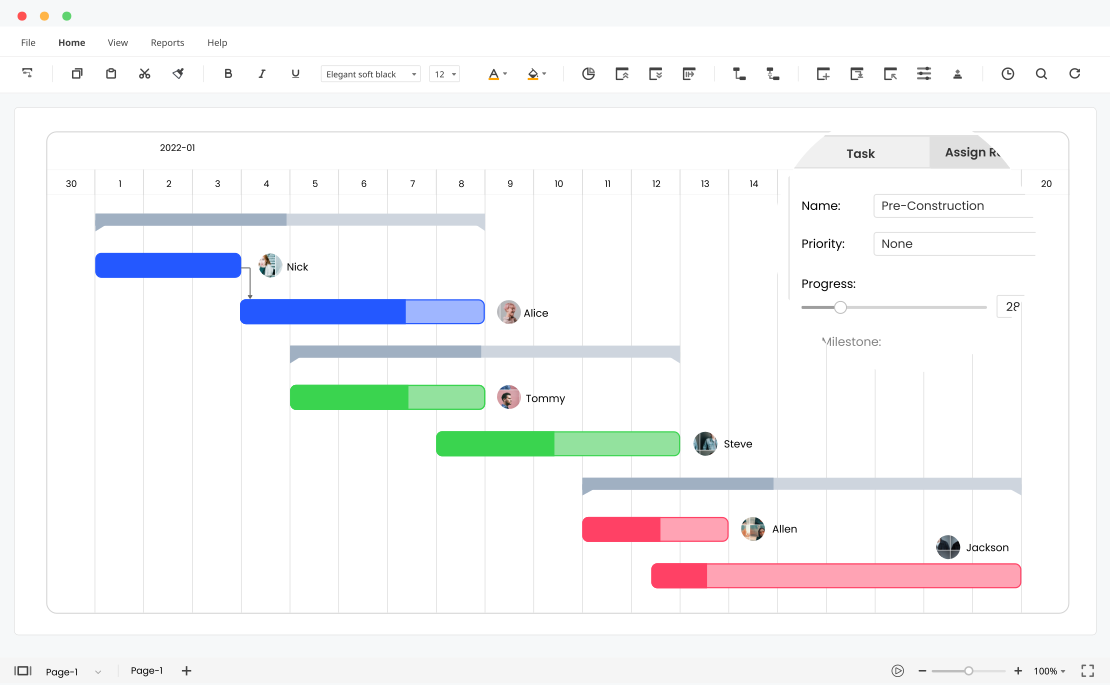
The intuitive drag-and-drop functionality makes it simple to prioritize, change the start date, duration of tasks. Also, with one click to set dependency to help you align tasks and avoid delay. With these easy-to-use features, anyone can create professional and clear Gantt charts in minutes and manage processes easily.
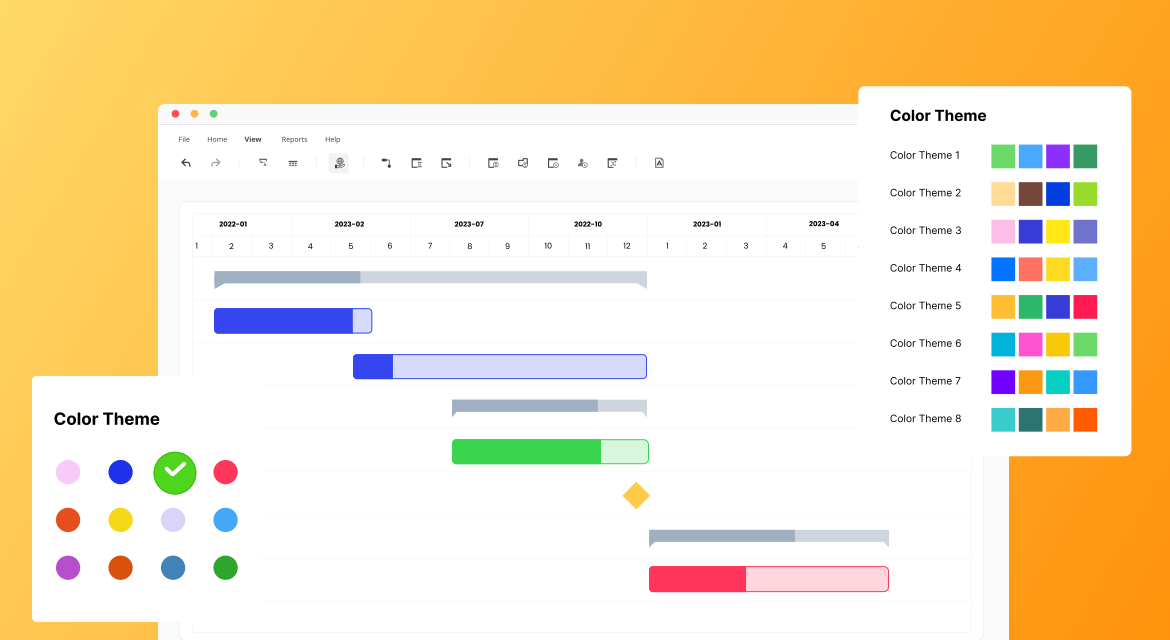
Design a Unique and Stylish Gantt Chart
Colors in EdrawProj make it easy to distinguish the status. Green is typically used for complete and blue is ongoing, while the warning red is for the critical path. Now you can view and track the process in each project by the different color areas and balance the workload in the team efficiently.
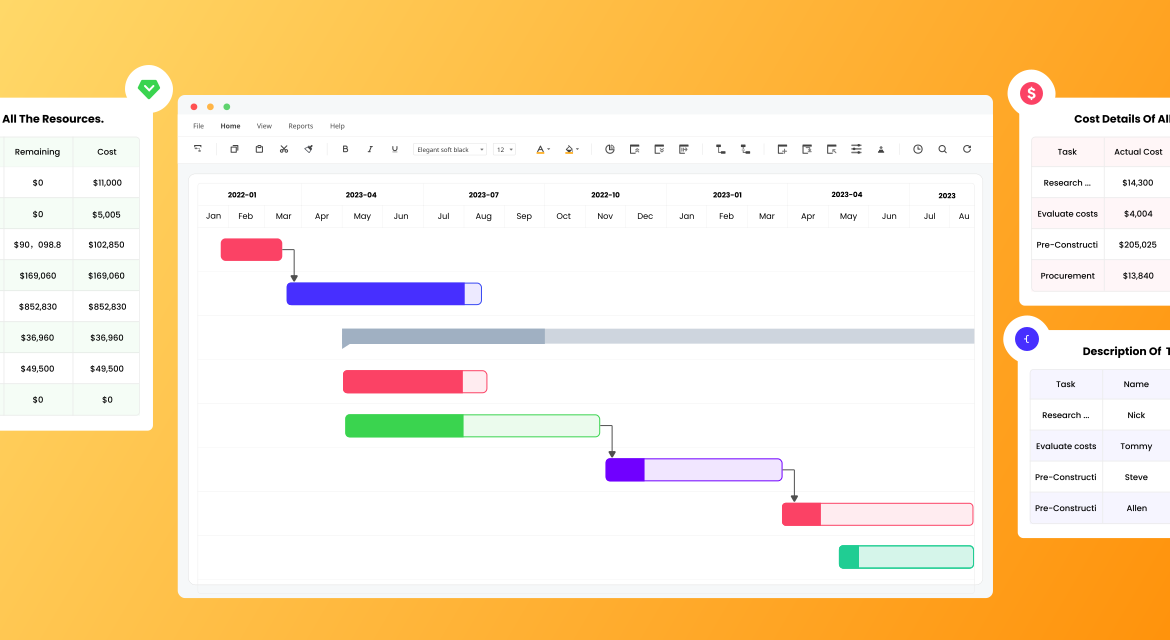
Get Separated Reports for All Resources and Tasks Status
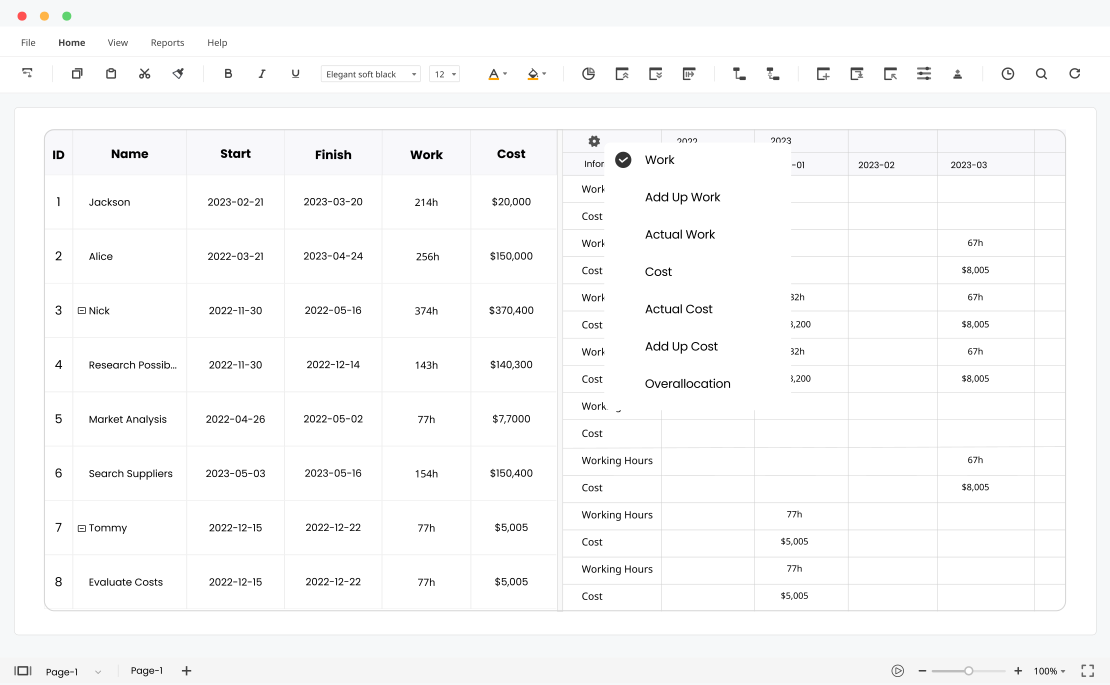
Want to know the delay tasks, resource status even the top-level cost reports? EdrawProj provides 10 views for summarizing your project information. No matter what report you are looking for, you can find a solution here.
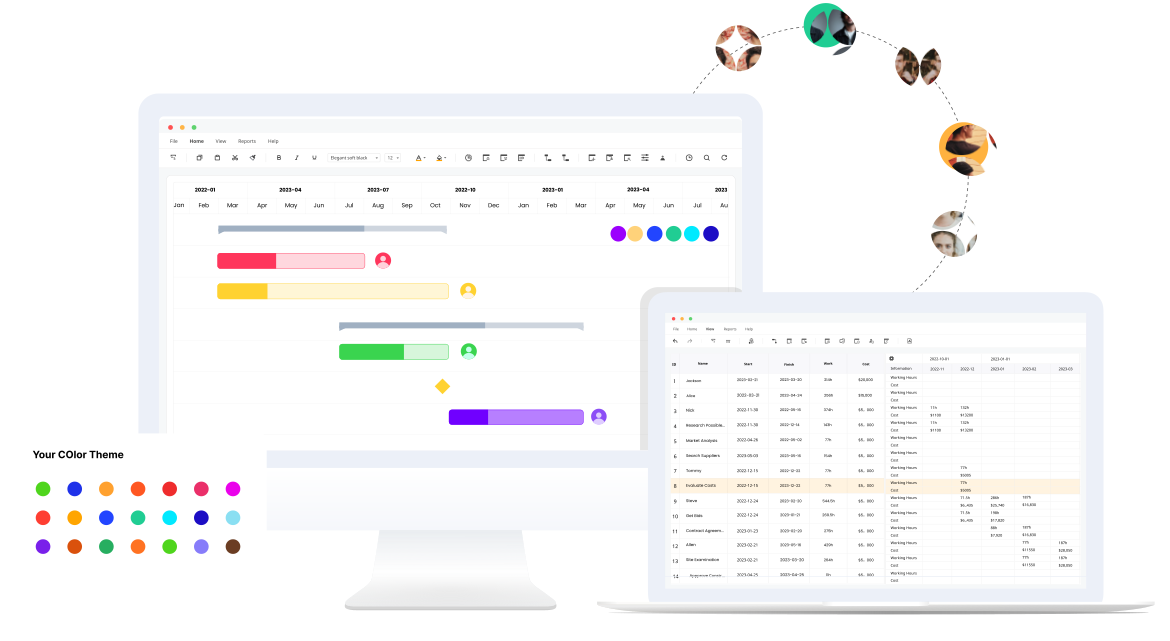
Switch Platforms and Share Easily
EdrawProj supports in Windows, macOS, Linux. No matter what system you and your team are using, you can easily share the project status from anywhere, anytime.
More Features Of EdrawProj

Add Milestones
Add important milestones to your plan to mark significant events and decision points.

Baseline
Compare initial plan and project actual progress with a baseline to avoid the delay.

Cost Tracking
Estimate budgets and manage costs using standard or overtime rates.

Critical Path
Set a critical path to indicate the minimum time required to complete the projects.

Export
You can export Gantt Chart or report to editable Word, Excel and PDF format.

Hyperlink
Insert website URL, attachments like folder, files or pdf to your Gantt chart.

EdrawProj (Edraw Project) is a user-friendly project management tool that lets you quickly create customized Gantt charts. But then it goes beyond, helping you schedule all of your activities, oversee each aspect of your project, and actively track your progress.

Setting up a project can take just a few minutes and it's a great way to get familiar with the intuitive interface. Lay out tasks in a basic way or assign any number of variables to each: priority level, resources needed, deadlines, cost—the list goes on.

Through the software, you can easily set up tasks, measure progress, track your resources, and estimate budgets in one workflow. EdrawProj (Edraw Project) can also help you optimize the allocation of staff and calculate the overall performance of your project.