Fishbone Diagram Maker
Create brilliant fishbone diagrams for free with easy-to-edit templates.
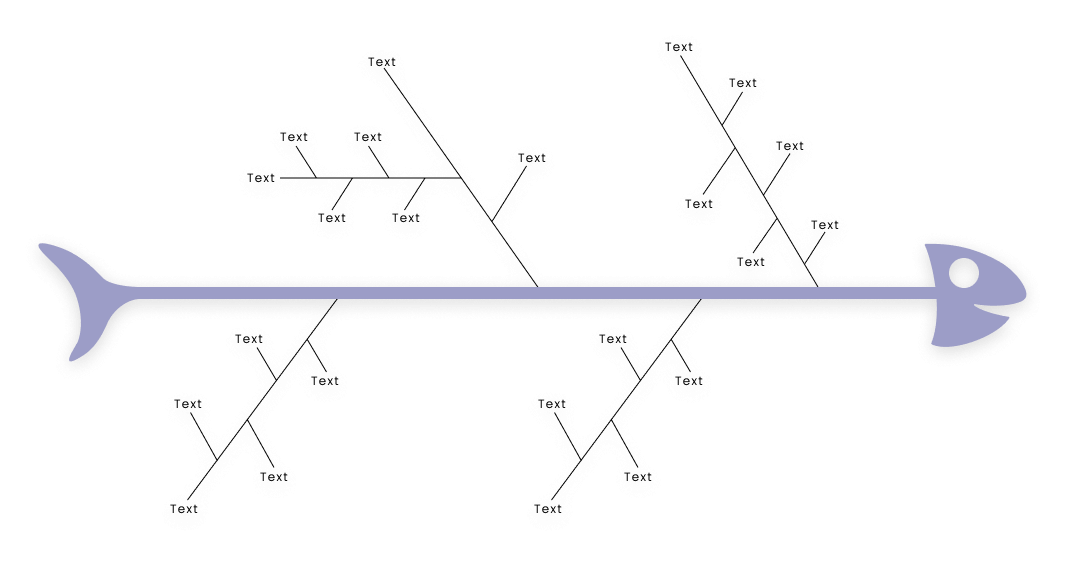
Trusted By Over 25 Million Users & Leading Brands

























Why EdrawMax to Draw Your Fishbone Diagrams?
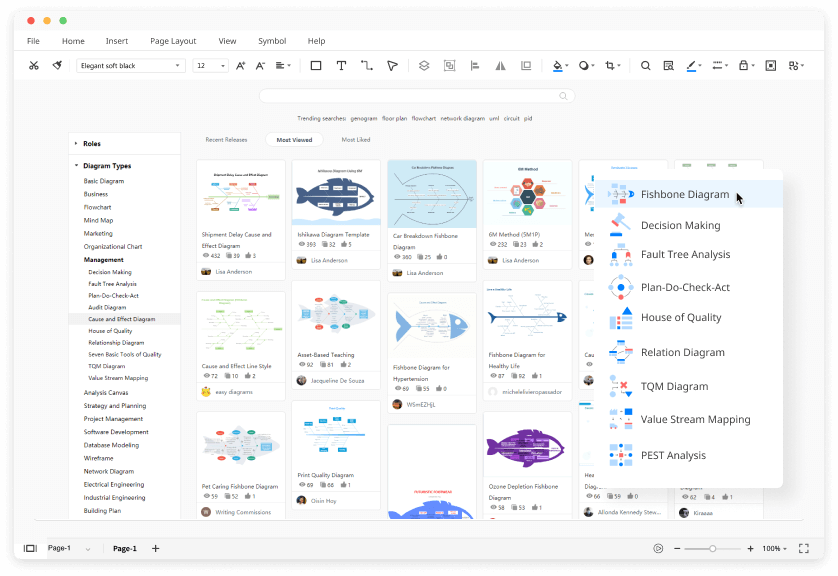
Create Fishbone Diagram Efficiently
Download for Windows 2000/2003/2008/XP/Vista/7/8/10
Download for Mac OS X 10.10 and later
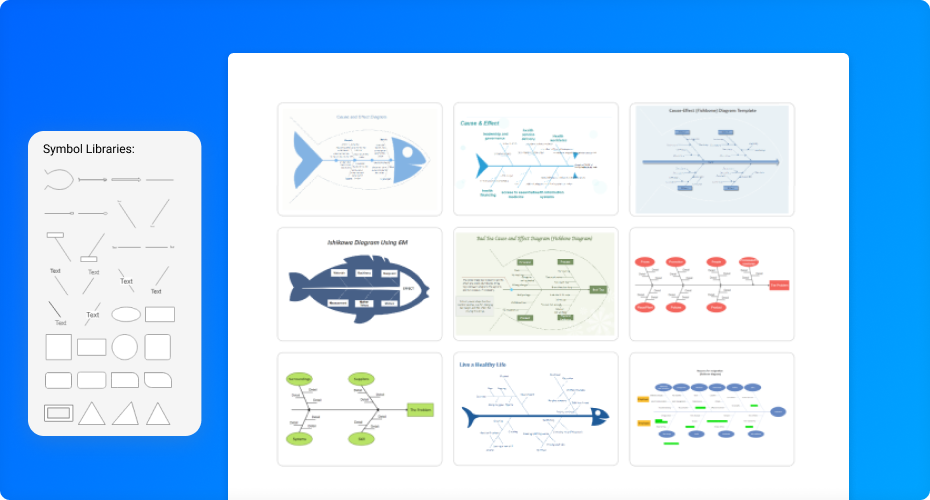
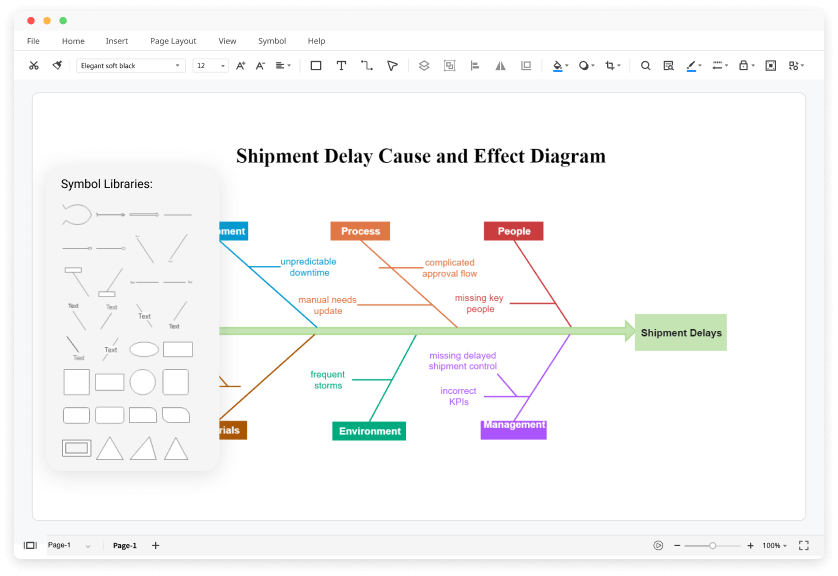
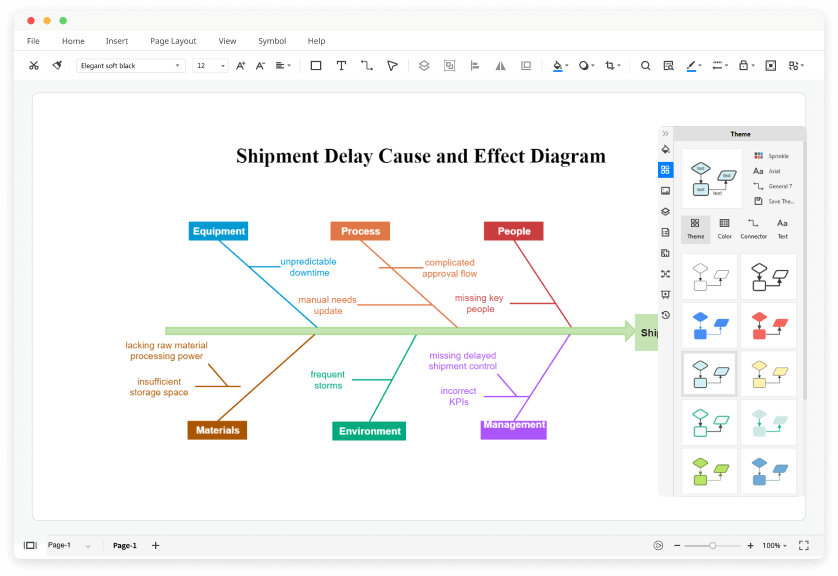
Customize Fishbone Diagram Easily
Download for Windows 2000/2003/2008/XP/Vista/7/8/10
Download for Mac OS X 10.10 and later
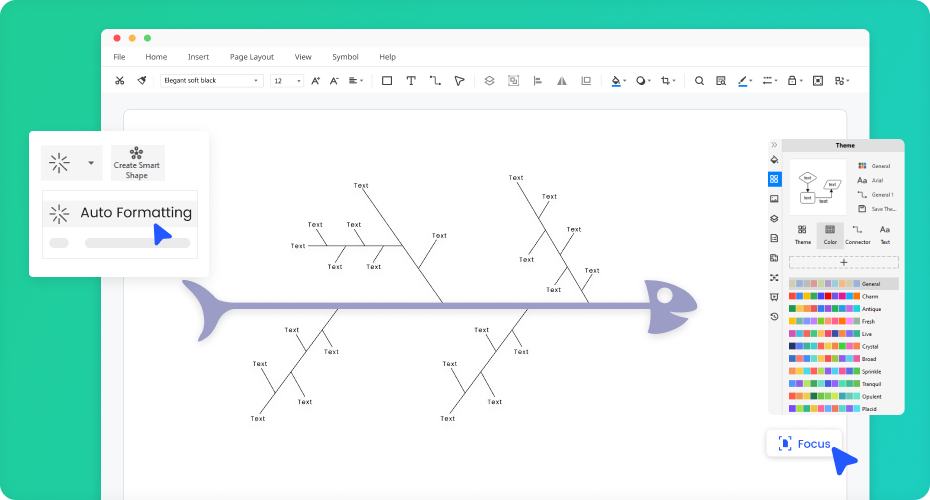
Communicate Everything Seamlessly
Download for Windows 2000/2003/2008/XP/Vista/7/8/10
Download for Mac OS X 10.10 and later
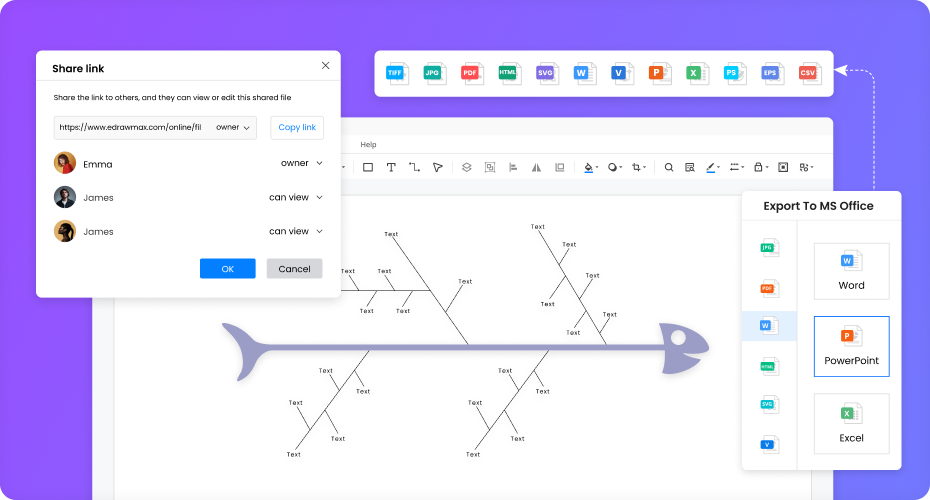
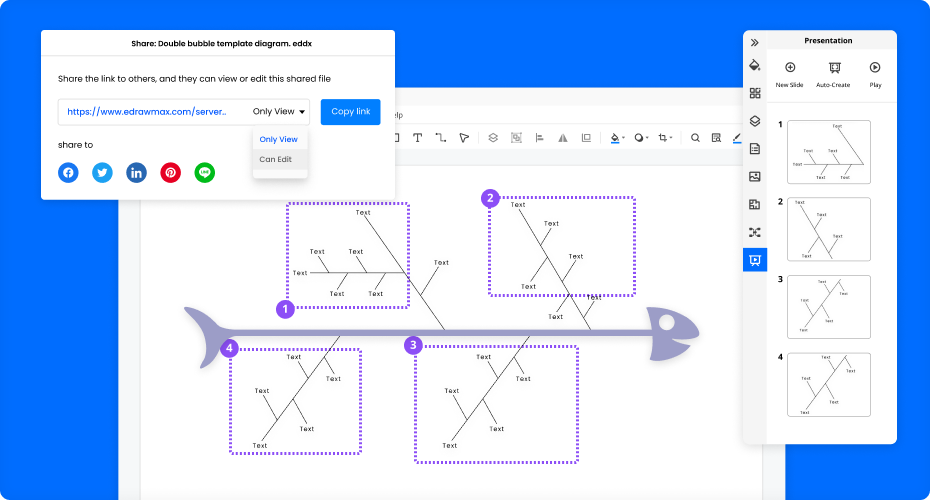
Share Everything Effortlessly
Download for Windows 2000/2003/2008/XP/Vista/7/8/10
Download for Mac OS X 10.10 and later
More Features Of Fishbone Diagram Maker
Visio files import and export
Customized fonts and shapes
Insert images and attachments
Infinitive canvas
Various color theme
File encryption and file backup
How to Make a Fishbone Diagram?
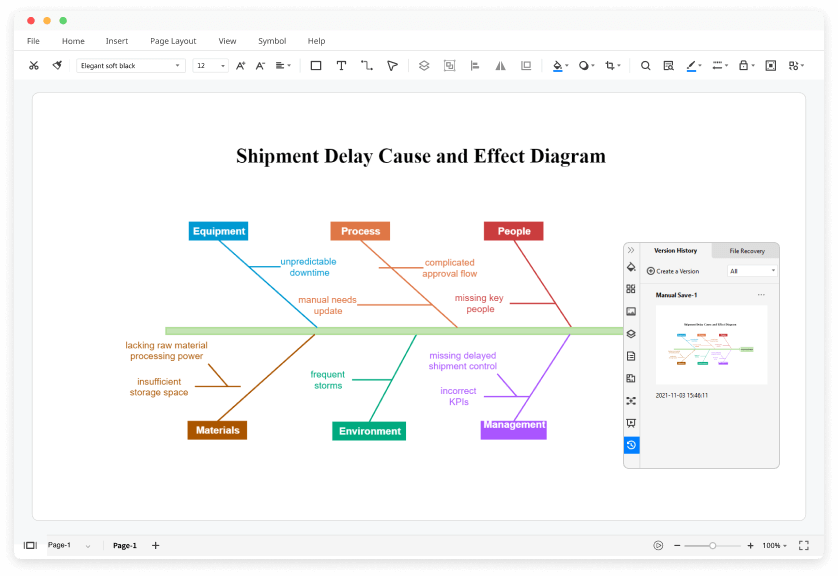
Edraw Fishbone Diagram Templates
Medical Fishbone Diagram

Healthcare Fishbone Diagram
Blank Fishbone Diagram
Ishikawa Fishbone Diagram
Tea Fishbone Diagram
7Ps Model Fishbone Diagram
4S Model Fishbone Diagram
Healthy Life Fishbone Diagram
Resignation Fishbone Diagram
Fishbone Diagram FAQs

Does EdrawMax have any free fishbone diagram templates?
Except for the pre-made fishbone diagram templates in EdrawMax, you can download and customize fishbone diagram templates from our Template Community. All the community-made fishbone diagram templates are free to use for Edrawers.
How can I share my fishbone diagram with others who don't use EdrawMax?
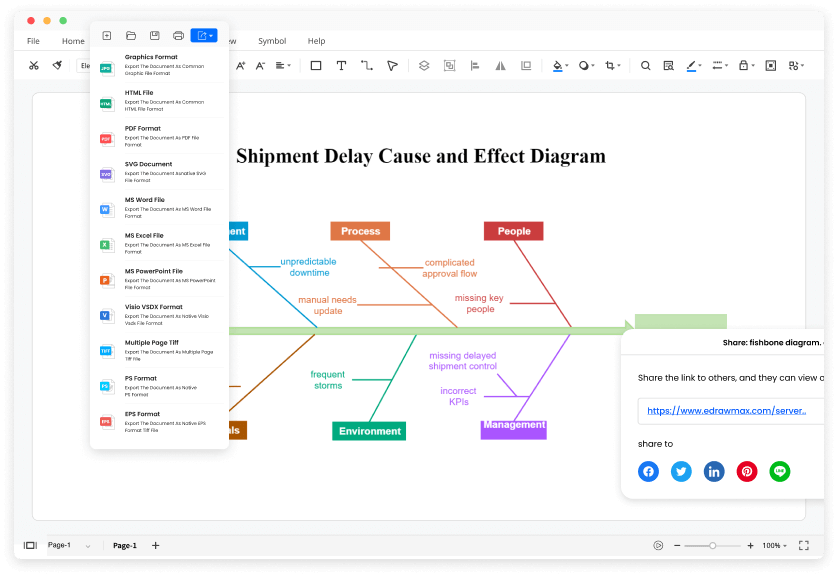
When your fishbone diagram is complete, you can post it on social media, publish on Edraw Template Community, or export the file as Word, Excel, PowerPoint, Visio, PDF, SVG, PNG and JPG. EdrawMax is dedicated to delivering a superior user experience.
How can I find fishbone diagram symbols that I need?
No worries. You can find fishbone diagram symbols by searching in the preset symbol libraries. You will see and use all the pre-made fishbone diagram symbols in EdrawMax.
How can I create a fishbone diagram from scratch?
You can create a fishbone diagram from scratch by dragging and dropping symbols from the libraries. All the symbols in EdrawMax are vector, editable, and catered to different types of fishbone diagrams.
Is EdrawMax’s fishbone diagram maker free?
YES! It is free to create different fishbone diagrams in EdrawMax. There are free templates, symbols, and editing tools for making fishbone diagrams. Just download it and try EdrawMax now. You will love it right now.
More Resources
Unlock your diagram possibilities by exploring more diagram makers here.
Find more ideas, tips and knowledge to help create fishbone diagrams.
Need help? Find the instruction or contact support here.