MindMaster: A Full-Featured Cross-Platform Mind Mapping Software
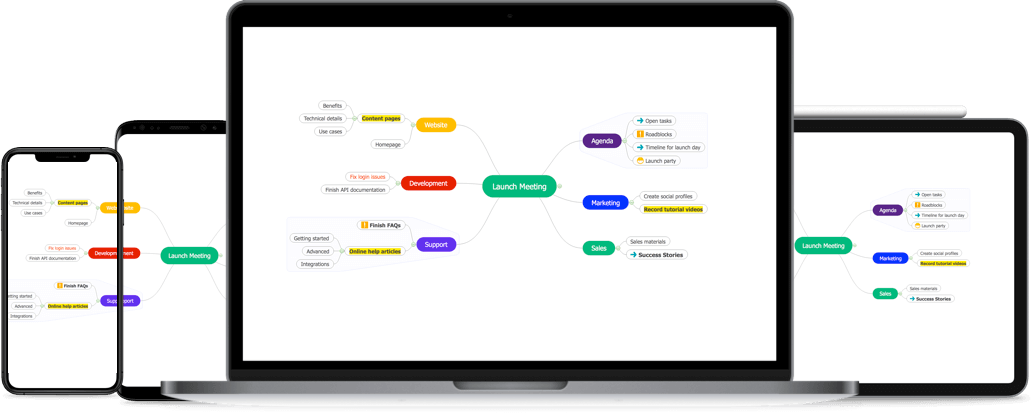
MindMaster is a versatile, user-friendly, and professional mind mapping tool. Available on multiple platforms, including PC, tablet, mobile, and web, you can create mind maps and access them from each platform. With this excellent collaborative mind mapping tool, working with teammates has never been easier.
Build Mind Map You Want
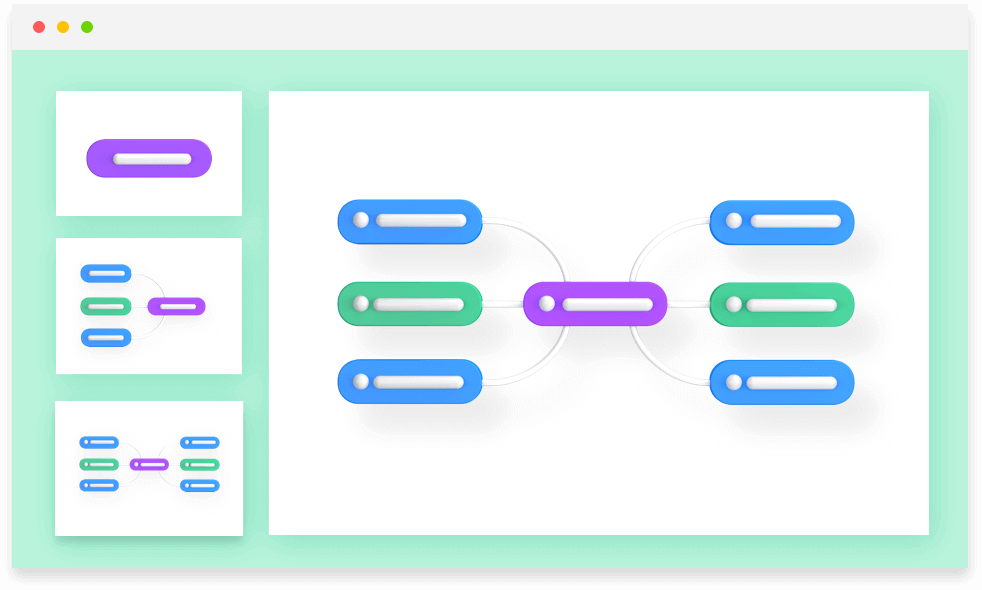
Choose the best structure, style, theme, and colors to express your ideas. Tailor your mind maps with endless possibilities.
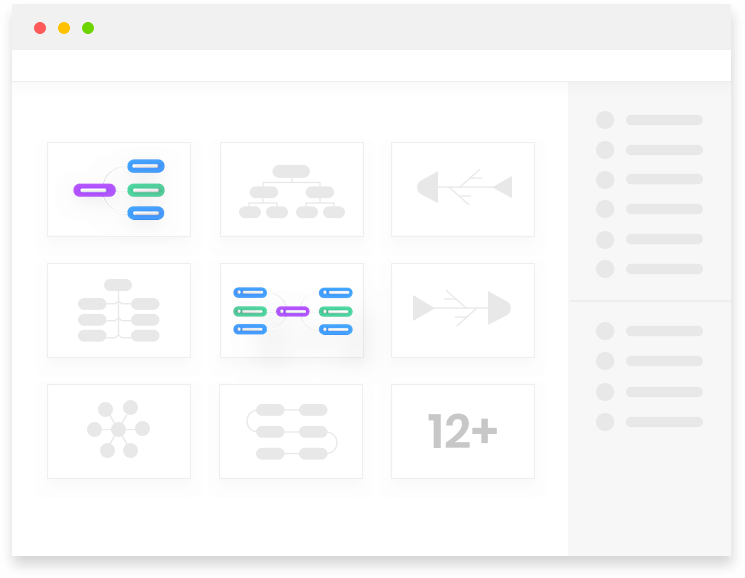

12 Different Structures

33 Themes

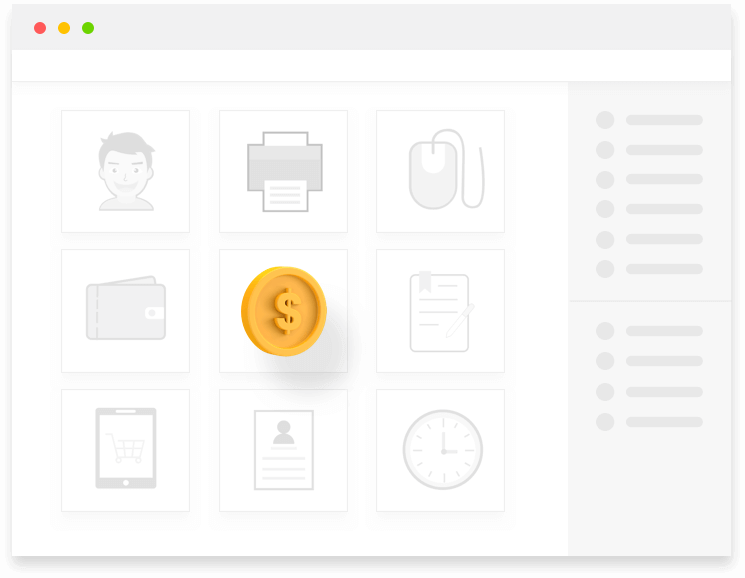
700+ Stylish Cliparts

Customize Every Detail
Enrich Your Mind Map,
Express Intuitively
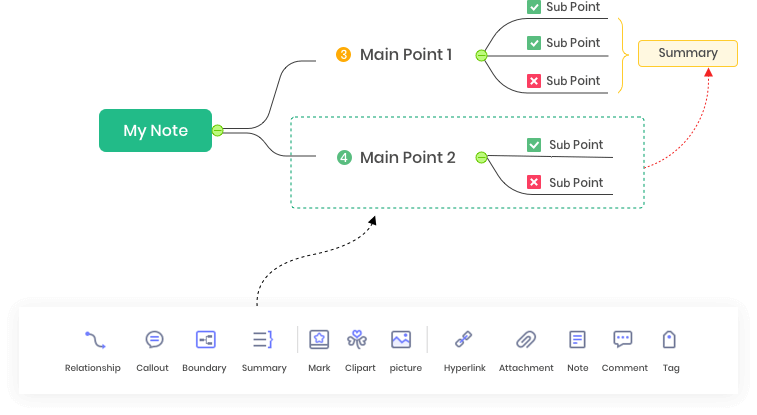
Let your mind map speak loudly and accurately by adding more information such as callouts, relationships, summaries, marks, notes, hyperlinks and so on.
Brainstorming Mode
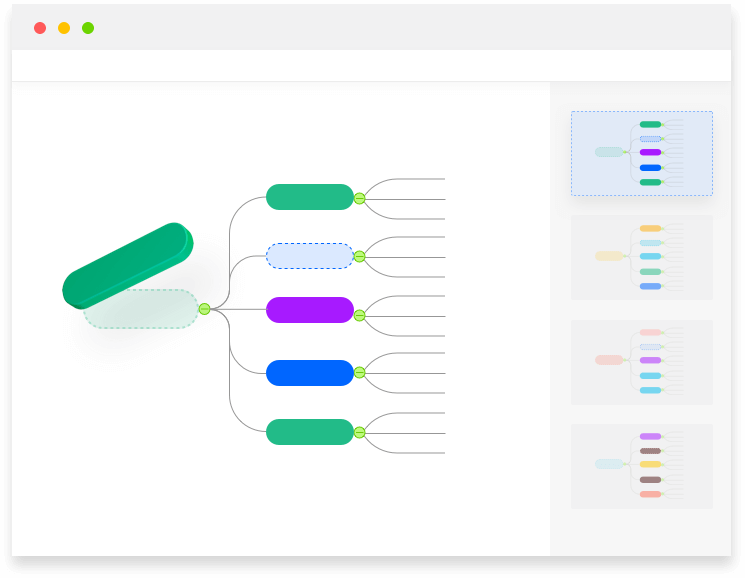
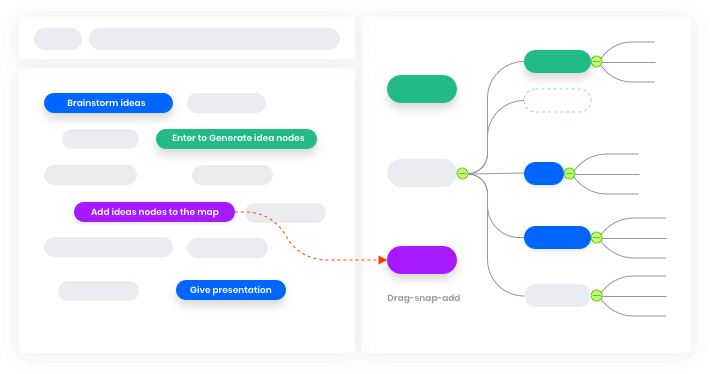
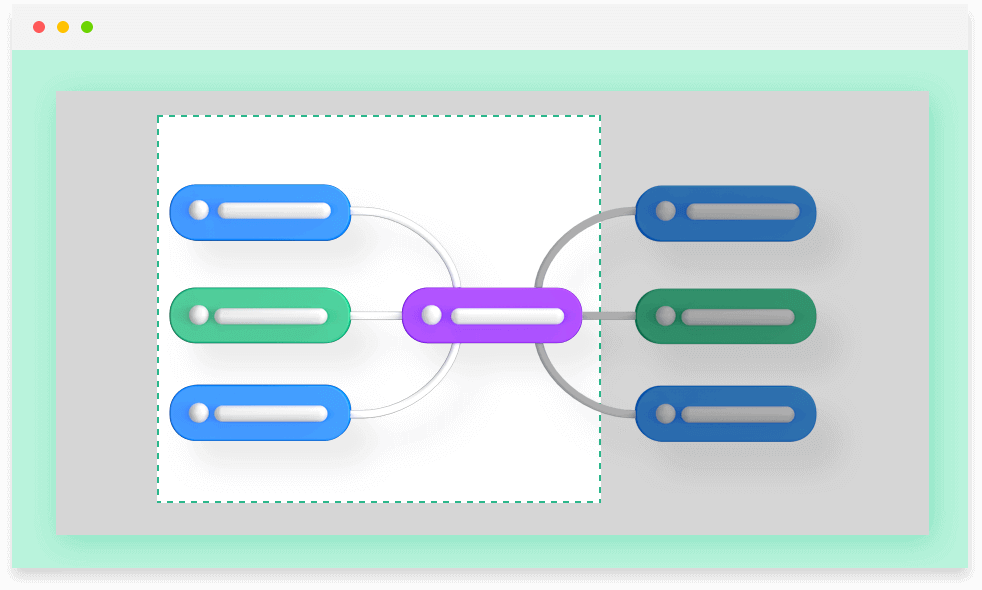
With the brainstorming mode, you can conduct group brainstorming sessions effectively. Simply record ideas with different colors on the left pane, and later drag them to the right pane to generate a mind map.
Project & Task Management
Switch to Gantt view to track task start/end date and progress. Task information is also editable in Gantt mode.

Gantt Chart Mode
Tag and Resource

Progress Tracking
Presentation
With just a few clicks, you can effortlessly present your stunning mind map in the MS PowerPoint file.
Available on Multiple Devices
Whether your PC operating system is Windows, Mac, or Linux, you can easily view, edit, and save your files. At the same time, you can use MindMaster on your mobile device and the web.

Export and Share
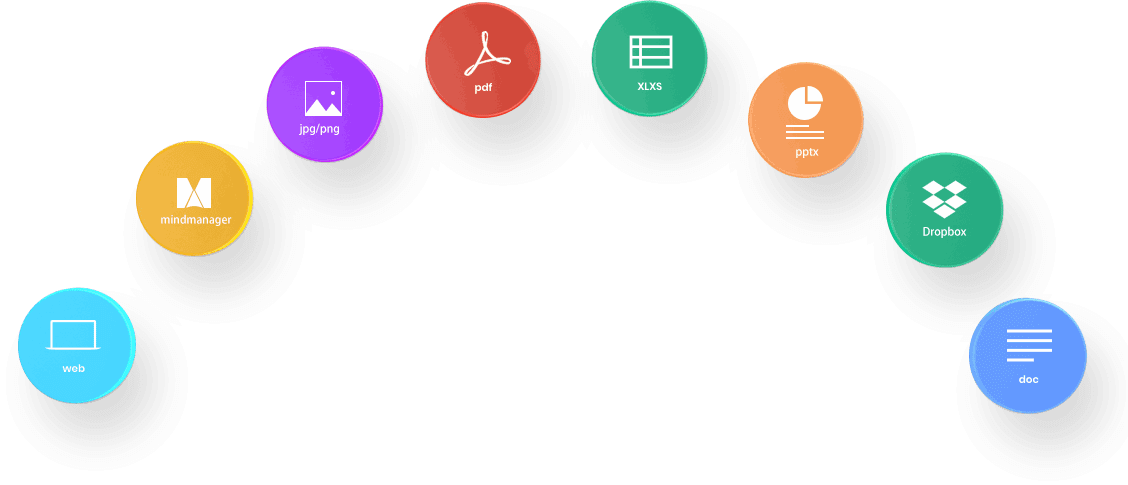
You can easily export your mind maps to other files such as Office, PDF, and graphic files. Meanwhile, you can also share your fantastic work on Facebook and Twitter through the Html link!
Get Special Offers
Business

Education

Individual
Create mind maps, concept maps, timelines, and fishbone diagrams with a rich gallery of examples and templates.