
Think in
grow
( Formerly known as MindMaster )Think, map, note – Build your personal knowledge base with AI.

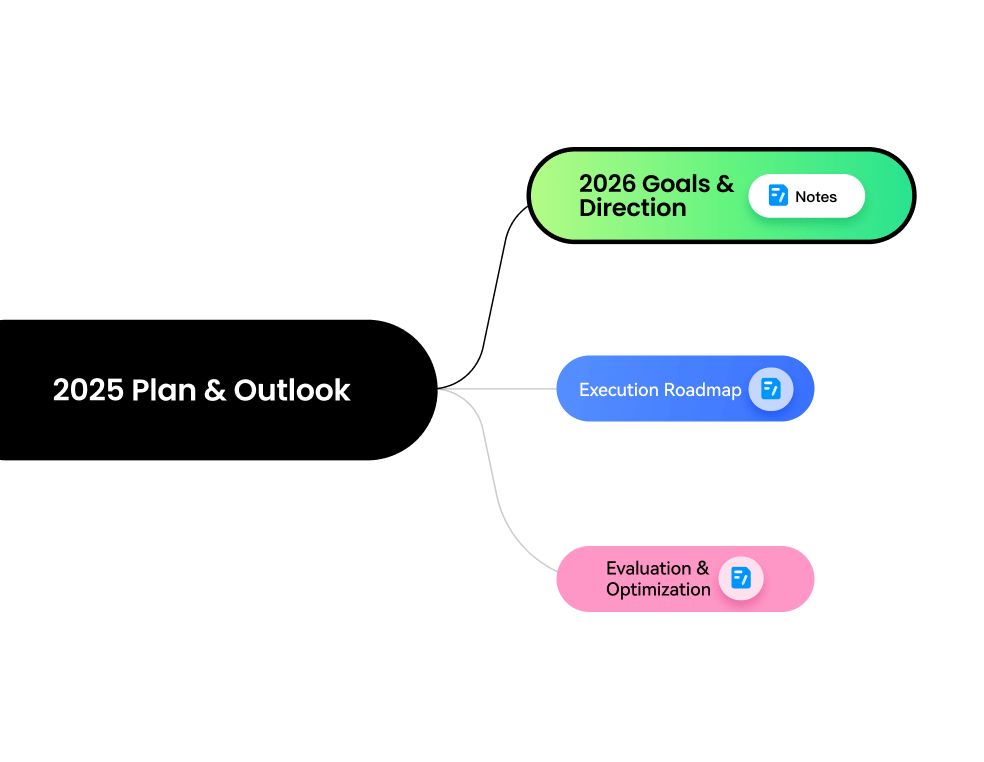
outlook

direction
 Note
Note
Note
Note
Note
Note


Secure, professional,
and trusted worldwide
Trusted by over 25 million users worldwide, EdrawMind delivers everything you need for visual thinking and knowledge management — from intuitive mind mapping to detailed note-taking, AI-powered organization to seamless collaboration.

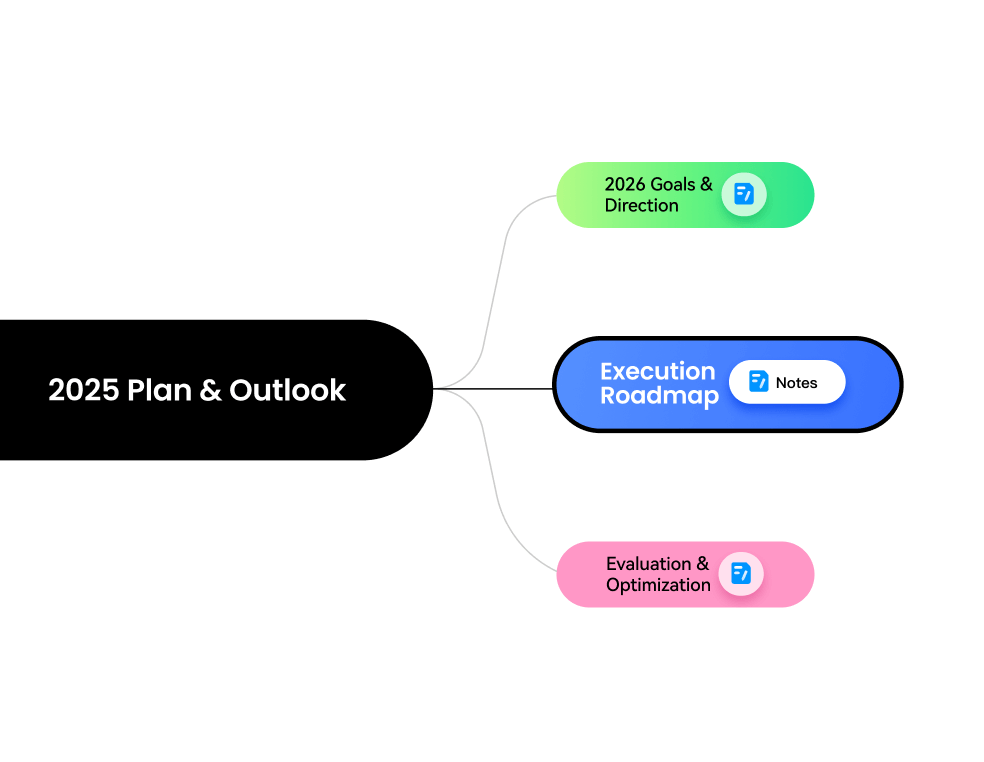
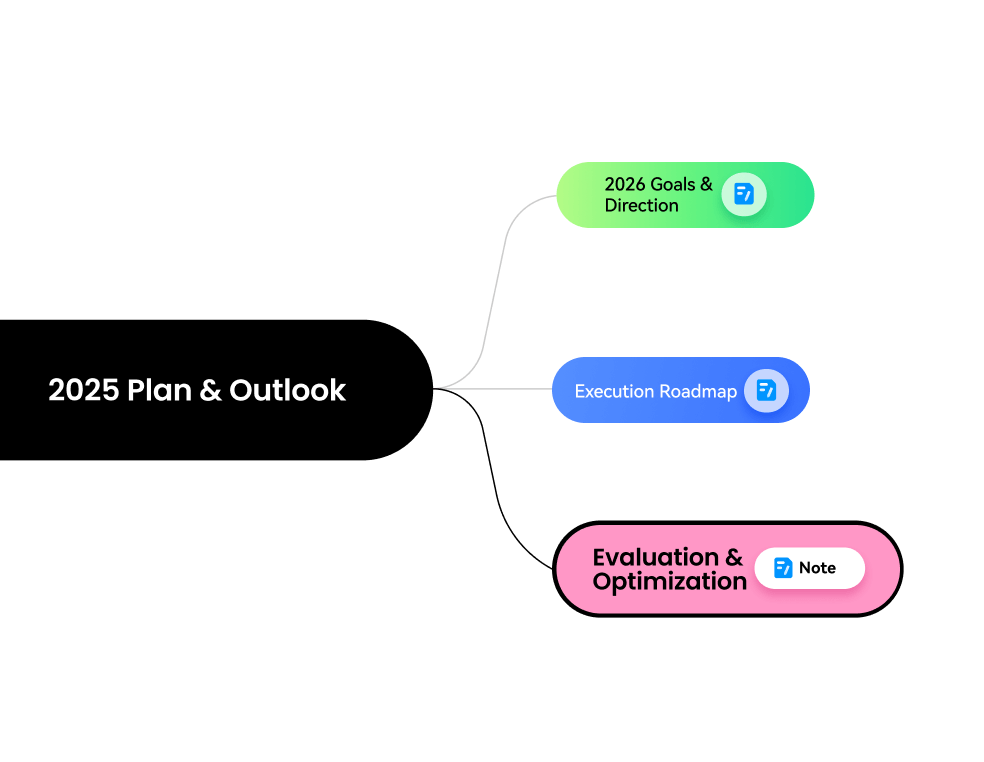
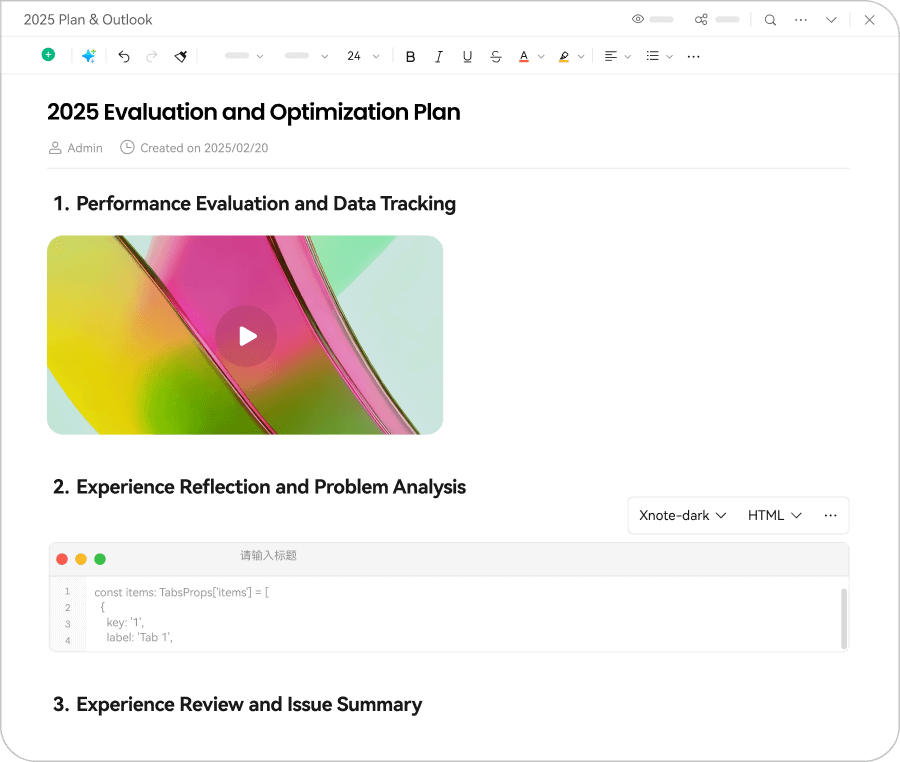
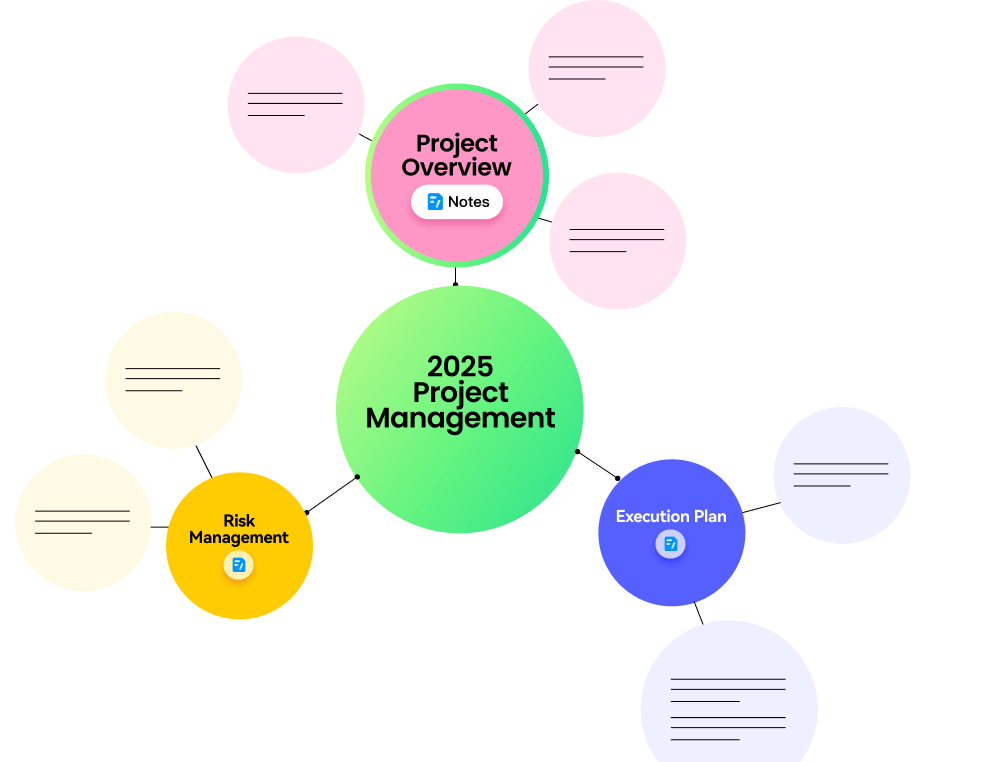
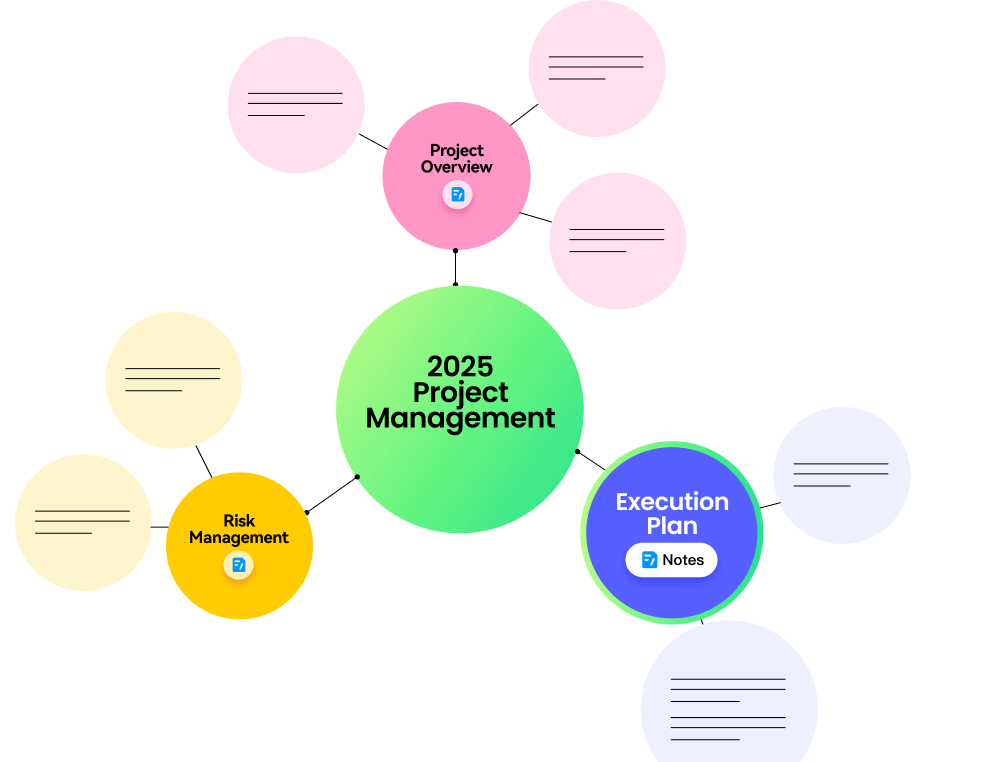
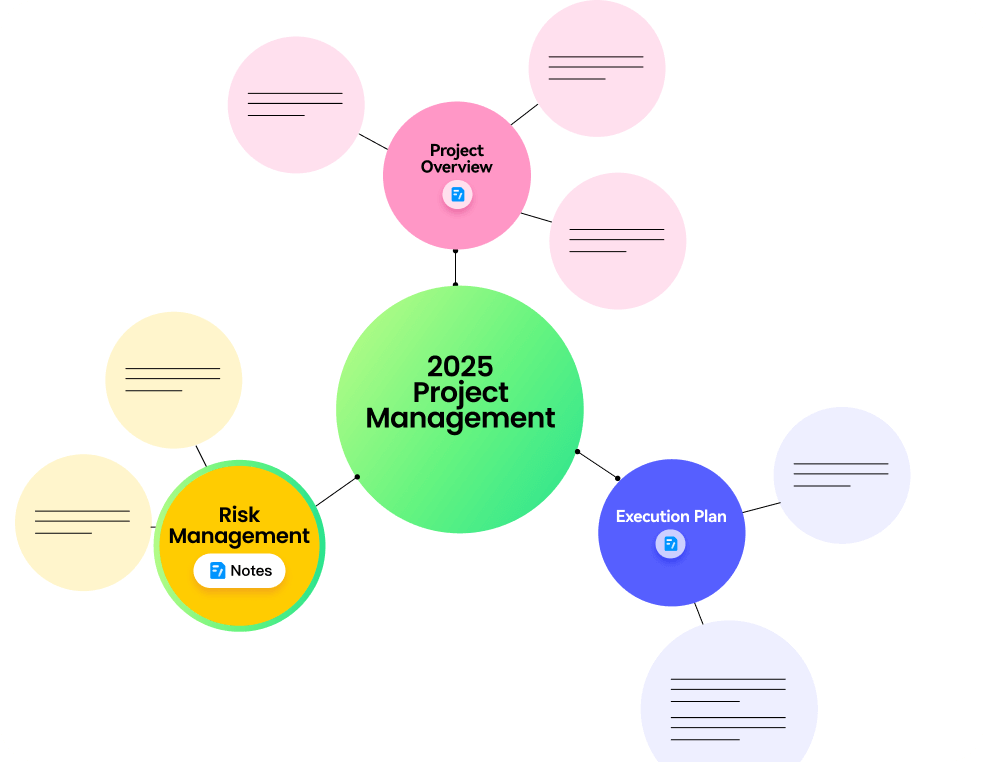
Notes × mind maps:
Build your personal knowledge base
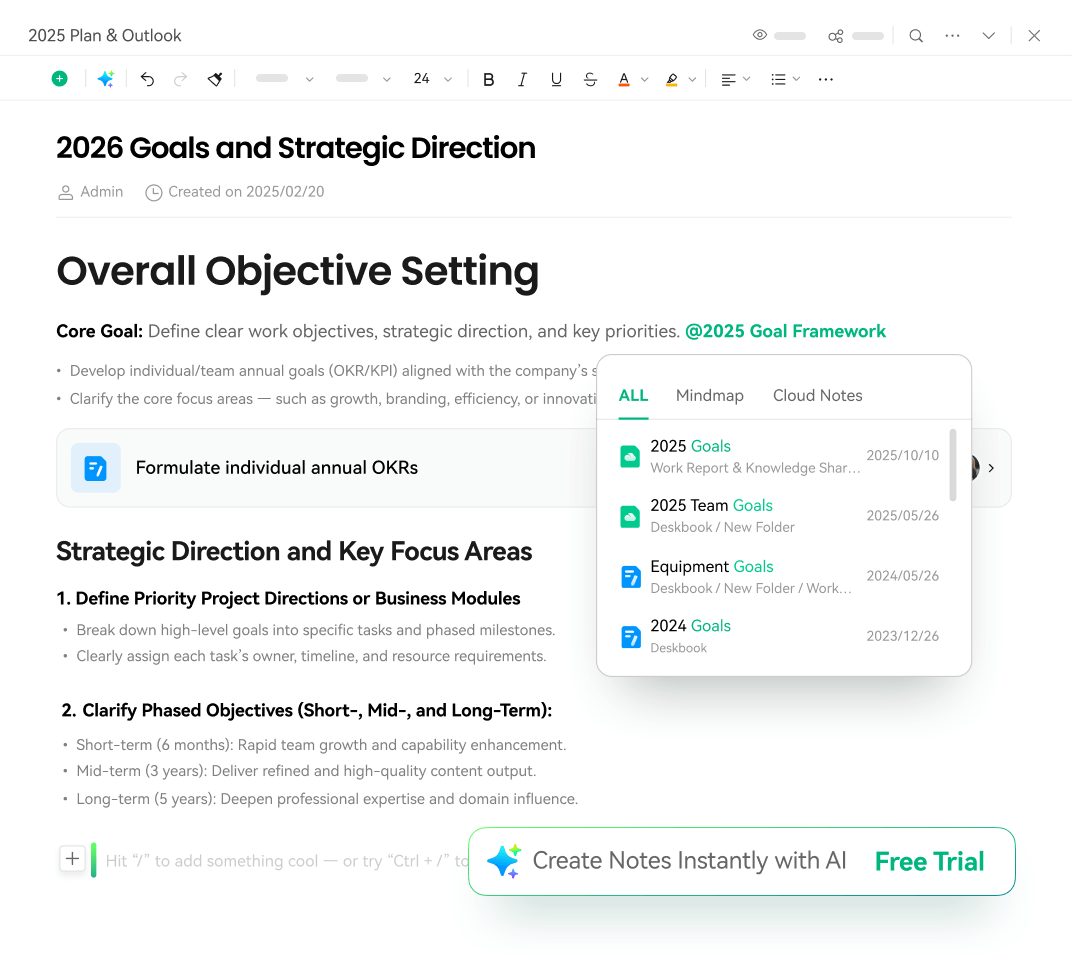
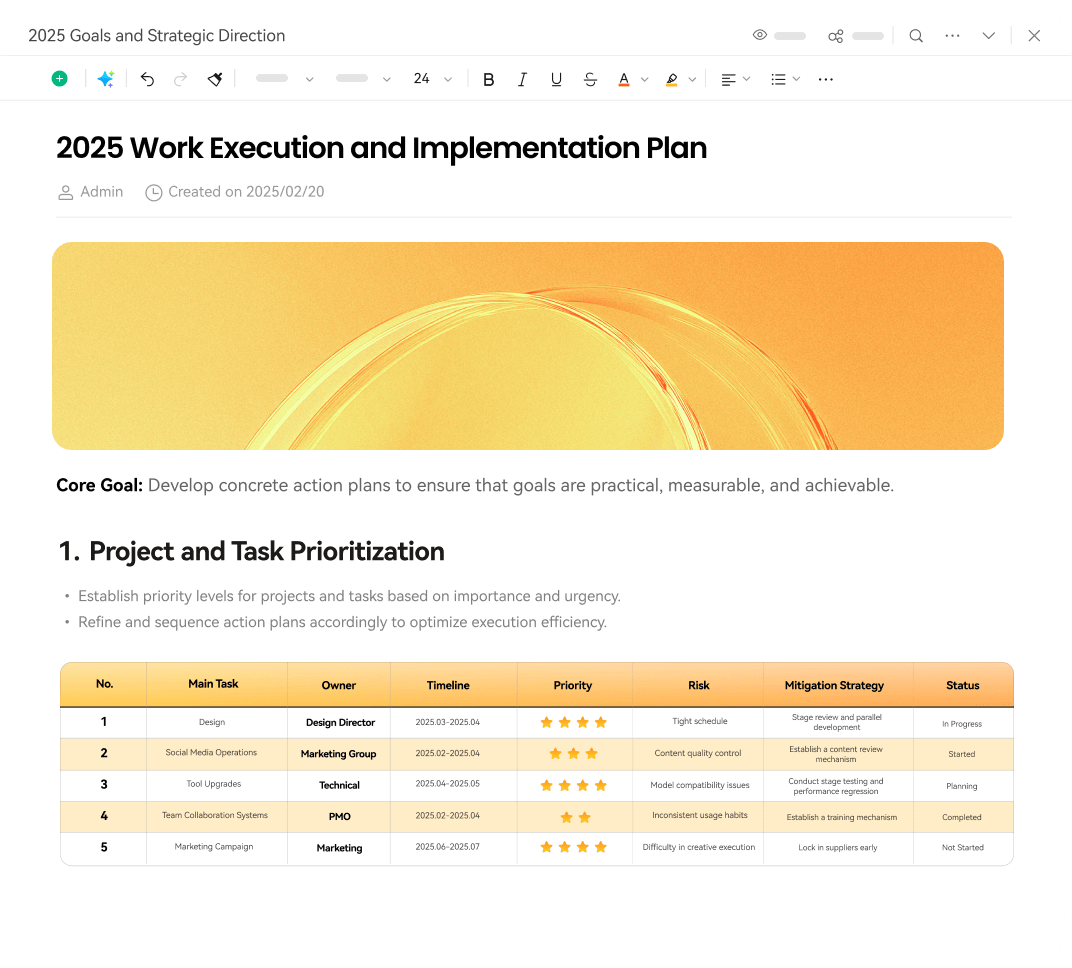
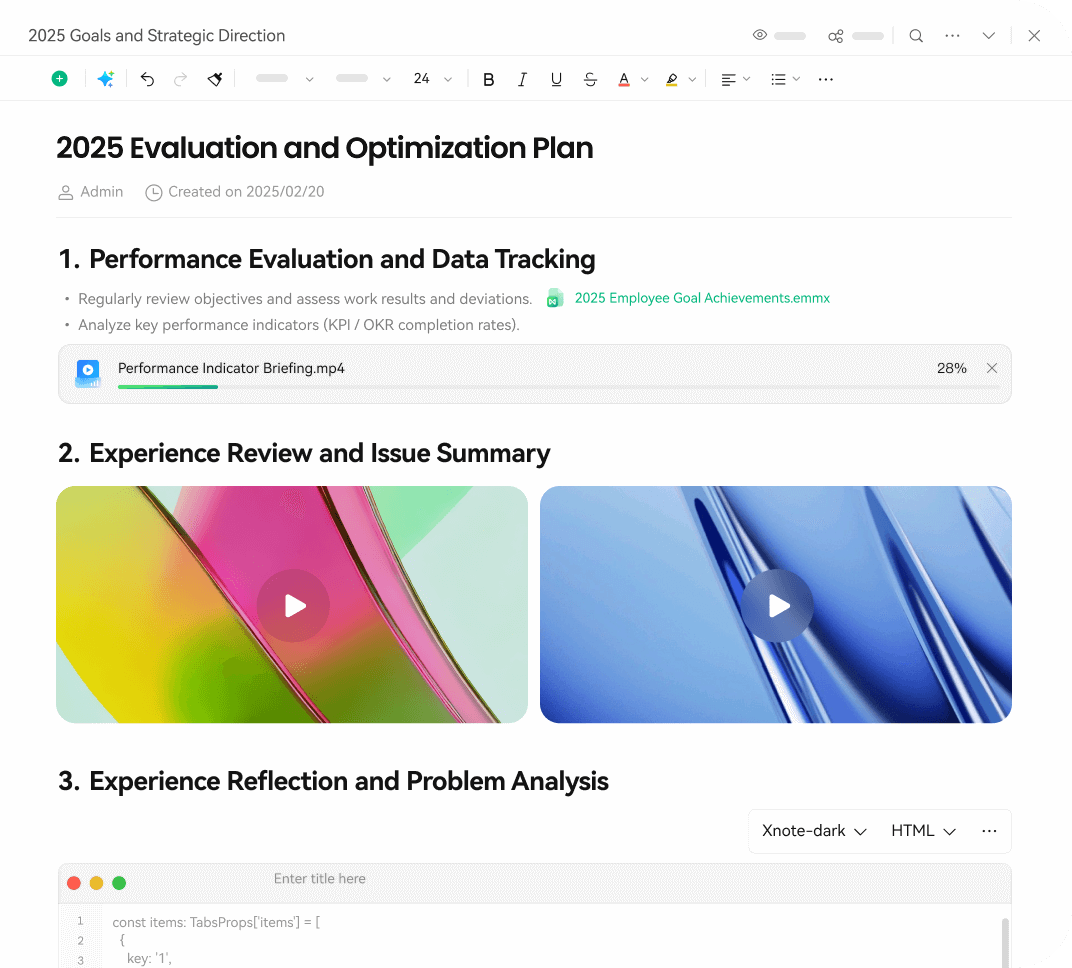
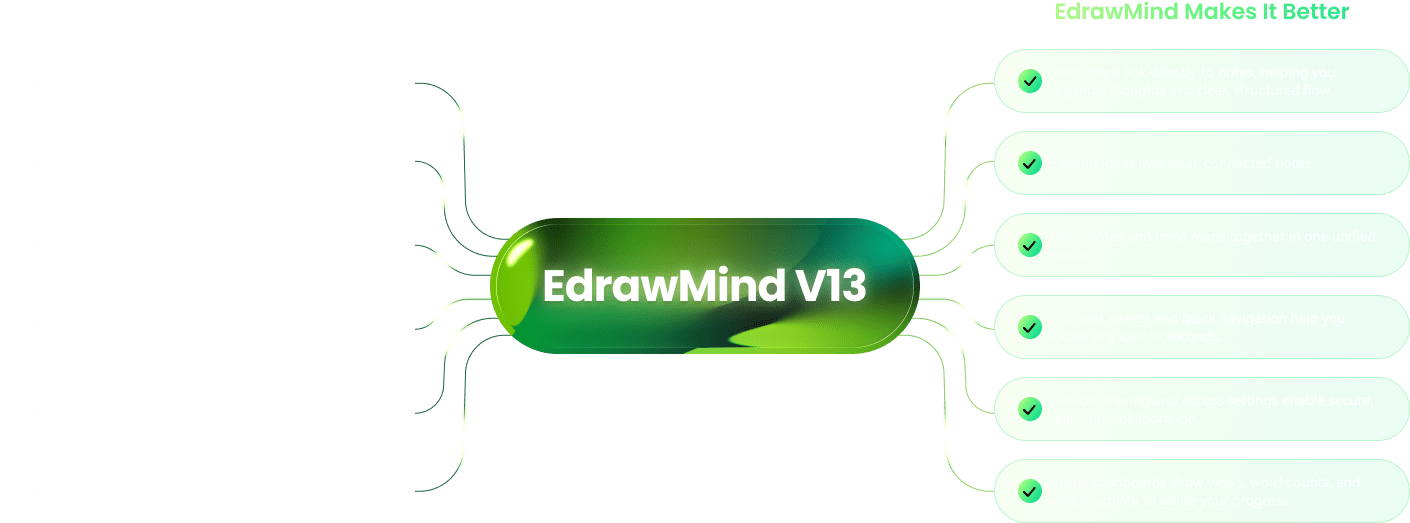
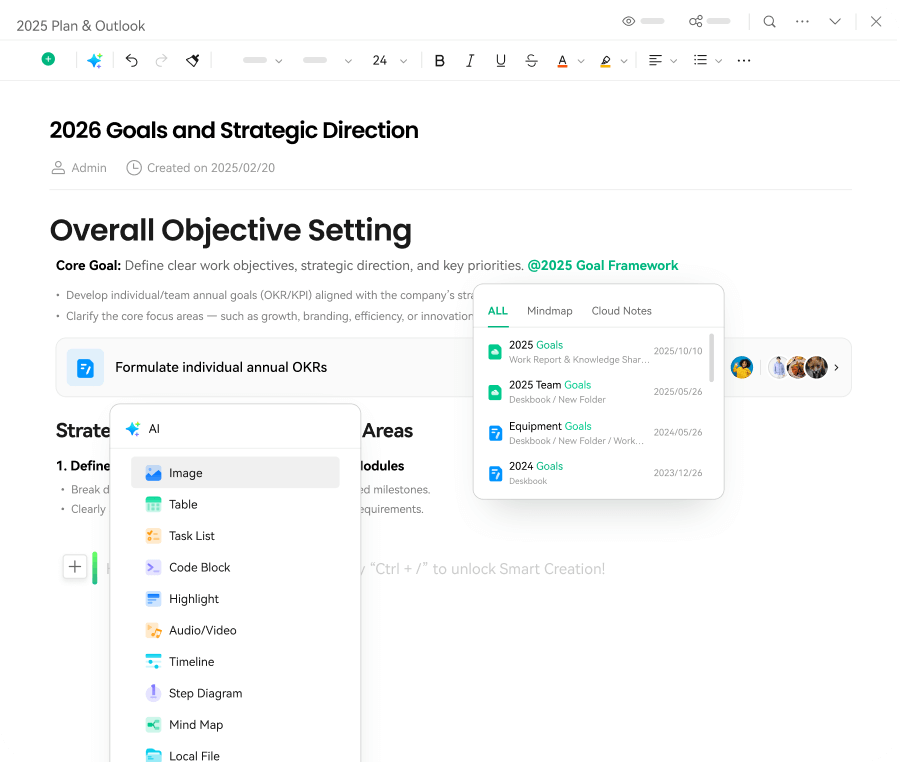
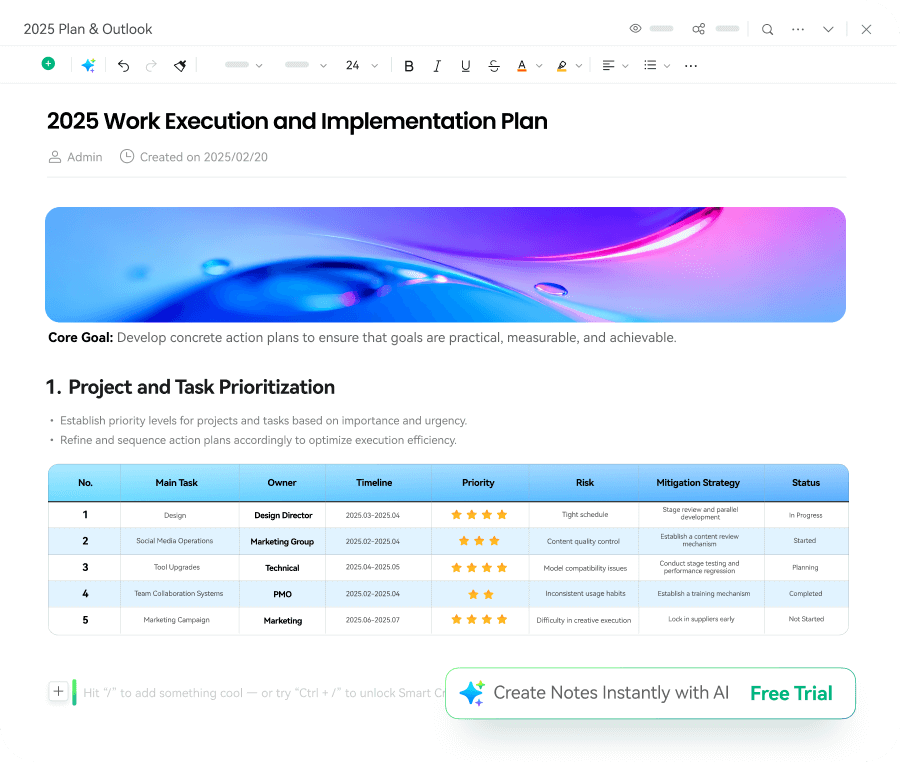
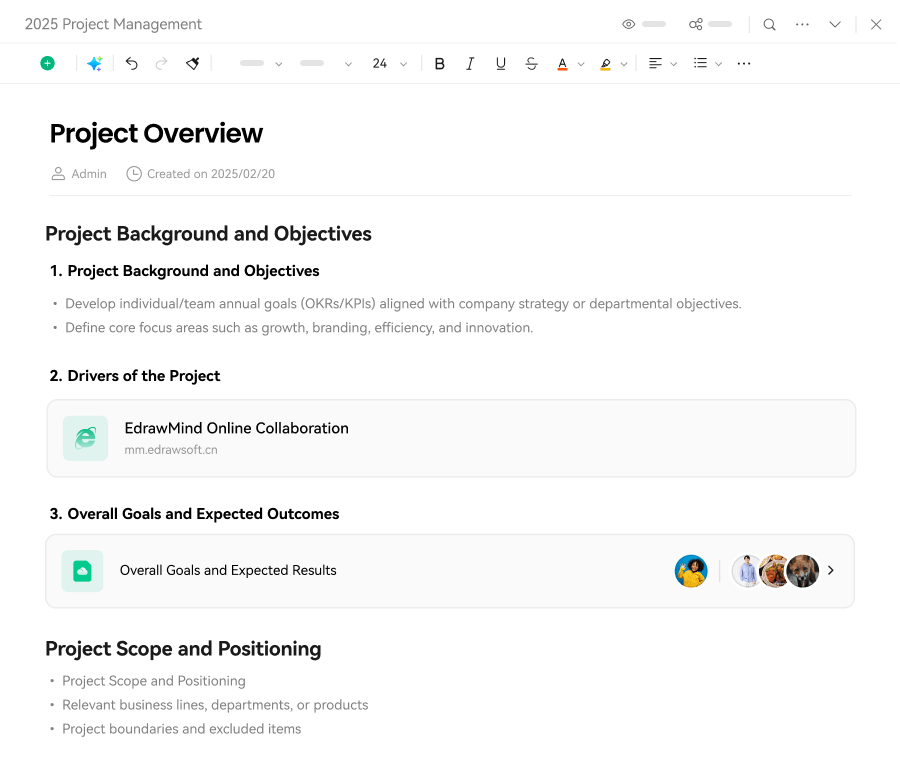
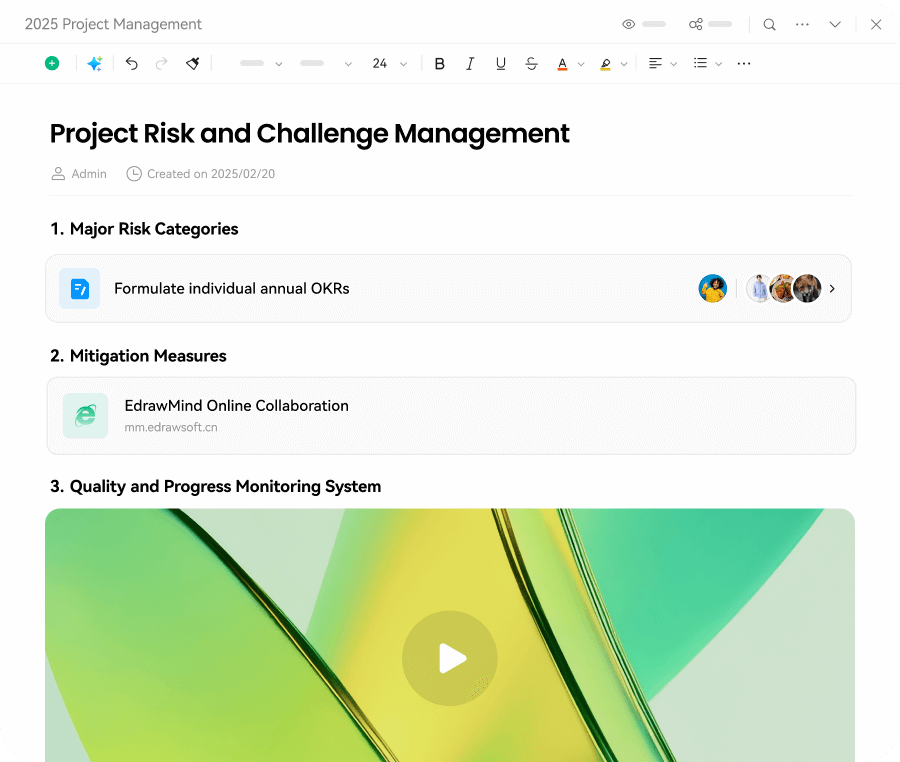
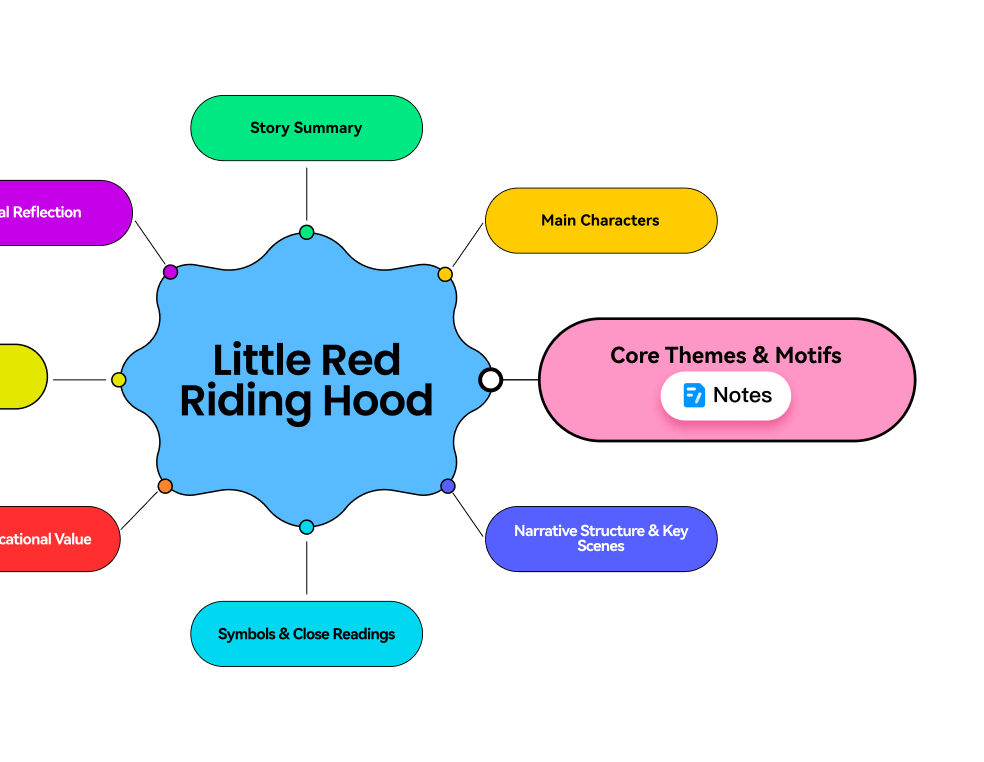
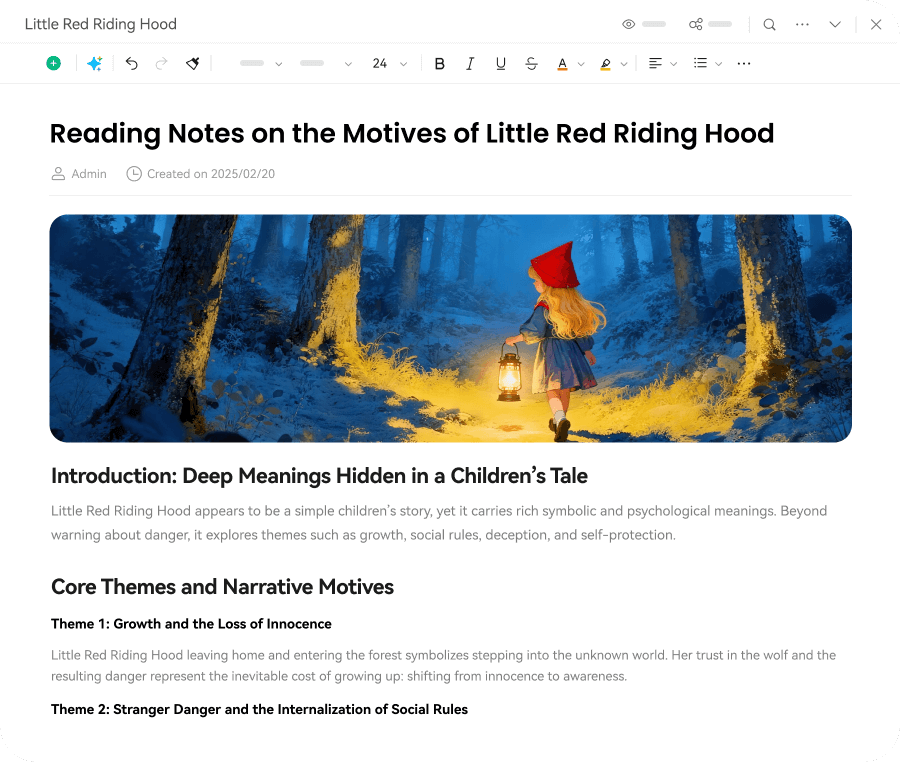
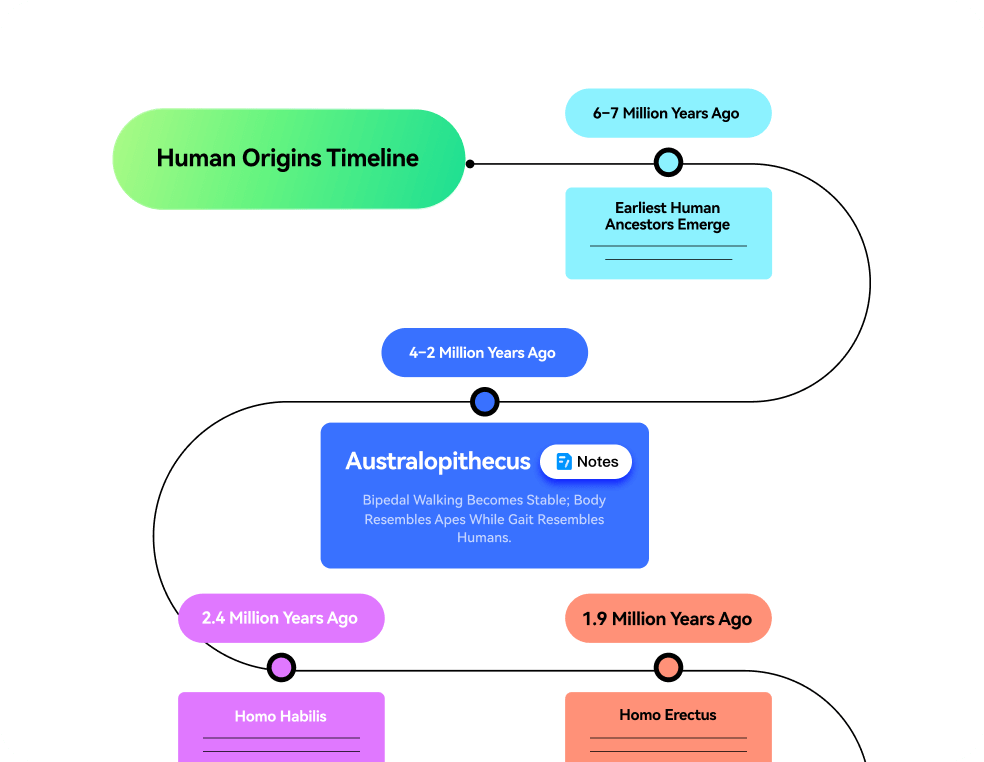
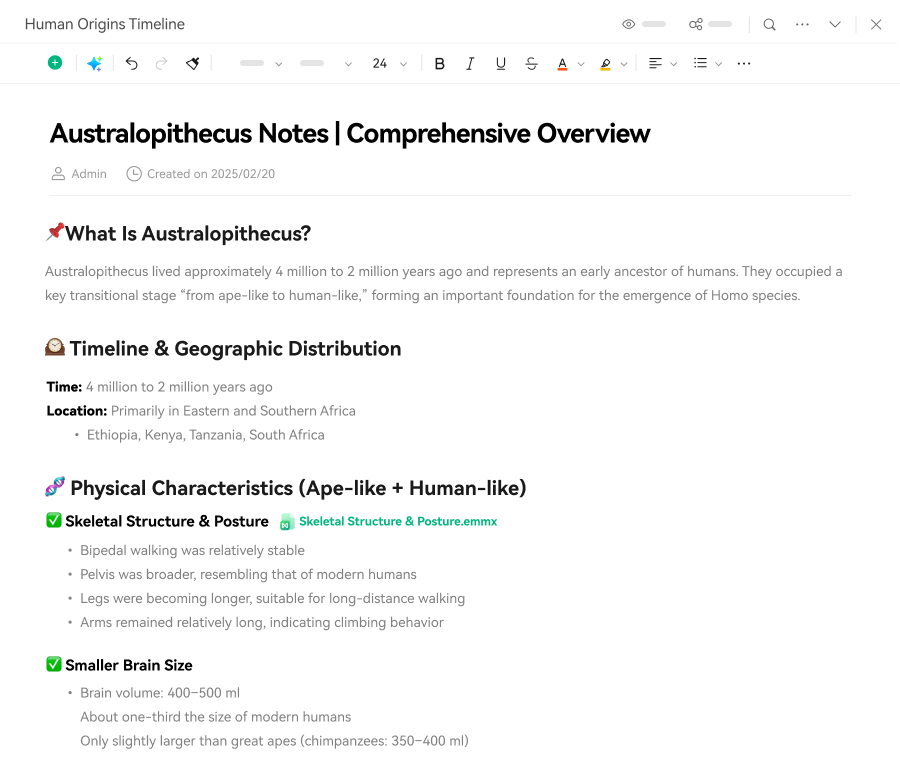
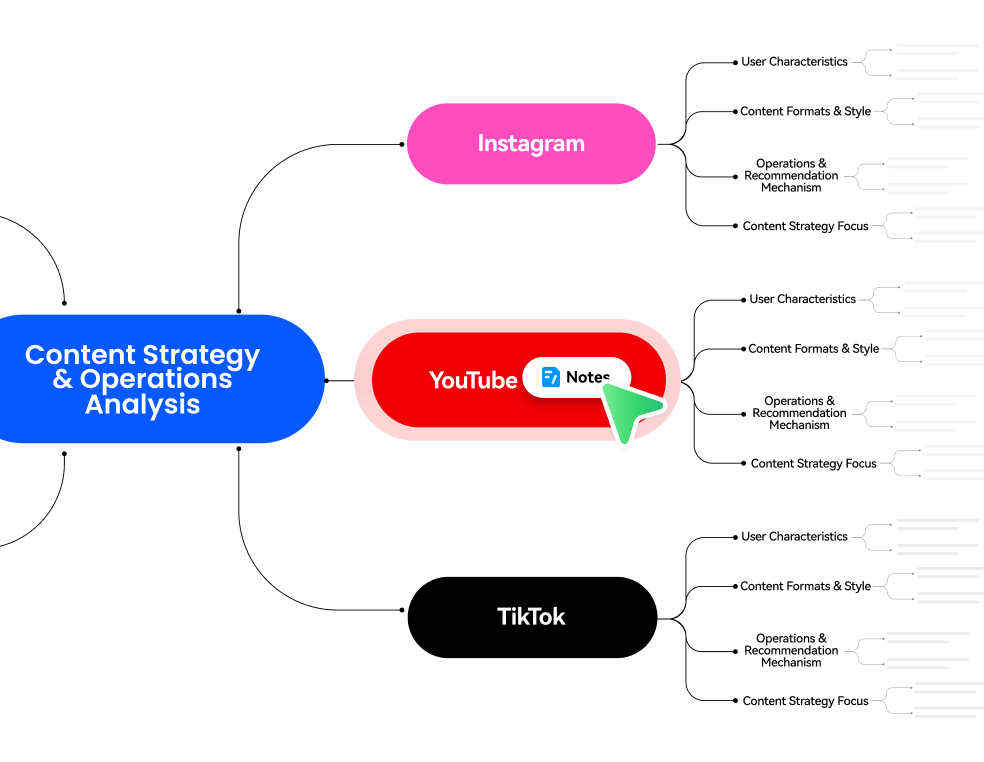
EdrawMind now lets you attach full documents to any mind map node. Structure your thinking visually while capturing detailed notes in the same workspace. With AI-powered outlines and summaries, transform scattered thoughts into an organized knowledge system where every idea has both context and depth.

Built for how you actually work
Whether you're planning projects, organizing research, learning new concepts, or leading brainstorms, EdrawMind adapts to your workflow. Capture, organize, and share — all in one flexible workspace.



Multiple views, smarter thinking
Work smarter, achieve more with
EdrawMind AI
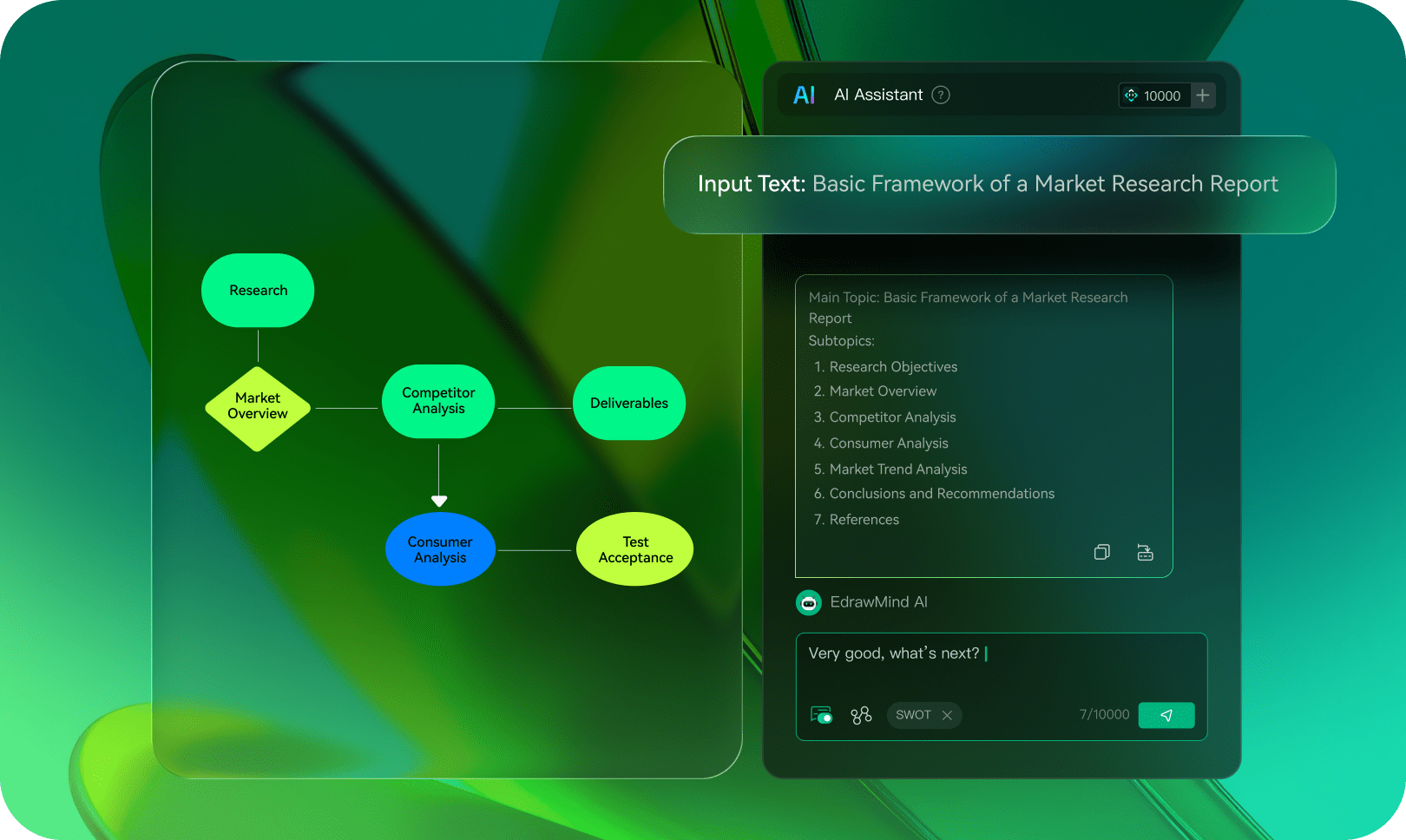
 One-click mind mapping
Type your idea and get a complete mind map instantly — with notes, article drafts, copy polish, brainstorming, SWOT analysis, and more.
 From anything to slides
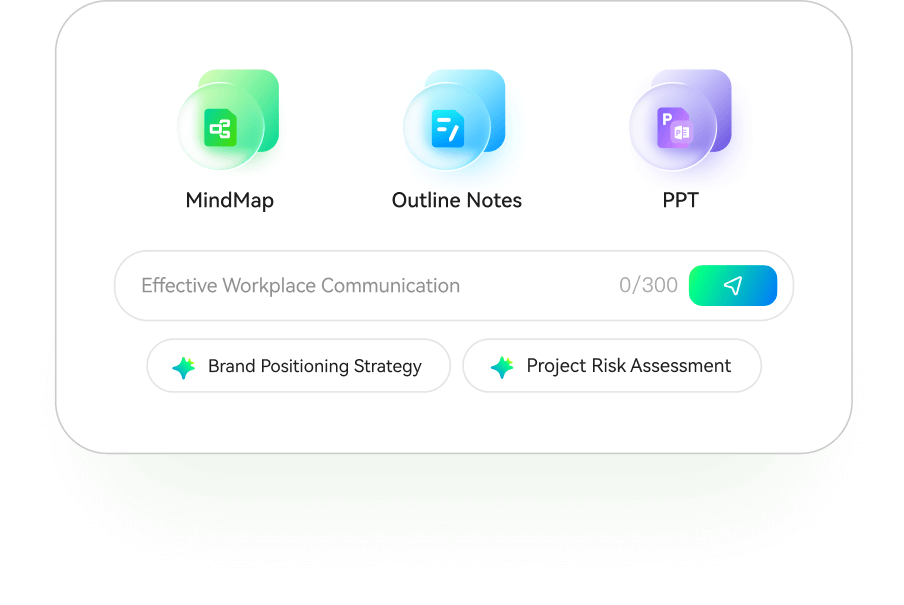
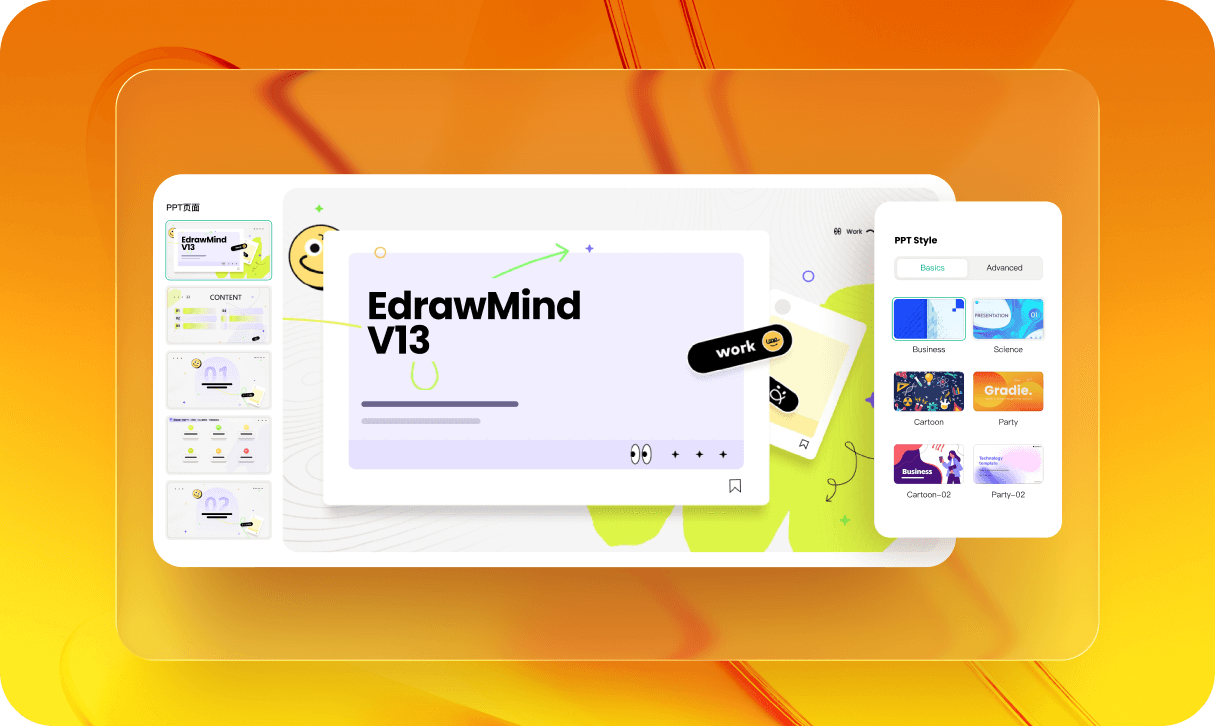
Generate slides from text, docs, PDFs, markdown files, or mind maps. AI creates content and designs slides with professional templates — ready to present or export to PowerPoint.
 Analyze all files
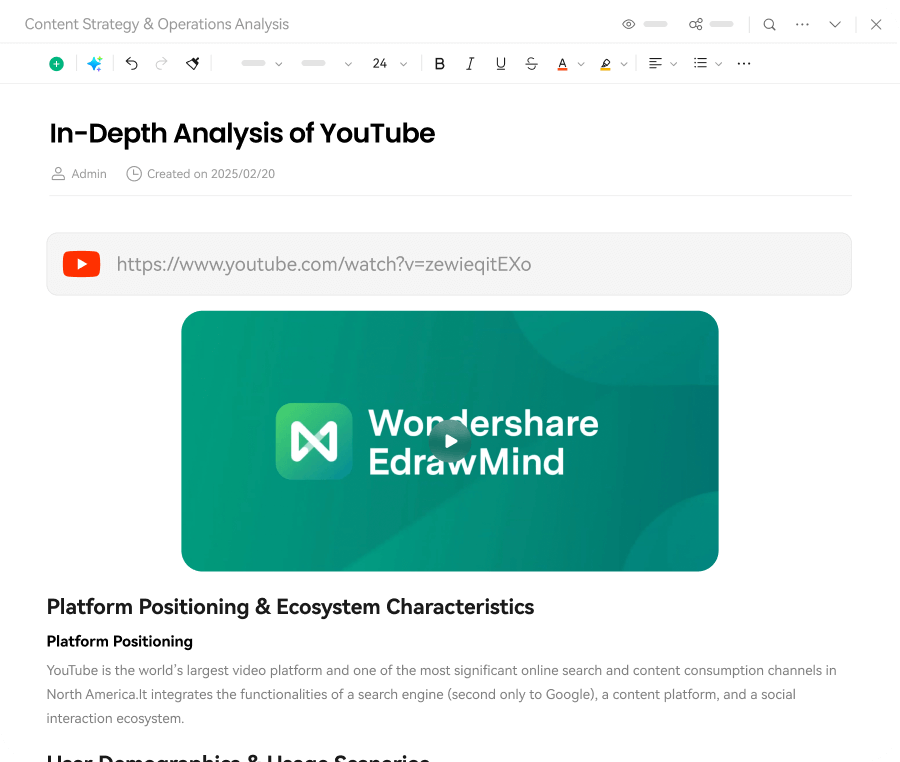
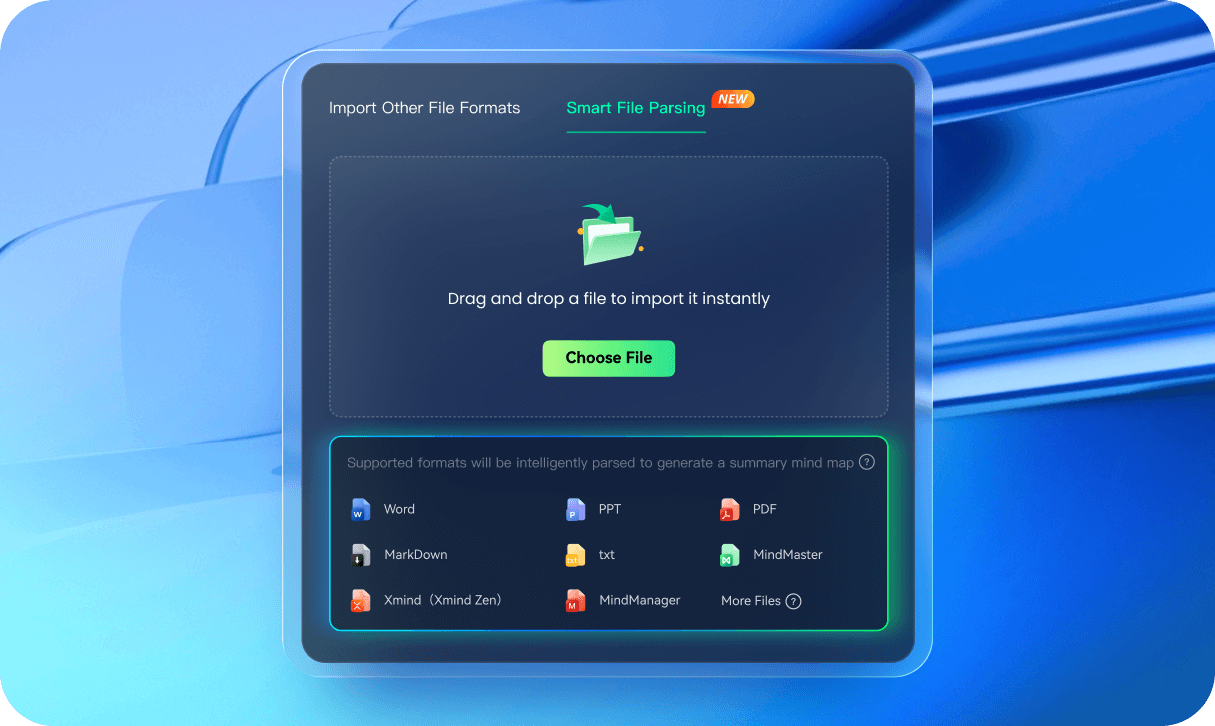
Upload any file — documents, PDFs, images, webpages, or YouTube videos. AI extracts key information and creates organized mind maps with intelligent summaries.

Your ideas, Your style,
Your way
Make mind maps that actually look good with our powerful toolbox.
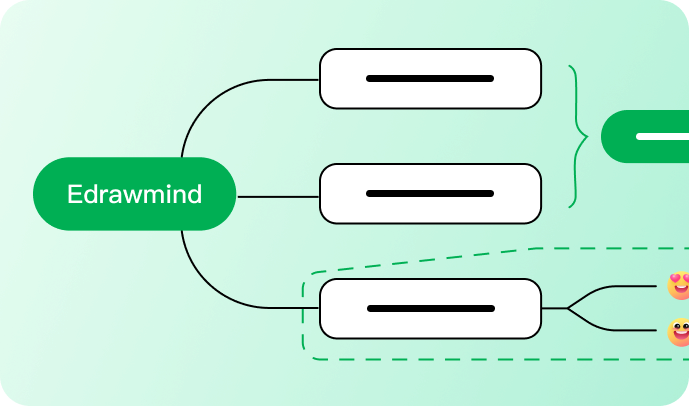
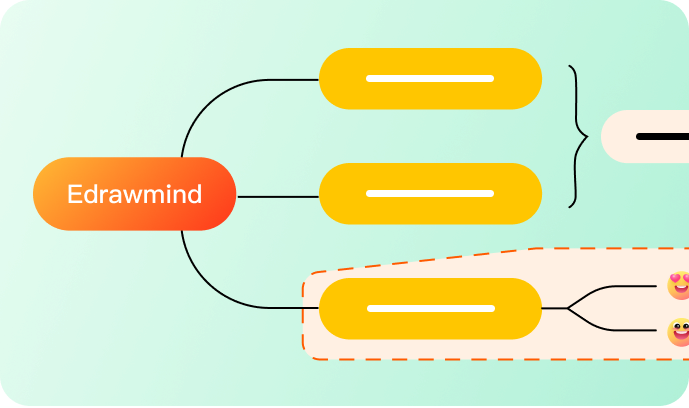
52 well-designed themes
We designed 52 beautiful themes for any occasion.
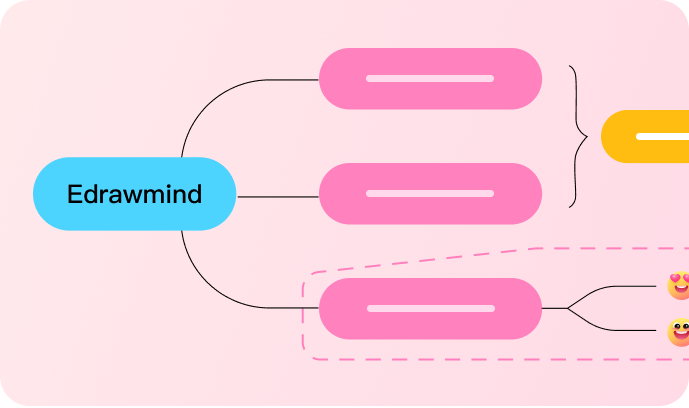
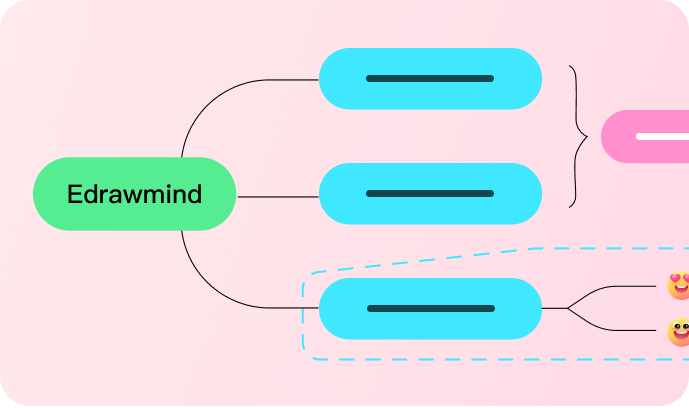
Flexible color schemes
Apply custom colors to match your brand or personal style.



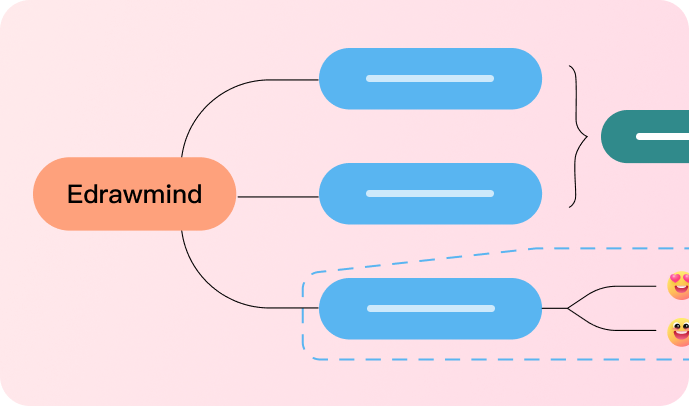
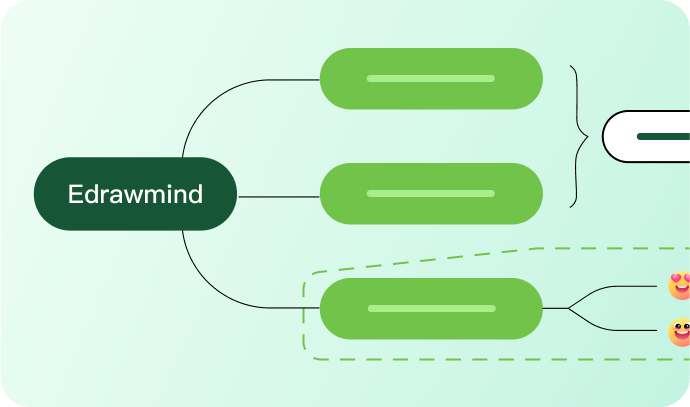
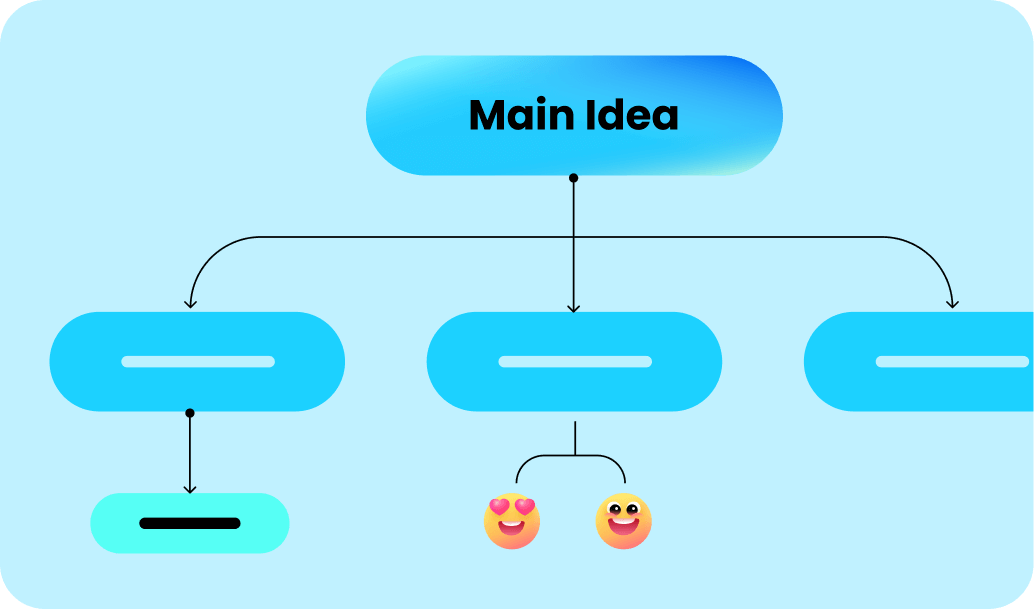
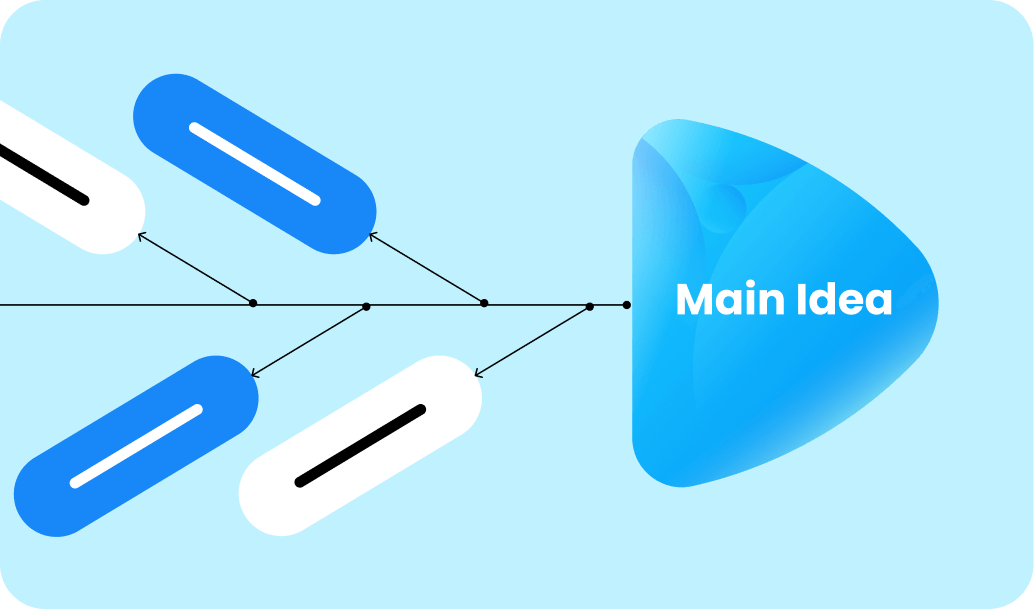
30 layout options
Choose from 30 layouts to present information in the best way.


Rich visual elements
Visualize with hundreds of built-in shapes and icons.





Trusted by millions worldwide
 4.6
5
4.6
5
G2&capterra Rating
 96%
96%
user satisfaction
 25M+
25M+
Users Woldwide

Love the good-looking templates, the colors, and the layouts look amazing. And it's easy to use, simple to understand and it's easy to manipulate the options.

The note and mind map integration is what sold me. I can jot down thoughts quickly, then AI helps structure everything. Way better than my old workflow with scattered documents.

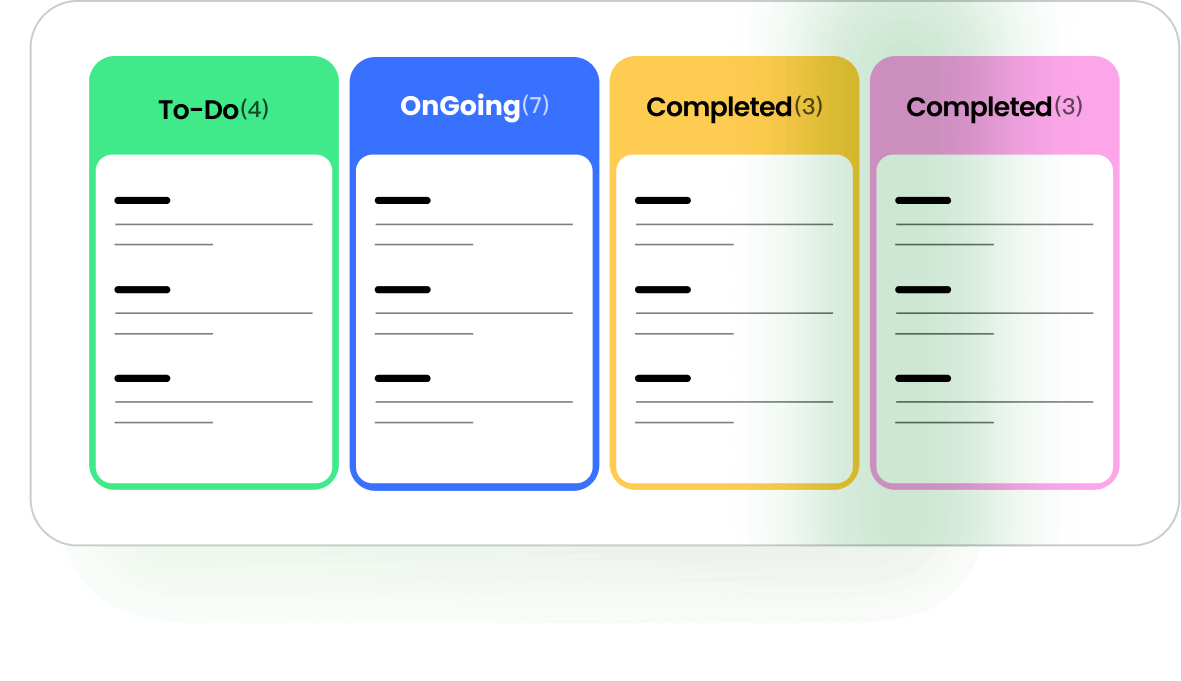
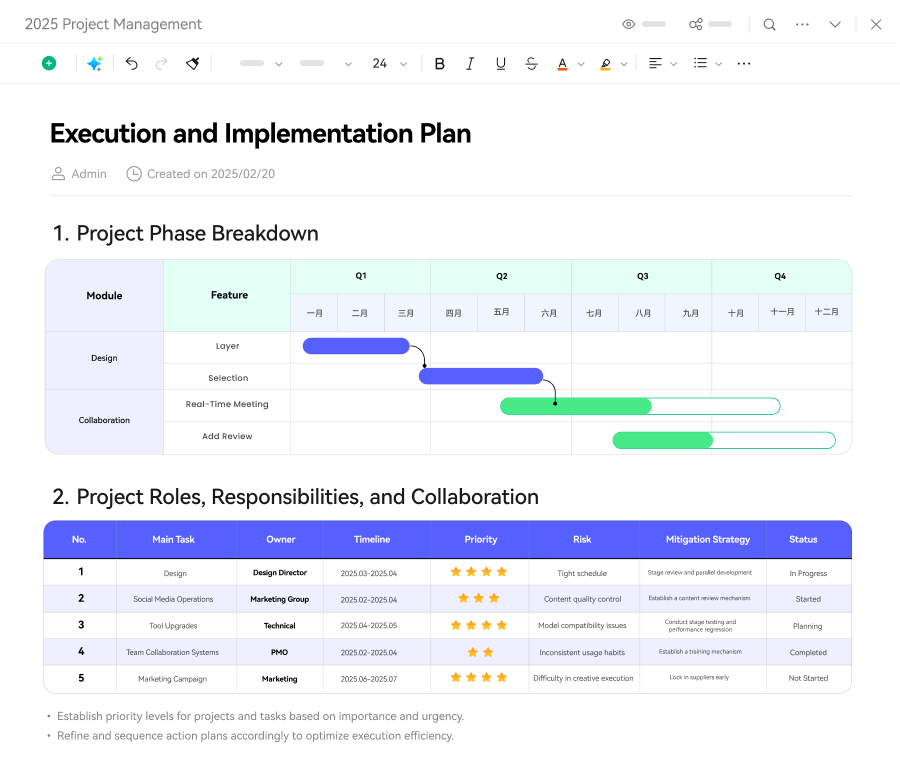
The Kanban and Gantt chart feature helps me organize complex project ideas into clear, actionable plans. The flexible modes make team communication so much easier.

Been using it for client presentations. The AI PPT generation feature save me tons of work. The Pitch Mode is also awesome.
From mind maps to
knowledge base
Organize your ideas, plan efficiently, and get results faster.
(Mindmaster is a trademark of its owner. EdrawMind is not affiliated with, endorsed by, or sponsored by the trademark owner.)