Generate Flowcharts 10x Faster with EdrawMax AI
Create intelligent, professional diagrams from your desktop — fast, secure, and fully offline.









Smarter Flowchart Diagrams. Fewer Clicks
-
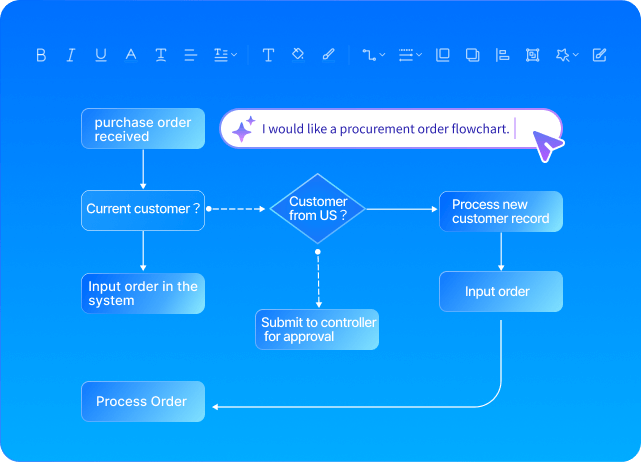
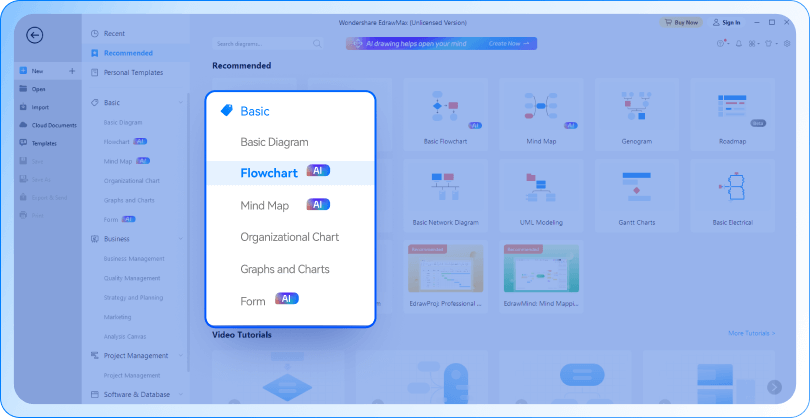
Text to FlowchartJust describe your process or logic in natural language — AI instantly visualizes it into a clear, professional diagram. No manual drawing needed.
-
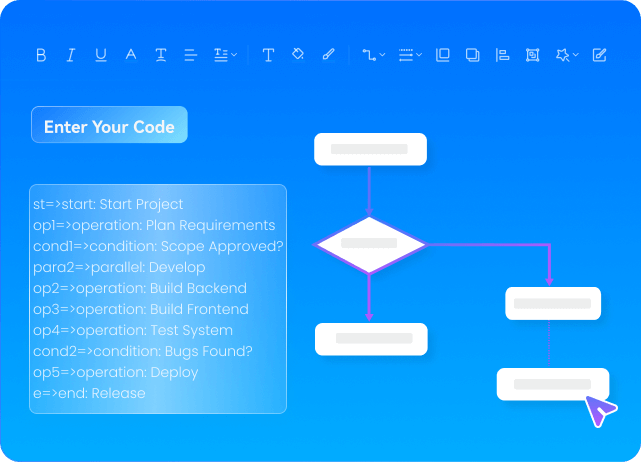
Code to FlowchartPaste your code snippet and let AI interpret the logic behind it, generating a clean, readable flowchart to understand or present code structure.
-
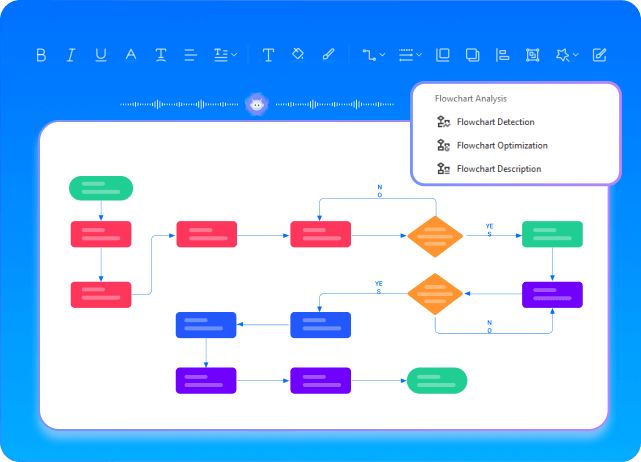
AI Optimization & InsightsFrom logic validation to layout adjustments and automatic explanations, AI enhances your flowcharts for clarity, correctness, and communication.
How It Works: From Idea to Flowchart in Just 3 Steps
-
Step 1: Input your idea or codeType a sentence, paste a code snippet, or describe your logic in plain English. EdrawMax AI instantly turns your input into a structured flowchart.
-
Step2: Refine the details your wayCustomize shapes, connectors, colors, and layout using drag-and-drop tools. Apply templates, adjust styles, and make it uniquely yours.
-
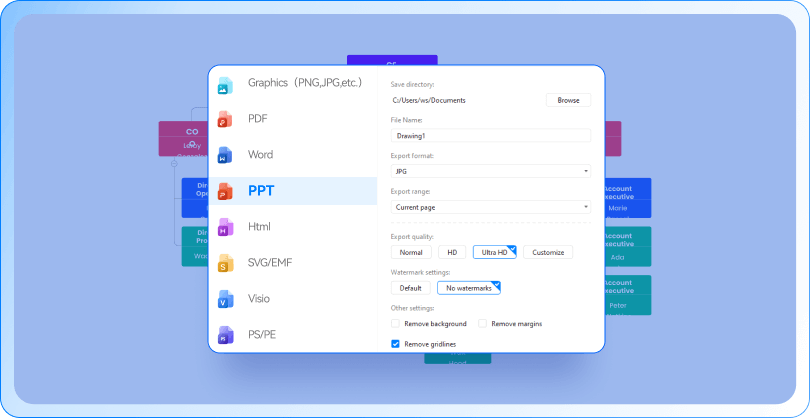
Step3: Export and share anywhereDownload your flowchart in multiple formats — PDF, PNG, Visio, Word, and more. Easily share your work with teammates or present it directly.
Why Choose EdrawMax AI Flowchart?
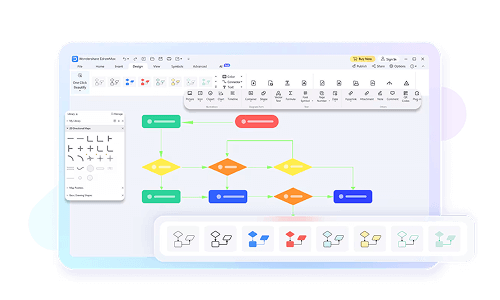
Abundant Resources for Customizable Design
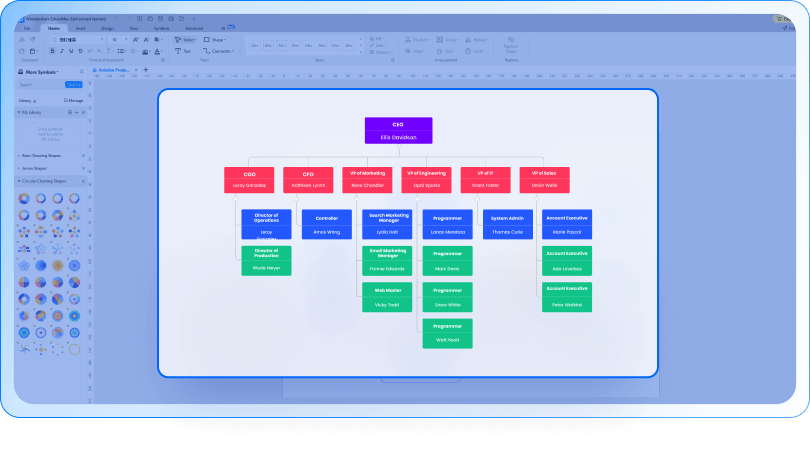
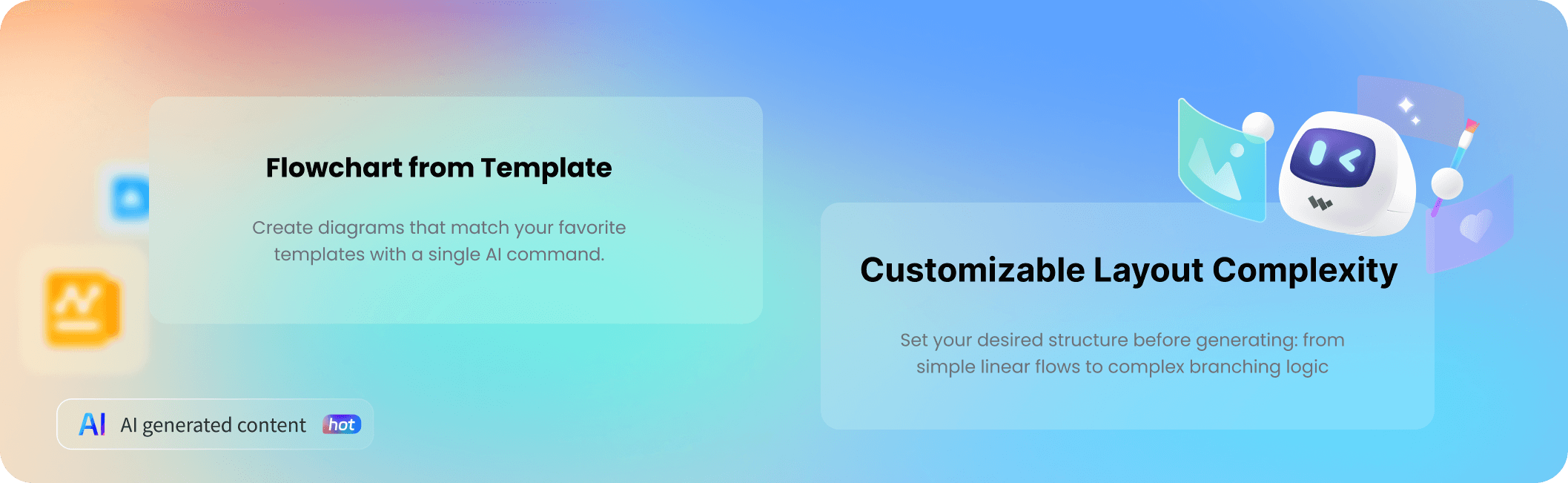
280+ type of diagrams, templates and symbols to make every flowchart truly yours. Also allows you to customize the lines, shapes, and every single thing you used in diagrams

Work Seamlessly with Teams
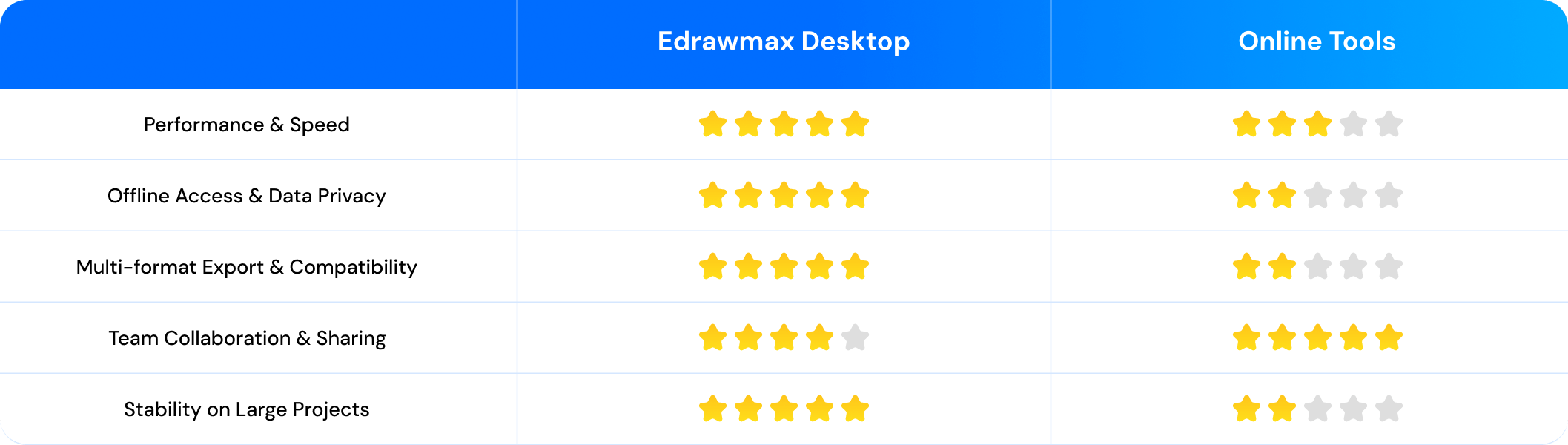
Work with your team simultaneously, share diagrams instantly via link or QR code, and track every change with version history — all in one place.
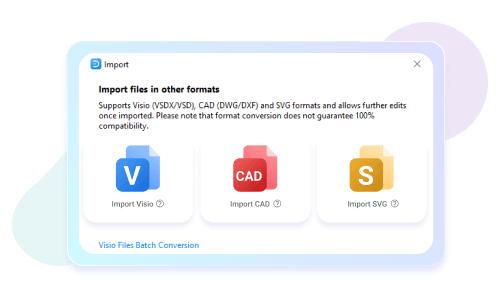
Flexible Format Support
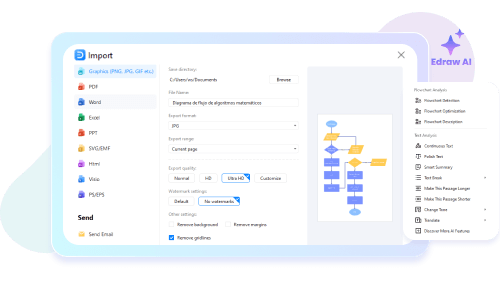
EdrawMax supports the import and export of 10+ mainstream file types, including MS Visio, MS Word, MS Excel, PDF, JPG, SVG, etc. Work compatibly with other software and tools.
Smart AI Assistance at Every Step
From idea generation to layout refinement, EdrawMax AI supports your flowchart creation process with intelligent suggestions, logic checks, and content explanations.
Coming Soon to EdrawMax AI
Why Choose Desktop for Serious Diagramming
FAQs About AI Flowchart Tools
How do I start generating a flowchart with AI?
Can I edit the AI-generated flowchart manually?
How does EdrawMax AI use my data?
Can I export my flowcharts to different file formats?
Can I try EdrawMax AI for free?

What our customers say
Anne Robinson, Plant Manager
"Exploring the template library is like opening a treasure box. We found many relevant templates that could help us in improving in our process, resources management and efficiency. It saved a lot of effort and gave us a quick start."
Jennifer Prera, social media marketer
"EdrawMax is like a magic wand in my hand, and I can create designer-quality graphics and infographics without any extra training. We have recorded a massive improvement in our user engagement, consumer response, and overall brand popularity."
Joe Ray, Planning Consultant
"Choosing EdrawMax for as our diagram making software has proved an excellent decision. It serves as the most widely used item in our toolbox as we create and edit plans, PERT charts, performance evaluations, comparison charts, mind maps and much more. It is easy and portable so whether Windows or Mac, it doesnt matter! Highly Recommended."