A Better Alternative Than ConceptDraw®
Windows 10 / Windows 8 / Windows 7 (64/32 bit OS)
Support Mac OS X 10.11 and later
Trusted By Over 25 Million Users & Leading Brands





What makes EdrawMax
a superior alternative solution to ConceptDraw?

For Windows, Mac, Linux and Online

Easy to Use & Professional

50000+ Templates & Symbols

Superior File Compatibility

Familiar User Interface

Dedicated 24 Hours Support

Real-time collaboration

Affordable Price
| Features | EdrawMax | ConceptDraw DIAGRAM/OFFICE |
|---|
| All-in-One Diagramming Software | Software Suite | ||
| Platform/Deployment | Web, Win, Mac and Linux | Win and Mac | |
| Pricing | $69.00 | $199.00 | |
| Subscription Plan | Semi-Annual/Annual/Lifetime | Lifetime | |
| Free to use | Freemium | 21-Day Trial/Demo | |
| Support | Email/Help Desk/FAQs/Chat | Chat | |
| Language | English, French, German, Japanese, Simplified Chinese, Traditional Chinese, Spanish, Italian, Portuguese, Russian, Korean | English | |
| Essentials | |||
| User Interface | User friendly; Fashionable | Not user friendly; Too old | |
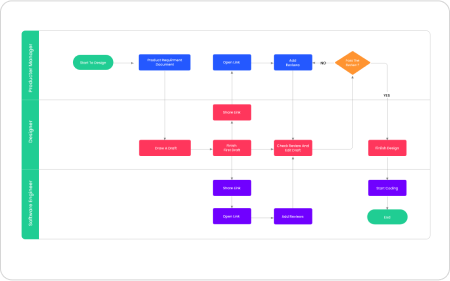
| Flowchart | |||
| Process Flow Diagram | |||
| Infographic | |||
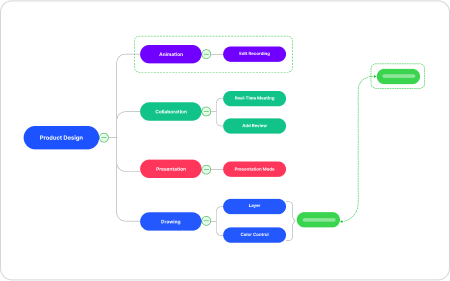
| Mind Map | (ConceptDraw MINDMAP) | ||
| UML diagram | |||
| Concept Map | |||
| Data Flow Diagram | |||
| BPMN | |||
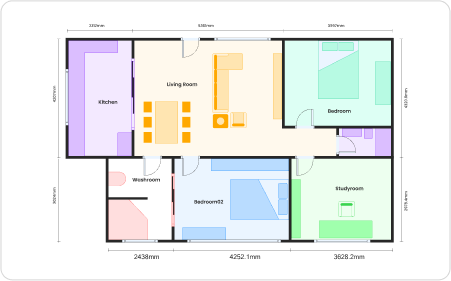
| Floor Plan | |||
| Office Layout | |||
| P&ID | |||
| HVAC Plan | |||
| Emergency Exit Plan | |||
| Network Diagram | |||
| Org Chart | |||
| Map | |||
| Electrical Diagram | |||
| Education | |||
| Presentation and Infographic | |||
| Gantt Chart | (ConceptDraw PROJECT) | ||
| Presentation Mode | |||
| Cloud Storage | |||
| Version History | |||
| File Recovery | |||
| Import & Export | |||
| Import from Visio, Visio Stencils | |||
| Import from Text, Microsoft Excel | (ConceptDraw PROJECT) | ||
| Import from SVG | |||
| Export to Graphic Files | |||
| Export to PDF | |||
| Export to Microsoft Word, Excel and PowerPoint | (PowerPoint only) | ||
| Export to Visio | |||
| Export to SVG | |||
| Export to HTML | |||
| Export to EPS | |||
| Symbol Library | |||
| Unlimited symbols per document | Pay extra for some kinds of symbols | ||
| Create your own symbols | |||
| Create your own symbol libraries | |||
| Import symbolS from external sources | |||
| Create and customize smart shapes | |||
| Templates | |||
| Free-to-use inbuilt templates | Pay extra for some kinds of diagrams | ||
| Template community | |||
| Create and publish your own templates | |||
| Convert diagrams into personal templates | |||
| Collaboration | |||
| Share diagrams with links | |||
| Share diagrams on social media | |||
| Online groups within your team | |||
| Basic Features | |||
| Infinite canvas | |||
| Multipage documents | |||
| Drag & drop | |||
| RapidDraw tool/Smart connector | |||
| Live objects | (Chart/Smart Shapes) | ||
| Position tool | |||
| Arragement and alignment tool | |||
| Text tool | |||
| Shape drawing tool | |||
| Diagram formatting tool | |||
| Custom themes for your diagram | |||
| Custom watermark for your diagram | |||
| Insert picture | |||
| Insert hyperlink | |||
| Insert note | |||
| Insert attachement | |||
| Insert comment | |||
| Different units of measure | |||
| Grid and guides | |||
| Snap to grid, objects, guides | |||
| Layers | |||
| Advanced Features | |||
| Encrypt files | |||
| Auto formatting | |||
| Focus mode | |||
| Formular editor | |||
| Floor plan scale tools | |||
| Area auto-calculation (floor plan) | |||
| Insert QR code | |||
| High resolution | 4K Supported | ||
| Shortcut keys | Customizable | Not customizable | |
| Diagram Types | 280+ | 220 | |
| View all features | |||
Why EdrawMax?
Create Everything Efficiently
For diagram beginners:
You can get started
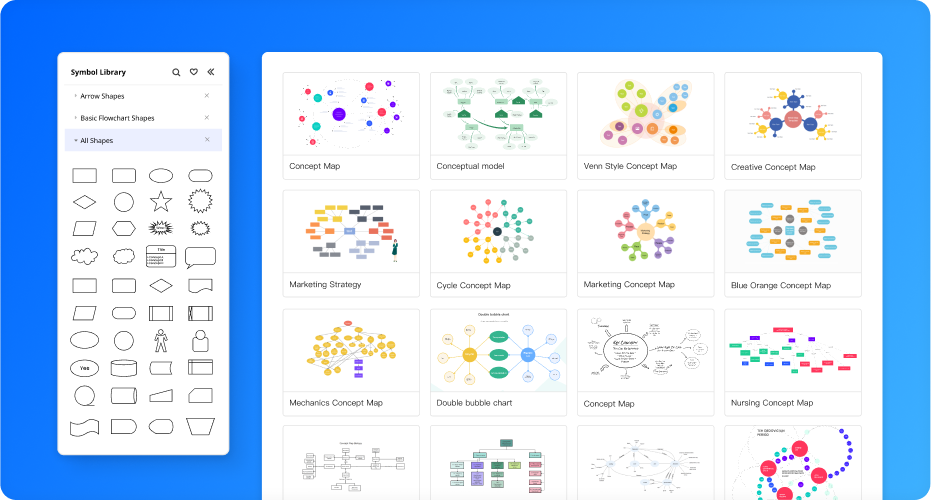
easily with 1500 built-in professional templates
and 26,000 industrial-standard symbols.
For experienced experts:
EdrawMax provides an
online template community for you to explore, get
inspired, and share diagrams.
Customize Everything Easily
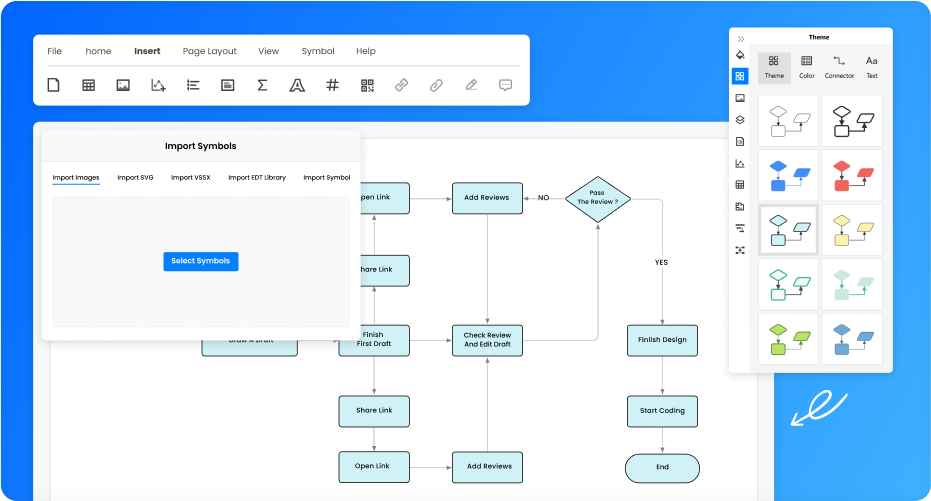
One-click beatification:
You can easily polish
your diagrams with preset color themes. Simply
select the diagram and choose a color theme
that catches your eye and your chart is ready in seconds.
Insert anything you want:
You can insert pictures,
charts, tables, timelines, shapes, formula, vector
text, font symbols, hyperlinks, attachements,
notes, comments, and event QR codes.
Your own symbol library:
Edraw’s highly
customized functions also allow you to import
symbols to create your own symbol library.
Communicate Everything Seamlessly
Effective Team Management:
By adding team
members to an online group, allocating authority
of viewing and editing, all cloud documents sync
automatically to keep your team together for every
stage of your workflow on our infinite canvas.
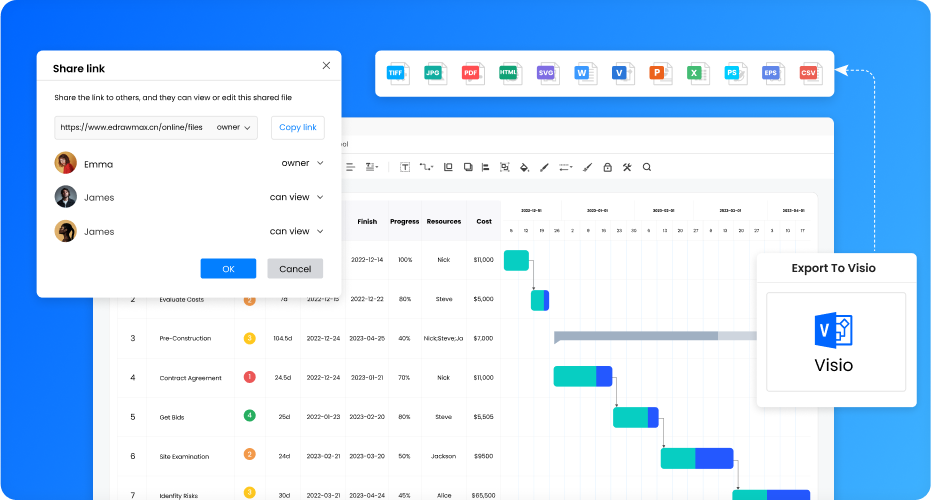
Superior file compatibility:
You can import and
export almost all file types, including MS Office
(PowerPoint, Word, Excel), PDF (PS, EPS), Visio, Html,
SVG, and Graphics (.jpg, .png, .bmp, etc.).
Share Everything Effortlessly
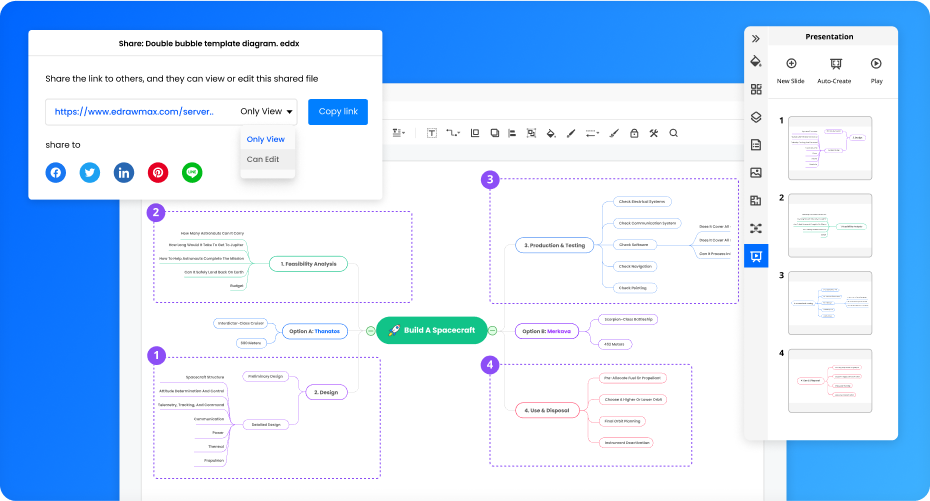
Multiple platform Sharing:
EdrawMax allows you
to share your outstanding concept maps to
almost every social media, including Facebook,
Twitter, LinkedIn, Pinterest, and Line. You can also
share the diagram with the public or private
share link.
Auto-create Presentation:
Auto-create your
presentation slides with EdrawMax and no more
exportation and switching between software.