




Create Smarter Mind Maps with AI

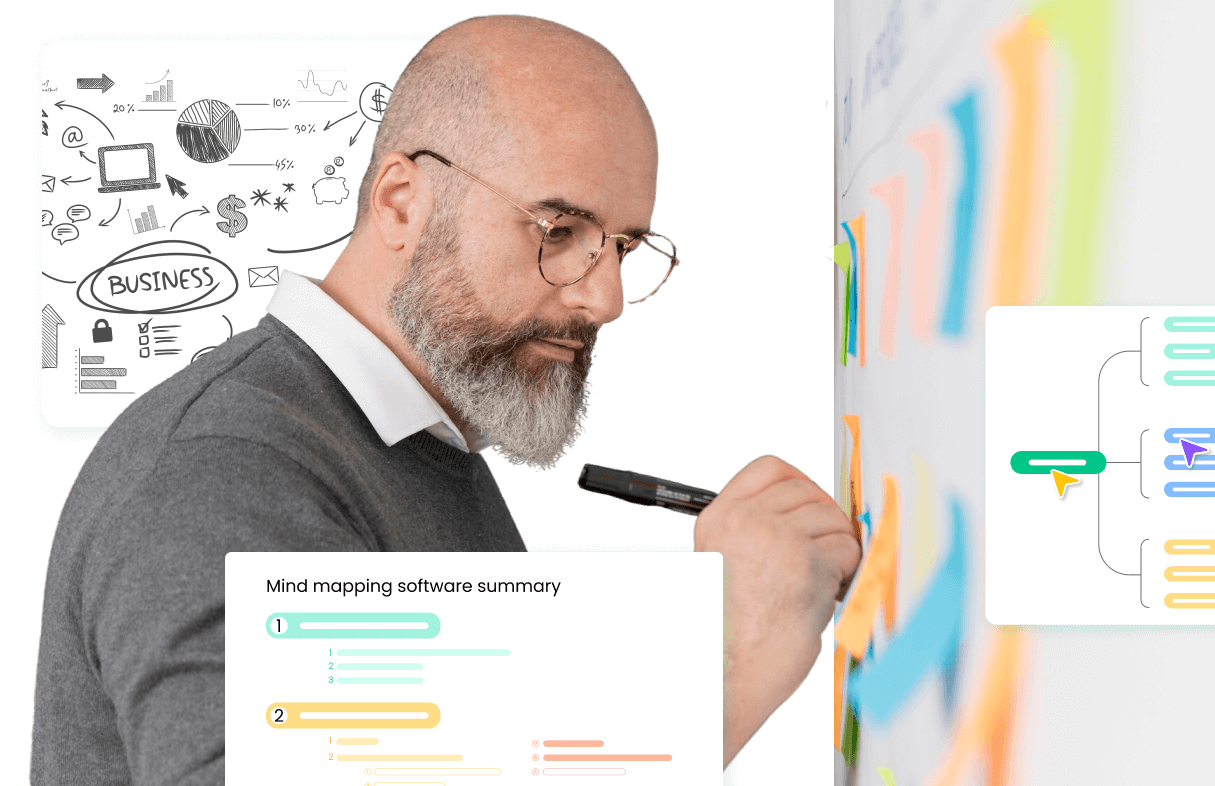
Transform your ideas into dynamic mind maps effortlessly with AI-powered tools. Intelligent assistant auto-organizes your maps with one-click.

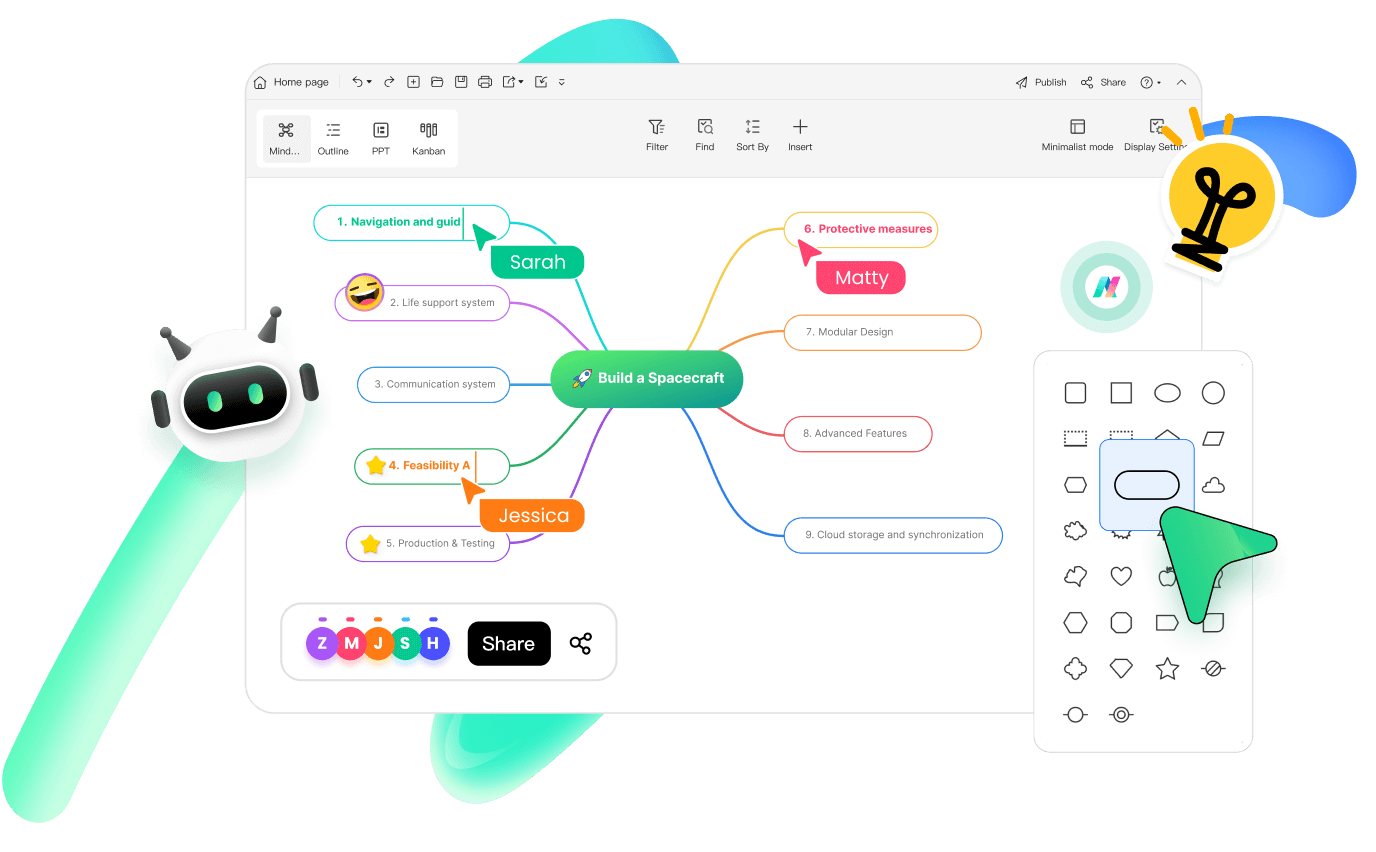
What is EdrawMind AI Mind Map?

pic
pic
pic
pic
pic
pic

Unlock the Power of AI
Transform Your Mind Mapping Experience

Discover how AI-driven tools can revolutionize the way you brainstorm, present, and visualize ideas.

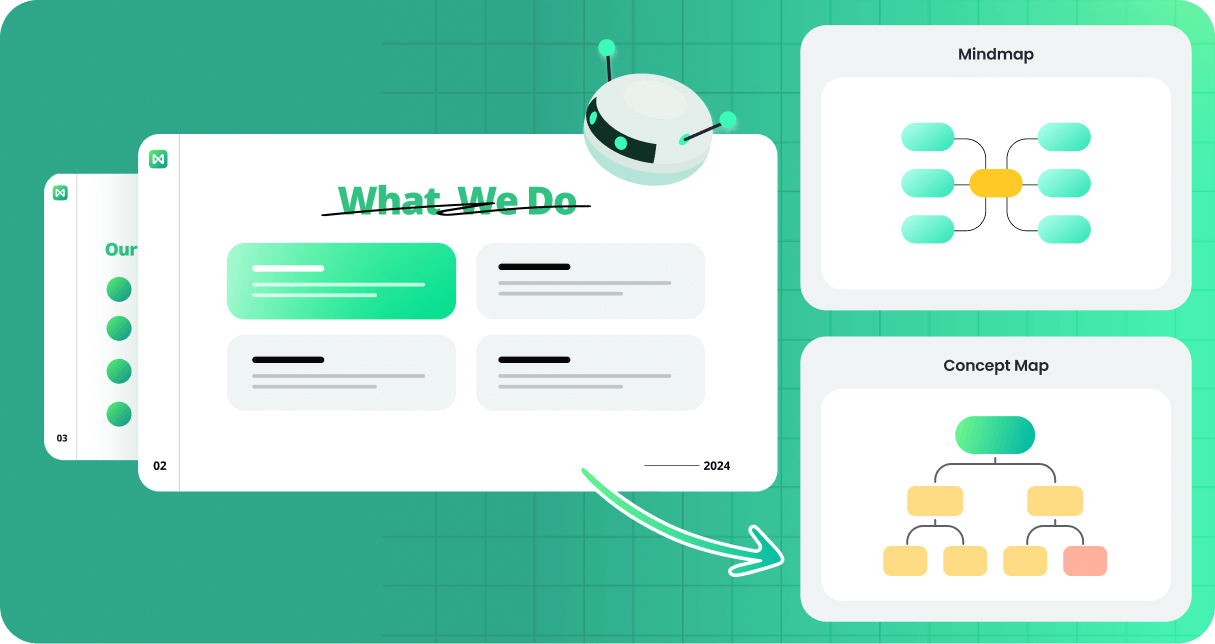
AI Mind Map
AI Brainstorm
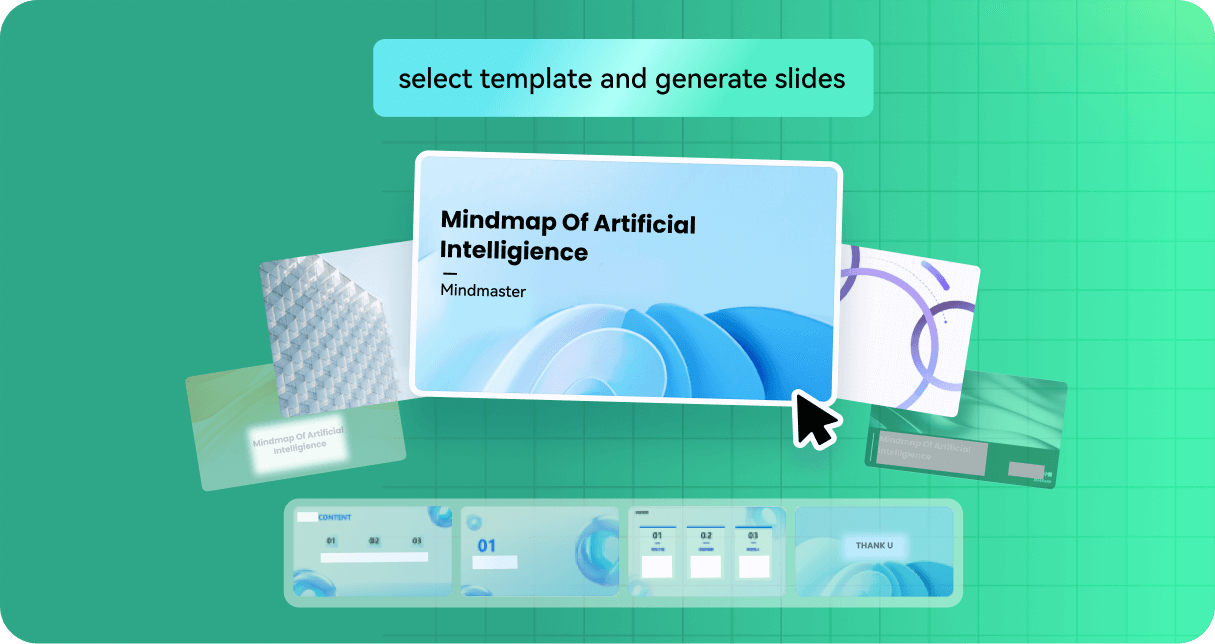
AI Powerpoint
AI Text to Mindmap
Youtube Summarize

AI Mind Map

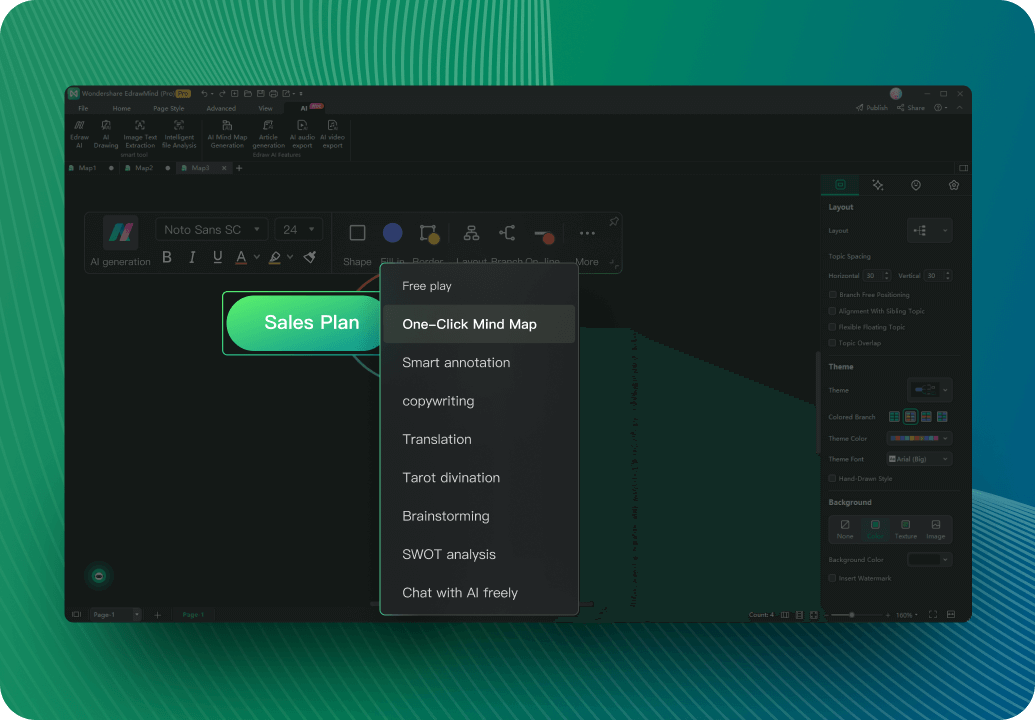
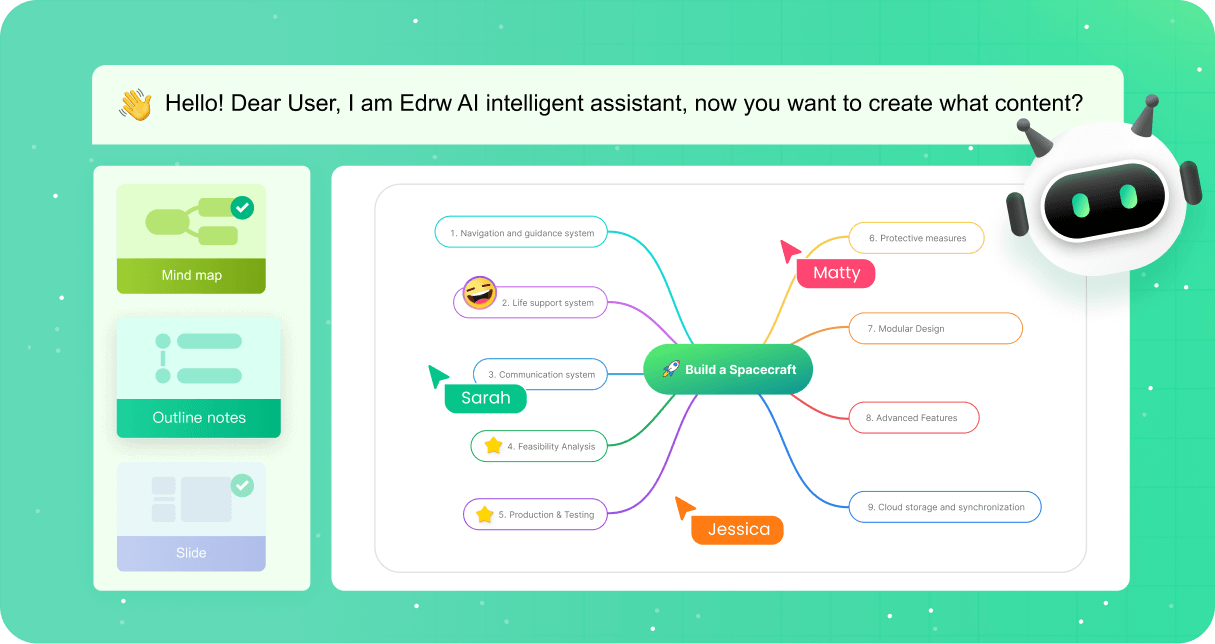
With just a single click, EdrawMind's AI can transform your ideas or text inputs into structured, visually engaging mind maps.

pic

AI Brainstorm

Discover how AI is revolutionizing the brainstorming process with this comprehensive guide on Brainstorming AI. Unleash your creativity like never before!

pic

AI Powerpoint

Enables you to create entire presentations from a simple text prompt. By entering prompts, the AI generates a structured slide deck, streamlining the process of developing professional presentations.

pic

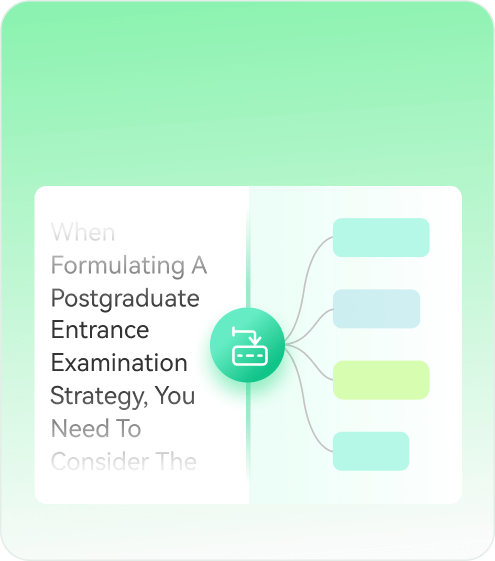
AI Text to Mindmap

EdrawMind allows you to imput text, then automatically converts them into structured mind maps. This feature is particularly useful for visualizing complex information, making it easier to comprehend and analyze.

pic

Youtube Summarize

Simply paste a YouTube link, and EdrawMind's AI will analyze the video content to generate a clear, organized mind map, allowing you to grasp key insights without watching the entire video.

pic

Expand Your Capabilities
with Advanced AI Tools

AI Summarize
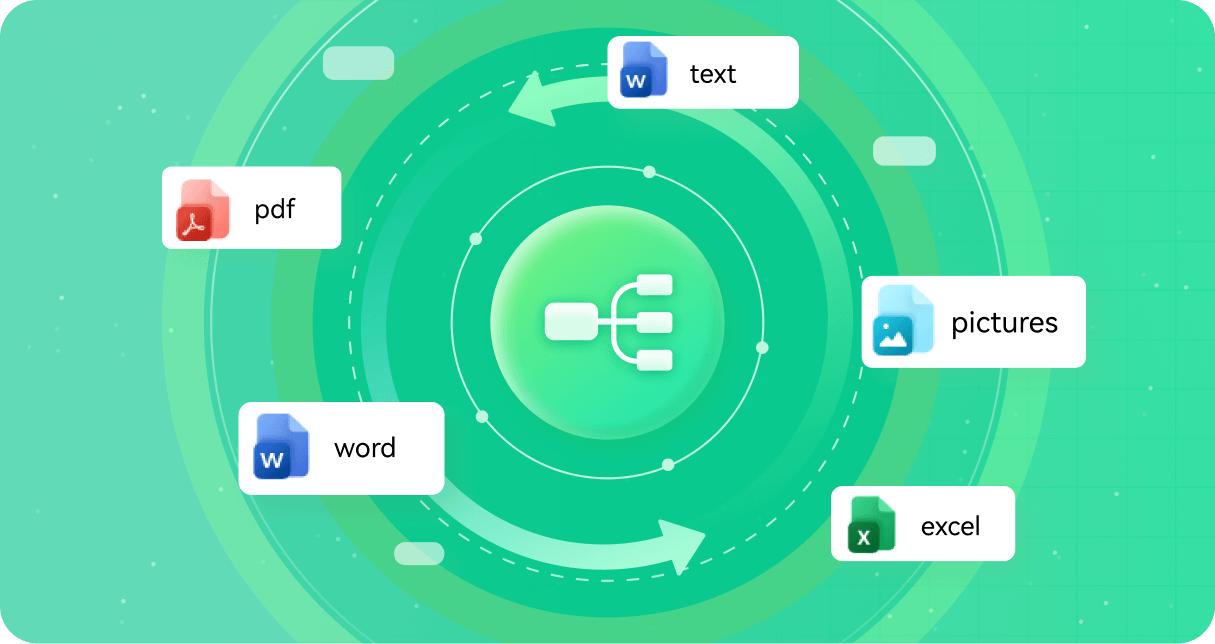
Automatically analyze, organize, and summarize file content such as PPT, WORD, PDF, HTML, TXT, and Markdown, generate mind maps accordingly.
AI Translation
Accurately translate text across multiple languages, facilitating seamless global communication. ​
AI OCR
Extract editable text from images or scanned documents, simplifying data digitization.
AI Video
Turn your mind map into a video with auto-generated scripts and voiceovers—perfect for quick, engaging presentations
Mode Versatility
Switching between multiple modes in EdrawMind is a walk in the park! You can choose from Outline Mode, Zen Mode, Presentation, Gantt Chart, and Brainstorming.

See all the creative ways to use EdrawMind

pic

Brainstorming & ideation

pic

Strategy & planning

pic

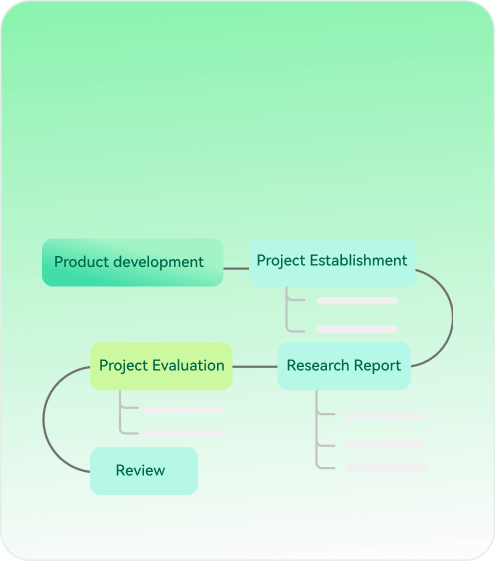
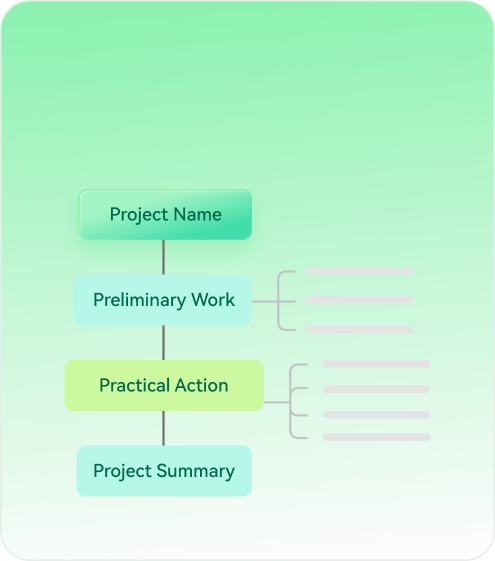
Project management

pic

Effortless note-taking

pic

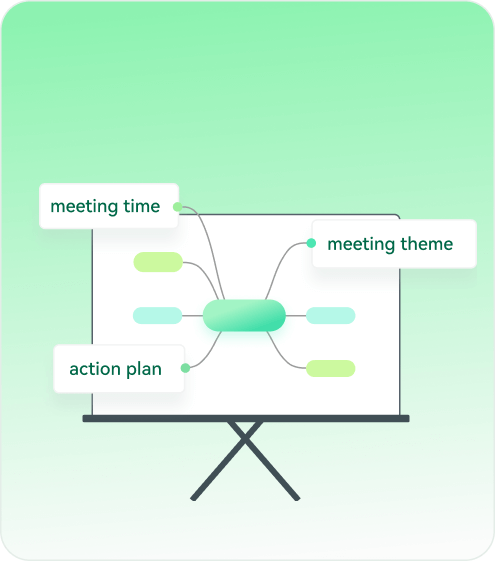
Meeting management

pic

Software development

pic

Time Management
& Planning

AI Mind Map: All you need to know

Most of the AI functions need to be realized by spending AI tokens. If you are a premium member, you will have additional AI tokens to use; in addition, you can also purchase AI tokens separately to use AI functions freely
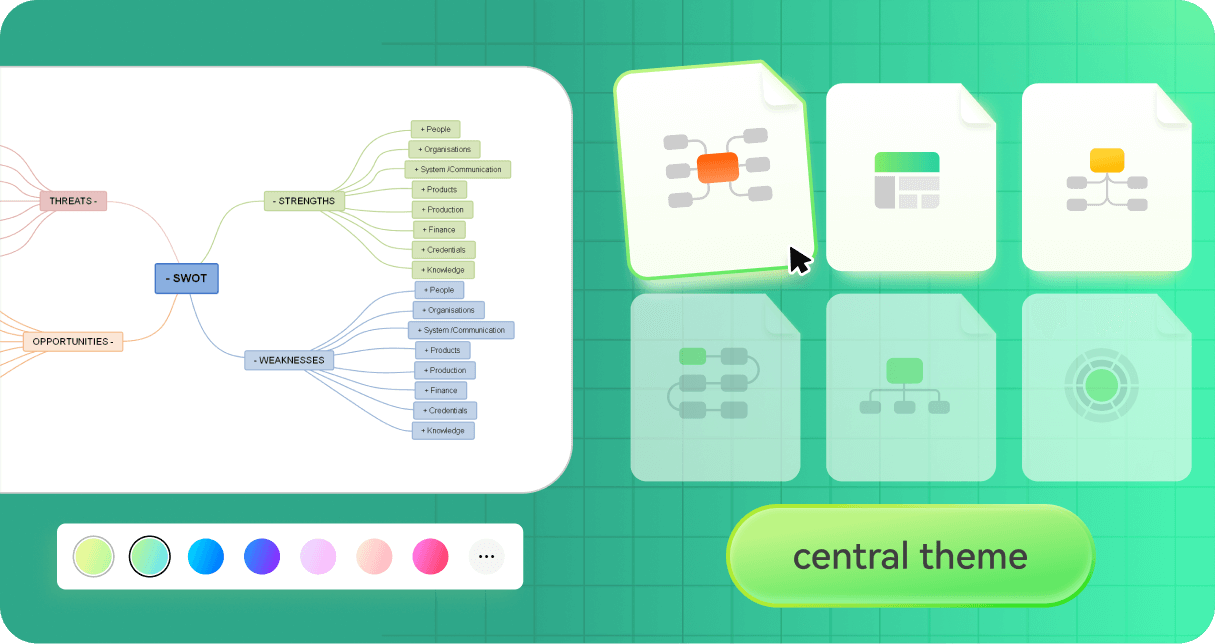
Yes, EdrawMind provides numerous ways to tailor AI-powered mind maps to your personal needs and preferences for a customized mapping experience. The intelligent software does not limit your ability to create unique mind maps.
Yes, EdrawMind utilizes secure cloud storage and data encryption to protect user privacy and map data. Your maps and account information are kept safe.
Yes, EdrawMind has iOS and Android apps so you can access AI mind mapping on any device, anywhere. Seamlessly create maps on mobile.
Yes, the real-time collaboration makes EdrawMind ideal for remote learning and teaching. Visually mapping concepts can boost online education.
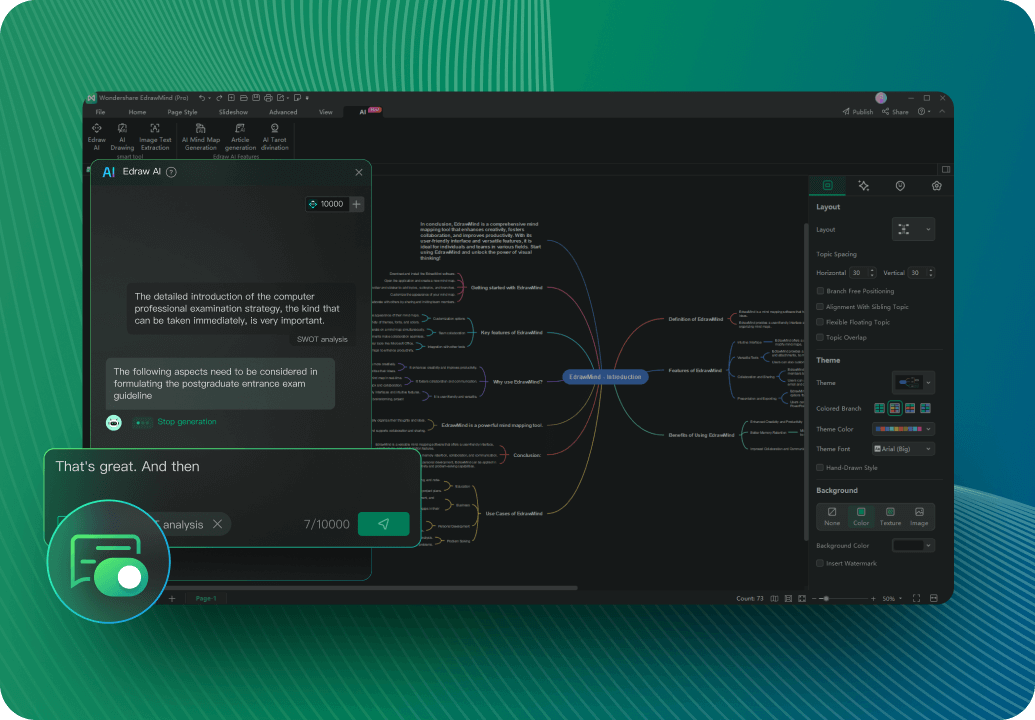
The AI studies your content to suggest relevant topics and relationships. It uses natural language processing and machine learning algorithms to analyze and organize maps.