What Makes EdrawMax A superior Microsoft® Visio® alternative Solution?

For Windows, Mac, Linux and Online

Easy to Use & Professional

50000 Templates & Symbols

Compatible with Visio Files

Familiar User Interface

Dedicated 24 Hours Support

Real-time collaboration

Affordable Price
Draw out the exact concept on your mind
Grasp your inspiration with minimal effort

The User-friendly Interface
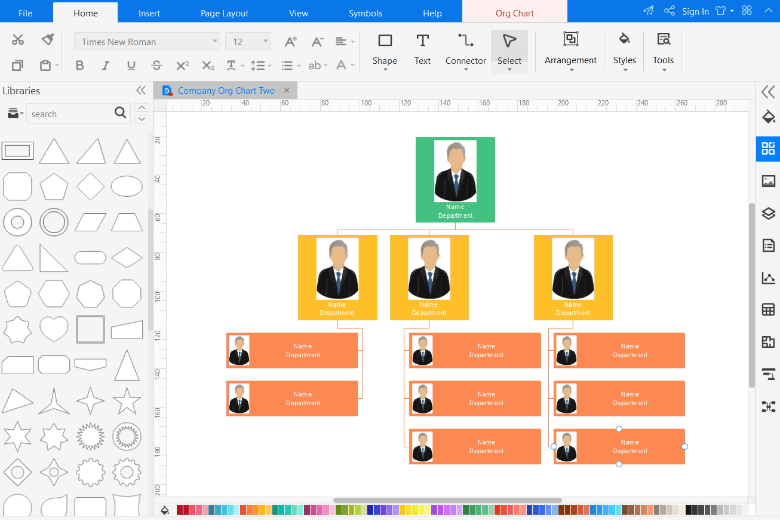
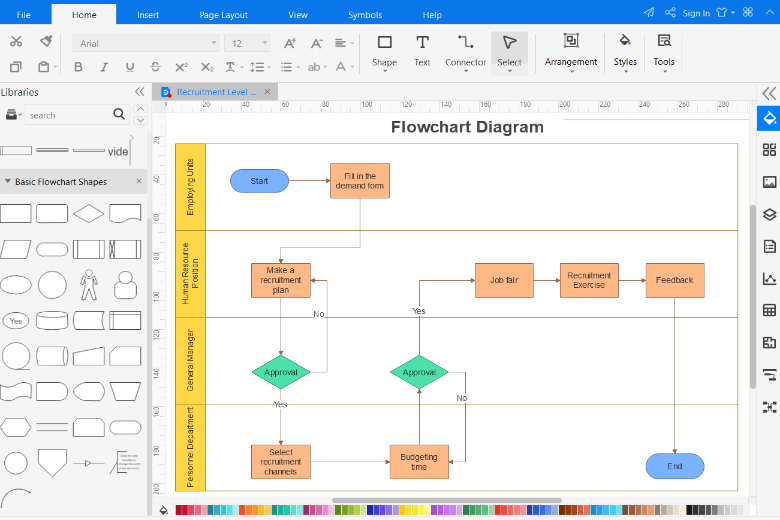
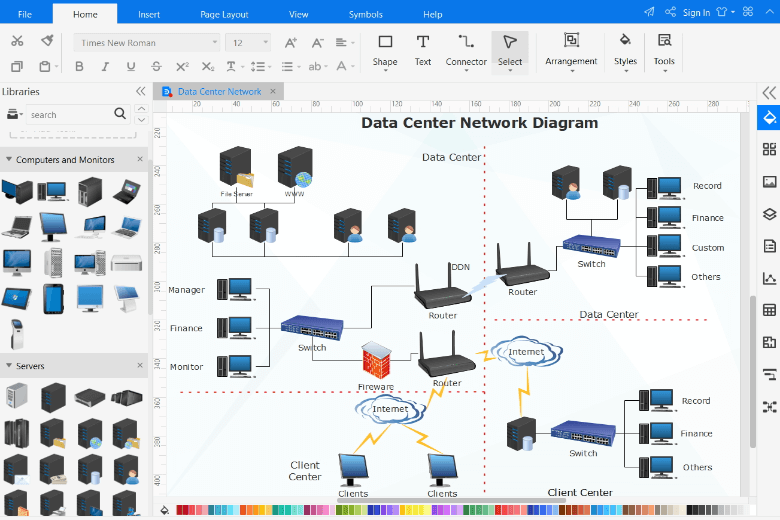
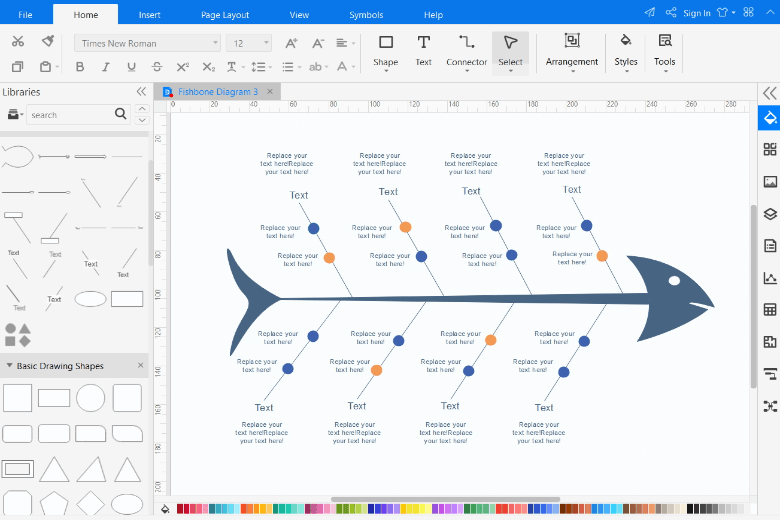
The interface is similar with MS Word so that users can operate the software without hassle. It is quite user-friendly because even beginners can handle it without learning a manual. At the same time, Edraw includes advanced elements for easy and effective diagramming.
Create Beautiful Diagrams with More Templates & Symbols.
With 280 types of diagram templates and more than 26000 vector symbols, creating an exclusive and stunning diagram with Edraw has never been so much easier before.
However, Microsoft Visio® only offers 80 types of templates, which the number of template types for Edraw is three times as much as that for Visio®.

Compatible with Visio® and Other File Formats
Seamlessly import Visio® files and .VSSX files. You can do further modifications. Bring your old Visio® files back to life again.
Meanwhile, Edraw files can be exported to other files for free, such as MS Visio, MS Word, MS Excel, MS PowerPoint, SVG, Html, PDF, GIF, JPG, TIFF, etc.
However, with Visio®, only convert Visio files to quite a few file formats, even more, it's not free because you have to buy Microsoft 365 before converting files.
Affordable Price for More Features.
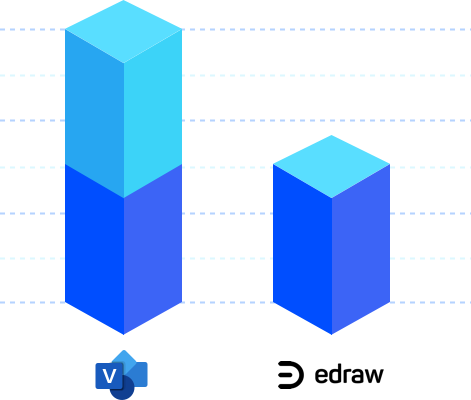
The price of Visio is almost as twice as that of Edraw.
Edraw's competitive price can help customers save a lot of money. Why not select a software with more features and lower price instead of Visio?
Annual Plan
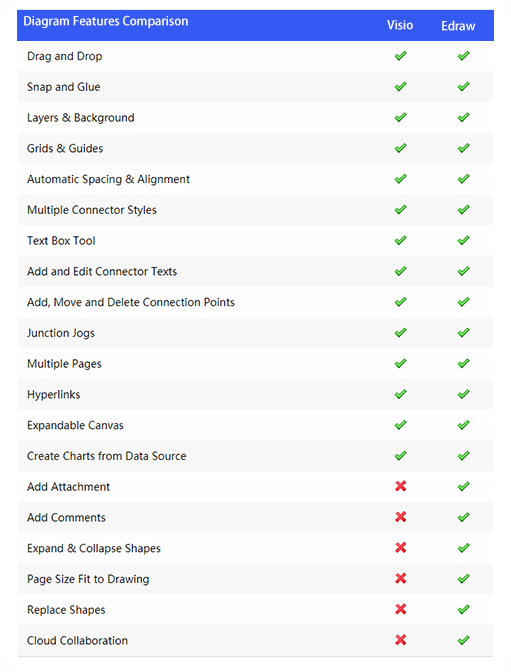
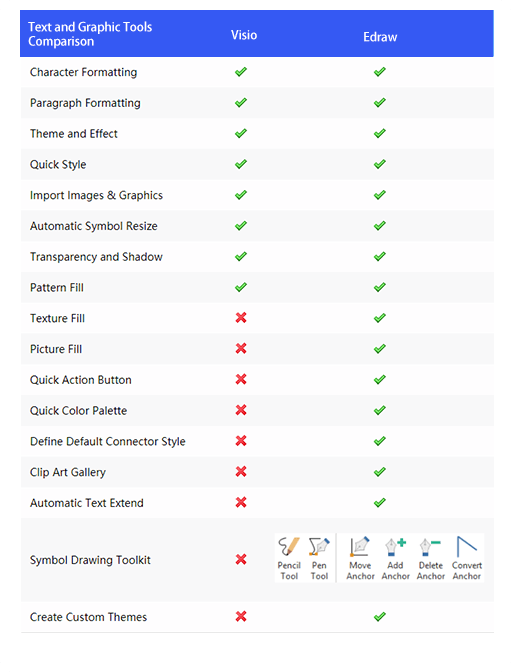
Main Features Comparison with Visio®
EdrawMax not only contains the features Visio® has, but also includes some features Visio® doesn't have. For example, the floating buttons make it more straightforward to diagram, and the vector sketching tools let users design new symbols fast and easily.
How to import/export Visio files
How to import Visio files using our Visio alternative
You can easily import Visio files (VSDX, VSD) into EdrawMax one by one or in batch. The SVG files are also able to be imported into EdrawMax.
How to export Visio files using our Visio alternative
Firstly, navigate to ‘Export & Send to Visio’ in EdrawMax. Choose Visio VSDX Format , and the document will be exported to the selected file format.
Cross-platform supported
Run all features and templates identically on different platforms, including Windows, Mac, Linux, and Web.
Share your diagram to Visio
EdrawMax keeps everyone on the same page at all times and all places. Share and collaborate on your work in any file format and on any channel you want. EdrwaMax is what makes a project to be stand out.
FAQs about our Visio® Alternative
-
Can I open my visio files in EdrawMax?Yes, you can import your visio files to EdrawMax and edit them as you like.
-
With which Visio file format can EdrawMax be compatible?EdrawMax is seamlessly compatible with .vsd and .vsdx.How can I share Visio diagrams with my team members?All you have to do is share them through html links. You team members can edit your Visio diagrams through Edraw cloud.
Get inspired by our Visio® Alternative
We Are Trusted Worldwide From Individuals To Leading Brands :)








years of experience
Edraw users all over the world
software downloads so far
business partners





All-in-One Diagramming Tool
EdrawMax is committed to optimizing features to satisfy your needs continually and further build a powerful all-in-one diagramming tool over the world. Just try it, you will love it!