List Diagram Shapes - Create Block List, Process List Easily

Free Download List Diagram Software
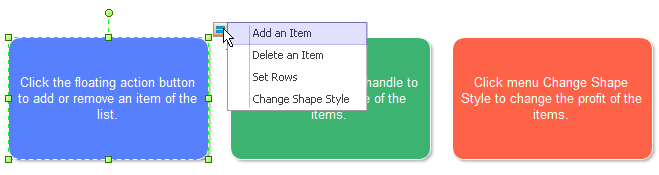
The designers can add or delete list item, set rows and change list shape style by clicking the action button.
Block List Shape
The following symbol is a block list shape used to present the business steps.
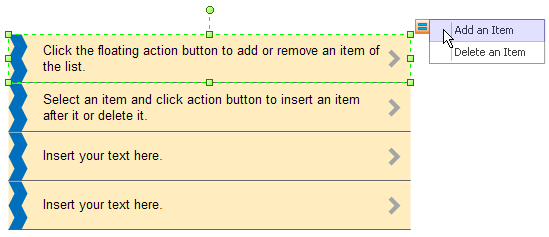
Process List Shape
The following symbol is a process list shape with four steps.
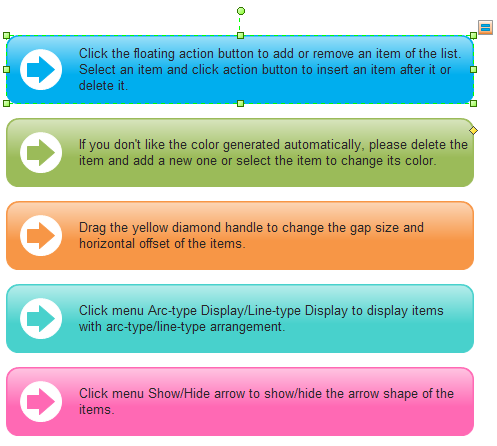
Step List Shape
Below is a step list shape.
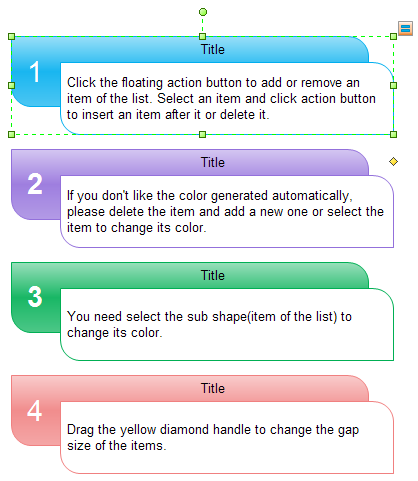
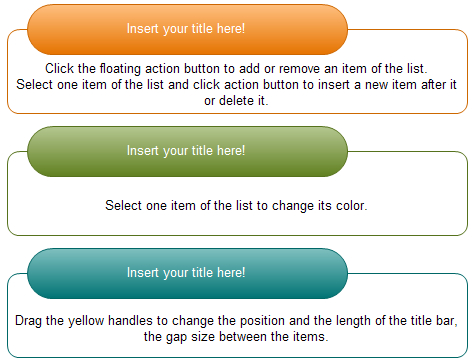
Oval Style List Shape
The following list shape has the oval style title on it.
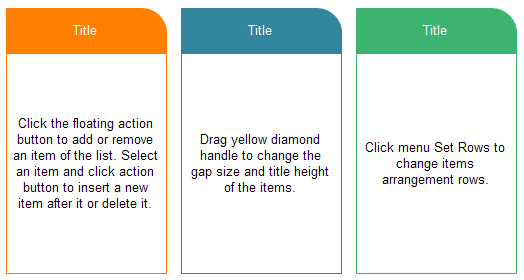
Basic List Shape
The following is a basic list shape in Edraw.
How to Use List Shape
Most of the List Shapes have floating and/or yellow control handles, enabling flexible adjustment to the shapes. In this way, you can gain more diversified list diagrams with easier operations.
See how capable the floating button is below.
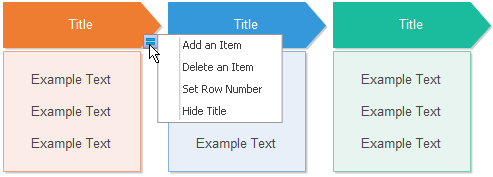
Check out the functions of the yellow diamond control button from the following illustration.

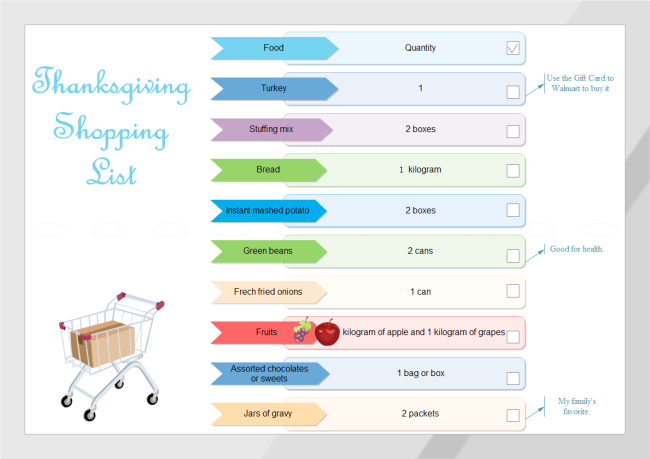
These shapes can be used to create customizable to-do list, shopping list and activity list and so on. They are all for you. And it is all up to you about how to use them.
Application of List Shapes
You can apply these amazing list shapes to create various diagrams, including to-do list, shopping list and ranking list and so on. See some examples below.




You May Like

