Smart Shapes for Drawing Family Tree

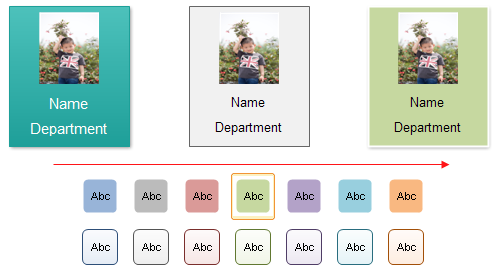
By using the improved smart family tree shapes, you can easily add family members' photos to these pre-drawn shapes.
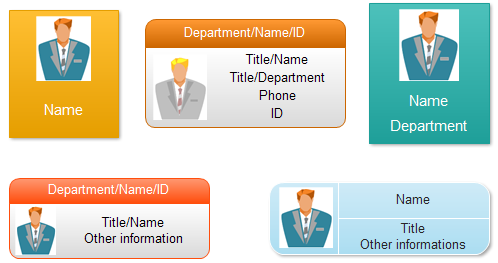
Free Download Family Tree Software and View All Examples
You only need to drag one shape into the drawing canvas, then you can modify the color theme, edit the family member's name, and change the family member's photo.
Change the Photo of Family Tree Shape
You can select the shape and click the action button above the family tree shape.
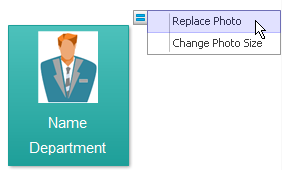
In the pop up dialog, you can choose the family member's photo. The photo can be any size photo because our family tree software will resize the photo automatically.
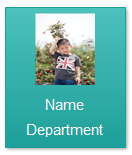
Compression is necessary if the photo is big size. Otherwise your drawing will become too big to save and be low effective to revert after you complete it. Just select the shape then click the Compress Pictures button in the Picture Format context menu.

Change the Photo Size in Family Tree Shape
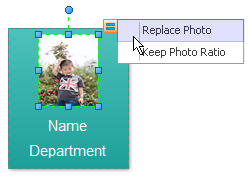
You can select the photo then adjust its ratio or change the photo again.
Recolor the Family Tree Shape
The family tree shapes are vector shapes so users can change the color, style and shadow of it.
Edit Family Tree Shape
Select the shape, and then type the text. When you finish typing, click outside the text block (text block: The text area associated with a shape that appears when you click the shape with the text tool or select it with the pointer tool.).

