Free BPMN Examples Download

BPMN uses graphical notations for designing your business process, so that everyone is able to understand and communicate the procedures in a standard manner. If you are looking for ready-made BPMN examples and templates, here is the right place.
With EdrawMax - professional BPMN diagram software, all the templates can be easily customized, just download and add required symbols, connect symbols with smart tools, and change the appearance. Equipped with advanced formatting functionalities, it's fast and easy to apply a professional and visual-appealing look with only a few clicks. Besides, abundant ready-made BPMN symbols makes drawing incredibly fast and easy. Please click how to create a BPMN diagram for further information.
EdrawMax
All-in-One Diagram Software
- Superior file compatibility: Import and export drawings to various file formats, such as Visio
- Cross-platform supported (Windows, Mac, Linux, Web)
 Security Verified | Switch to Mac >> Security Verified | Switch to Linux >> Security Verified | Switch to Windows >>
Once you have done, you can easily print or export your BPMN diagram to different formats, including word, excel, ppt, PDF and a series of graphic formats. You can have a complete study by watch the video tutorial
BPMN Examples
|
|
|
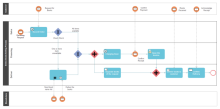
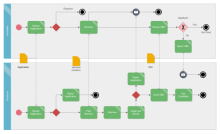
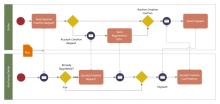
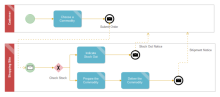
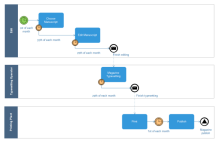
| Book Selling Process BPMN | Employment Application BPMN | Auctioning Service BPMN |
|
|
|
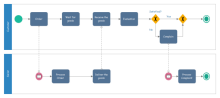
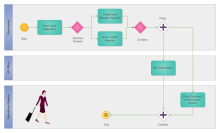
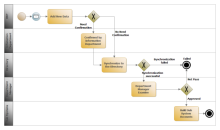
| Shopping Process BPMN | Online Shopping Process BPMN | Magazine Production Process BPMN |
|
|
|
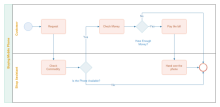
| Leave Request Procedure BPMN | ERP Management BPMN | Buying Phone BPMN |
|
|
|
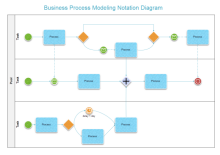
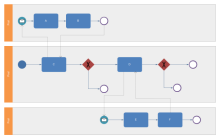
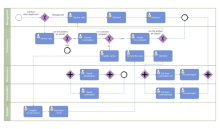
| Business Process Modeling | Simple BPMN | Call Complaint BPMN |
BPMN Symbols
On the start page, you can choose the BPMN Template in the Flowchart category. With the pre-built BPMN symbols, EdrawMax will help you create and share professional-looking diagrams with ease.
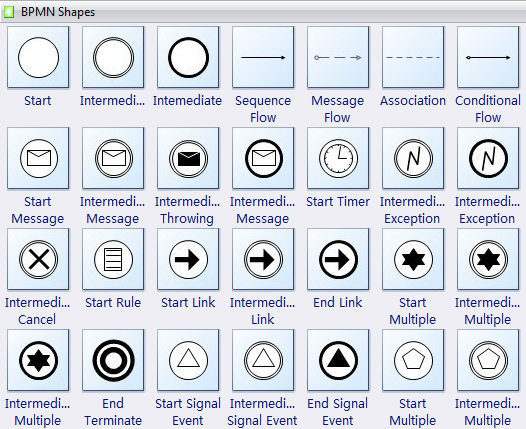
An Event is represented with a circle and denotes something that happens. Icons within the circle denote the type of event.
Start events are also classified as Catching (as in, they might catch an incoming message to Start the process) or Throwing (as in, they might throw a message at the End of the process). It acts as a trigger for the process; indicated by a single narrow border; and can only be Catch, so it is shown with an open (outline) icon.
Intermediate event represents something that happens between the start and end events; is indicated by a tramline border; and can Throw or Catch (using solid or open icons as appropriate) - for example, a task could flow to an event that throws a message across to another pool and a subsequent event waits to catch the response before continuing.
End event represents the result of a process; is indicated by a single thick or bold border; and can only Throw, so it is shown with a solid icon.
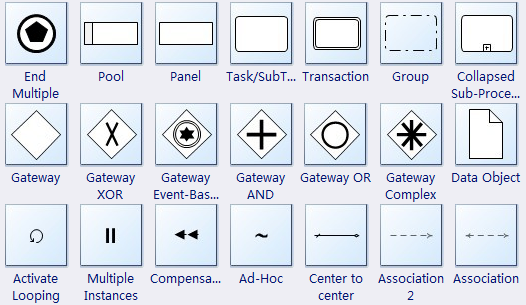
A Pool is a "swimlane" and a graphical container for partitioning a set of activities from other Pools (see the figure on the right), usually in the context of B2B situations.
A Lane is a sub-partition within a Pool and will extend the entire length of the Pool, either vertically or horizontally (see the figure on the right). Lanes are used to organize and categorize activities.
A Gateway is represented by the familiar diamond shape (see the figure on the right) and is used to control the divergence and convergence of Sequence Flow. Thus, it will determine traditional decisions, as well as the forking, merging, and joining of paths. Internal Markers will indicate the type of behavior control.
All the symbols can be change the background color, line color. You can modify the border style, font too. It's easy to insert your company logo or other symbols.
EdrawMax
All-in-One Diagram Software
- Superior file compatibility: Import and export drawings to various file formats, such as Visio
- Cross-platform supported (Windows, Mac, Linux, Web)
Security Verified | Switch to Mac >> Security Verified | Switch to Linux >> Security Verified | Switch to Windows >>More Related Examples

